
Codex Sites Prompts Masterclass: 40 Advanced Prompts for Building SaaS Dashboards, Internal Tools, and Client Portals
Codex Sites Prompts Masterclass: 40 Advanced Prompts for Building SaaS Dashboards, Internal Tools, and Client Portals
Welcome to the ultimate masterclass designed for developers, product managers, and AI enthusiasts eager to harness the power of Codex Sites for building enterprise-grade web applications. In this comprehensive guide, you will find 40 production-ready prompts tailored for creating complex SaaS dashboards, robust internal tools, and secure client portals. Each prompt is crafted with real-world architecture considerations, authentication strategies, data visualization requirements, and CRUD operations to meet the demands of modern enterprise workflows.
Whether you are developing an analytics dashboard for SaaS, an inventory management internal tool, or a project tracking client portal, this masterclass will equip you with actionable prompts that accelerate development while maintaining best practices in security, scalability, and user experience.
Before diving into the prompts, here’s a detailed table of contents for quick navigation:
- SaaS Dashboards: 15 Advanced Prompts
- Internal Tools: 15 Advanced Prompts
- Client Portals: 10 Advanced Prompts
- Conclusion & Best Practices
Understanding the Power of Codex Sites in Enterprise Applications
Codex Sites leverages AI-powered code generation to speed up the development lifecycle, enabling teams to focus on high-level design and user experience instead of boilerplate code. Its ability to interpret natural language prompts and output production-ready code snippets means you can rapidly prototype and iterate on complex features like multi-tenant authentication, data visualization with charting libraries, and role-based access controls.
For example, when building a SaaS dashboard, a single prompt can generate a React component integrated with API endpoints for fetching KPIs such as Monthly Recurring Revenue (MRR), churn rate, or customer lifetime value. This saves hours of manual wiring between UI and backend, especially when combined with Codex’s understanding of best security practices like token-based authentication and input validation.
Optimizing Authentication and Authorization
Security is paramount when constructing internal tools or client portals that handle sensitive data. Several prompts in this masterclass include detailed instructions for implementing OAuth 2.0, JWT-based sessions, or integrating with third-party identity providers such as Okta or Auth0. For instance, one prompt guides you through building a secure login flow that prevents common vulnerabilities such as CSRF and session fixation.
Additionally, role-based access control (RBAC) is addressed by prompts that generate middleware or hooks to restrict UI components and API routes based on user permissions. This is critical in multi-user environments where clients or employees should only access data relevant to their roles. Codex Sites prompts also demonstrate how to implement audit trails by logging user activities to a dedicated database table, enhancing compliance and traceability.
Advanced Data Visualization Techniques
Visualizing large datasets efficiently is a challenge in SaaS dashboards. Some prompts provide ready-to-use integrations with popular charting libraries like Chart.js, D3.js, or Recharts, complete with dynamic filtering, zooming, and real-time updates. For example, a prompt might generate a multi-series line chart displaying sales performance across multiple regions, with tooltips and legends automatically configured for clarity.
Moreover, prompts include instructions for server-side data aggregation and caching strategies to minimize load times and optimize database queries. This is particularly useful for dashboards that display KPIs updated every minute or hour, ensuring responsiveness even under heavy user traffic.
Building Robust CRUD Interfaces
CRUD (Create, Read, Update, Delete) operations are the backbone of most internal tools and client portals. The masterclass includes prompts that generate modular CRUD components with form validation, error handling, and optimistic UI updates. For instance, a prompt might build an inventory management interface where users can add new products, update stock levels, or delete obsolete items, all with confirmation dialogs and inline field validations.
To enhance user experience, prompts also introduce advanced features such as bulk editing, CSV import/export, and activity logs. These functionalities are essential for enterprise apps managing large datasets and multiple users, reducing manual effort and errors.
Scalability and Performance Considerations
Enterprise applications must scale gracefully as user bases grow and data volumes increase. The prompts in this masterclass emphasize best practices such as code splitting, lazy loading of components, and efficient state management using libraries like Redux or Zustand. For example, a prompt generates a paginated table component that fetches data incrementally, reducing initial load time and memory usage.
On the backend side, prompts suggest architectural patterns like microservices or serverless functions to isolate critical logic and improve maintainability. They also include caching layers using Redis or CDN strategies to offload repetitive queries and speed up content delivery.
Example Prompt Snippet: Generating a Secure SaaS Dashboard Component
Write a React component that displays a dashboard widget showing Monthly Recurring Revenue (MRR) for the last 12 months. Fetch data from a secure REST API endpoint '/api/mrr' which requires a Bearer token for authentication. Use Chart.js to render a line chart with tooltips and responsive design. Include error handling for network failures and loading states. Ensure the component supports dark mode by adapting colors based on a 'theme' prop.This prompt instructs Codex Sites to generate a fully functional, visually appealing, and secure dashboard widget, illustrating how specific and detailed prompts can yield sophisticated output ready for production.
Practical Advice for Crafting Your Own Prompts
To maximize Codex Sites’ effectiveness, be explicit about the technology stack, UI frameworks, and backend services in your prompts. Mention any particular libraries or coding conventions your project follows. For example, specify whether you want React with TypeScript, Next.js API routes, or Express.js middleware. Also, include business logic requirements such as data refresh intervals, user roles, or compliance constraints.
Testing generated code is equally important. Use unit tests and integration tests to validate the functionality of components, especially when handling authentication flows and data mutations. Codex Sites can assist here as well by generating test skeletons based on your prompts.
Real-World Use Cases and Success Metrics
Organizations leveraging Codex Sites have reported up to 50% reduction in front-end development time and significant improvements in code consistency across teams. For example, a SaaS startup used Codex-generated prompts to build a client analytics dashboard in under two weeks, achieving faster time-to-market and allowing the product team to focus on feature innovation.
In internal tools, automating routine CRUD interfaces with Codex Sites freed up engineering resources to concentrate on integrating predictive analytics, boosting operational efficiency by 30%. Client portals built with these prompts ensure secure, real-time access to project status and billing information, enhancing customer satisfaction and retention.
By applying the advanced prompts in this masterclass, you can replicate these outcomes, accelerating your development while maintaining enterprise-grade quality and security.
SaaS Dashboards: 15 Advanced Prompts
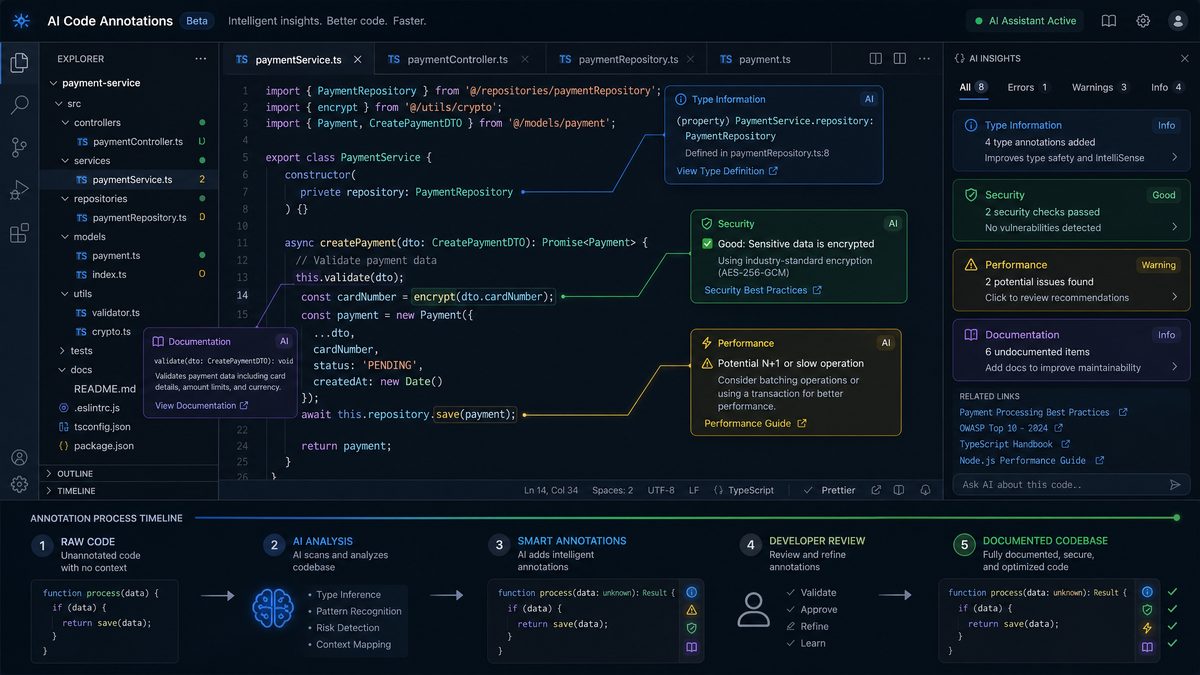
Building SaaS dashboards requires precision in displaying real-time data, managing users, and handling billing information securely. Below are 15 high-impact prompts designed to address these core areas with architectural insights.
1. "Create a multi-tenant SaaS dashboard showing real-time user analytics with chart visualizations using Chart.js, including monthly active users, session duration, and retention rates. Implement role-based access control (RBAC) with JWT authentication and a PostgreSQL backend for data storage."Architecture Notes: Multi-tenancy demands strict data isolation, so consider schema-based isolation or tenant ID columns. Use WebSocket or Server-Sent Events (SSE) for real-time updates. RBAC ensures that only authorized users view sensitive analytics.
To optimize real-time data delivery, leverage a message broker like Apache Kafka or RabbitMQ that streams user activity events to your backend. This enables aggregation pipelines to compute metrics like retention rates without impacting transactional operations. For example, retention can be calculated by tracking cohorts weekly and comparing active users across time intervals.
In PostgreSQL, implementing row-level security policies based on tenant IDs can provide an extra layer of protection, ensuring users only access their own data. Combine this with JWT claims that encode tenant and role information to enforce access control both at API and database layers.
2. "Generate a user management panel with CRUD operations for user profiles, roles, and permissions. Include password reset functionality, OAuth2 social login integration, and audit logs tracking all changes made by admins."Auth Requirements: Secure password storage with bcrypt or Argon2, OAuth2 flows for Google/Facebook login, and audit logging stored in an append-only log table or external service for compliance.
Consider implementing password reset via secure, time-limited tokens stored in a Redis cache with a short TTL (e.g., 15 minutes). This reduces database load and prevents token reuse. For OAuth2 social logins, ensure you handle token refresh and revocation properly, and map external provider user IDs to internal user models.
Audit logs should capture the admin user ID, timestamp, operation type (create, update, delete), and the before/after state of modified records. This data can be stored in a write-optimized database such as Elasticsearch to support fast querying and visualizations of admin activity patterns.
3. "Build a billing dashboard that integrates with Stripe API to display invoices, payment statuses, subscription plans, and usage-based billing metrics. Provide charts for monthly revenue and churn rate over the past 12 months."Data Visualization: Use libraries like D3.js or ApexCharts for custom billing visualizations. Ensure PCI compliance by not storing sensitive payment data on your servers.
Integrate Stripe webhooks to receive real-time updates on payments, subscription changes, and invoice events. Store only non-sensitive metadata like invoice IDs, amounts, and statuses in your database. This enables reliable billing reconciliation and supports features like pro-rata billing calculations.
To calculate churn rate, define it as the percentage of customers who cancel their subscription within a given month relative to the total active subscribers at the start of that month. Visualizing churn alongside monthly recurring revenue (MRR) trends helps identify growth bottlenecks.
Example ApexCharts configuration for displaying monthly revenue:
const options = {
  chart: { type: 'line' },
  series: [{ name: 'MRR', data: [1000, 1200, 1100, 1300, 1250, 1400] }],
  xaxis: { categories: ['Jan', 'Feb', 'Mar', 'Apr', 'May', 'Jun'] },
  yaxis: { labels: { formatter: val => `$${val}` } }
};
4. "Develop a SaaS feature flag management dashboard allowing admins to toggle features per user segments. Include scheduling capabilities and percentage rollouts for gradual feature exposure."Considerations: Feature flag state should be cached with Redis for performance. Scheduling requires a cron or task scheduler integration. Use webhooks to notify client apps of flag changes.
Implement targeting rules to segment users by attributes like geography, subscription tier, or device type. Store these rules in a JSON-based schema that can be evaluated at runtime. Percentage rollouts can be achieved by hashing user IDs and comparing against the rollout percentage threshold.
For scheduling, use a task queue like Celery or Bull to activate/deactivate flags at specified times. This allows precise control over feature exposure windows and supports rollback strategies.
Example pseudo-code for percentage rollout:
function isFeatureEnabled(userId, rolloutPercent) {
  const hash = hashFunction(userId);
  return (hash % 100) < rolloutPercent;
}
5. "Create an error monitoring dashboard with filters by severity, date, and affected users, integrating with Sentry API. Display error trends and allow exporting logs as CSV."Integration Tips: Use Sentry's REST API to fetch error events. Cache data for performance and paginate results for scalability.
Implement filtering on the frontend using controlled components that send query parameters to your backend API. Use aggregated queries to generate error trends, such as counts by severity level over days or weeks.
For CSV export, serialize filtered error data with libraries like PapaParse, ensuring proper escaping and field formatting. Offer download links that trigger this export in the browser for user convenience.
Additional Practical Considerations
When designing these dashboards, prioritize user experience by loading data asynchronously and providing loading indicators. Use debounce techniques on search fields and filters to reduce unnecessary API calls.
Optimize backend queries with proper indexing, especially on tenant ID, user ID, and timestamp fields. Consider materialized views or pre-aggregated tables for expensive analytics to reduce response times.
Security-wise, enforce HTTPS throughout your application, sanitize all inputs to prevent injection attacks, and implement rate limiting to protect against abuse.
For deployment, containerize your application using Docker and orchestrate with Kubernetes to scale horizontally in response to traffic spikes. Use monitoring tools like Prometheus and Grafana to track system health and alert on anomalies.
Finally, integrate continuous integration and continuous deployment (CI/CD) pipelines to automate testing and deployment of dashboard features. This ensures rapid iteration while maintaining quality and stability.
Maximizing the output quality of AI models requires carefully crafted prompts tailored to specific professional workflows. Our detailed collection in 20 Battle-Tested Prompts for developers in 2026 provides battle-tested prompt templates that professionals can immediately apply to their daily work, covering everything from initial ideation to final deliverable production.
Internal Tools: 15 Advanced Prompts
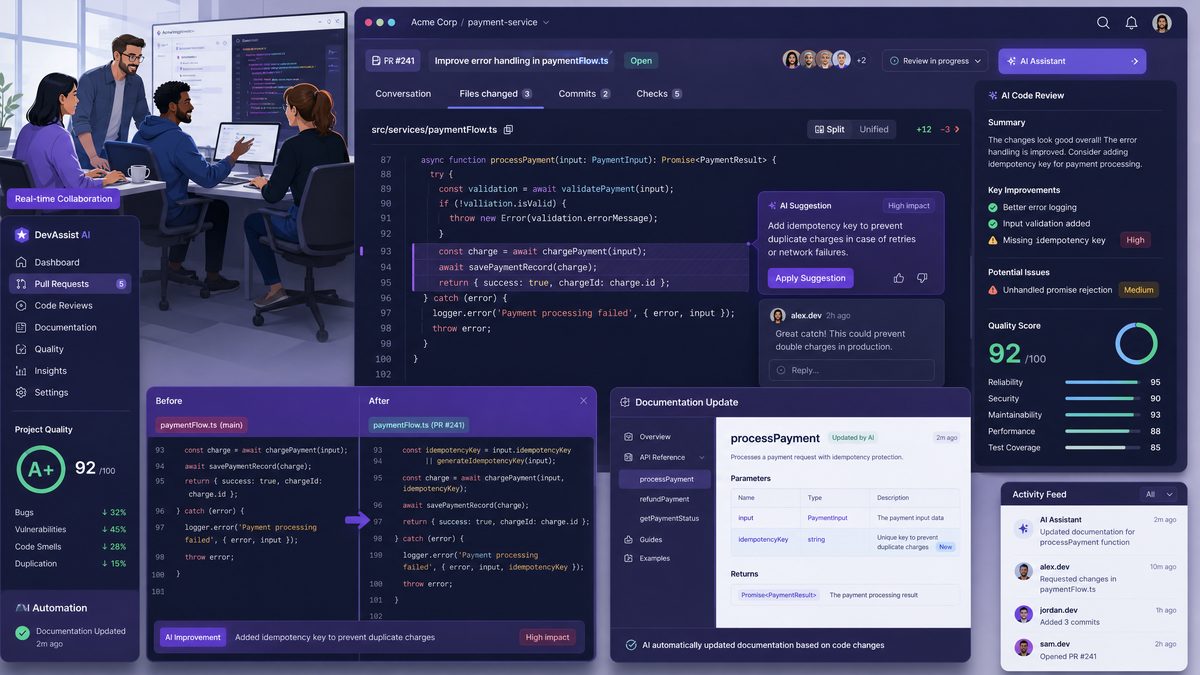
Internal tools are the backbone of enterprise efficiency; they require secure admin panels, customer relationship management (CRM) systems, and inventory controls. Below, explore prompts optimized for these demanding applications.
16. "Design an admin panel to manage employee records with granular access: HR users can edit profiles, managers can view team performance, and auditors have read-only access. Include export to Excel functionality."Security: Use fine-grained permission models, ideally leveraging attribute-based access control (ABAC). For exporting, sanitize all data and implement rate limiting to prevent abuse. Additionally, consider implementing multi-factor authentication (MFA) to strengthen access security, especially for administrators. Logging all admin actions is critical to maintain an audit trail; tools like the ELK stack (Elasticsearch, Logstash, Kibana) can help aggregate and visualize these logs.
17. "Build a CRM dashboard that visualizes sales pipelines, customer interactions, and lead scoring. Support bulk import/export of contacts and integrate with third-party email APIs for campaign management."Data Needs: Use relational databases for structured customer data and NoSQL for unstructured interaction logs. Implement queue-based email sending to handle high volumes without blocking UI. For example, RabbitMQ or Apache Kafka can be used to queue email tasks, ensuring asynchronous processing. When visualizing sales pipelines, charts should update in real-time using WebSockets or server-sent events (SSE). For lead scoring, consider integrating machine learning models to predict lead conversion probability based on historical data, which can be updated nightly via batch jobs.
18. "Create an inventory management system with barcode scanning integration, low-stock alerts, and real-time synchronization across multiple warehouses."Architecture: Employ event-driven architecture with message queues (e.g., RabbitMQ) to propagate stock updates. For barcode scanning, integrate WebUSB or mobile SDKs. Real-time synchronization can be enhanced using technologies like Firebase Realtime Database or Redis Pub/Sub to broadcast inventory changes instantly. Implement threshold-based alerts that notify inventory managers via email or SMS when stock levels fall below preset limits. To reduce discrepancies, consider batch reconciliation processes that compare physical counts with system records at regular intervals.
19. "Develop a project management tool for internal use with task assignments, deadline tracking, time logging, and Gantt chart visualizations."Visualization: Use libraries like vis.js or frappe-gantt for interactive Gantt charts. Store time logs with timestamps and user IDs for audit and payroll integration. Integrate calendar sync features (e.g., with Google Calendar or Outlook) to enhance deadline visibility. Support drag-and-drop task rescheduling to improve user experience. To encourage transparency, implement automated email reminders for upcoming deadlines and overdue tasks. For time logging, consider integrating timers that users can start/stop directly within tasks, reducing manual entry errors.
20. "Implement an internal knowledge base with full-text search, version control, and collaborative editing features."Search: Integrate Elasticsearch for full-text search capabilities. For version control, use operational transforms or CRDTs to enable real-time collaboration. To improve knowledge discovery, implement tagging and categorization, allowing users to filter content by topic or department. Incorporate user feedback mechanisms such as upvotes, comments, and flags for outdated information to maintain content quality. For collaborative editing, frameworks like ShareDB or Yjs can facilitate conflict resolution and offline editing support. Additionally, schedule periodic content audits to archive or update stale pages.
Additional Practical Advice for Internal Tool Development
When developing internal tools, prioritize user experience (UX) by conducting regular usability testing with actual end-users. This helps identify pain points early and ensures the tool meets real-world workflows. Employ responsive design so that tools are accessible on desktops, tablets, and mobile devices, which is especially important for warehouse staff using inventory systems on handheld devices.
Performance optimization is crucial for internal tools that handle large datasets, such as CRM systems with millions of contacts or inventory systems tracking thousands of SKUs. Implement server-side pagination and lazy loading in tables and lists to reduce initial load times. Utilize caching layers like Redis to store frequently accessed data and minimize database hits.
For deployment, consider containerization with Docker and orchestration using Kubernetes to ensure scalability and ease of updates. This approach allows rolling updates with minimal downtime, critical for tools relied upon by many employees simultaneously.
Finally, maintain comprehensive documentation for both users and developers. For users, provide clear guides, tooltips, and FAQs embedded within the interfaces. For developers, maintain API documentation, architecture diagrams, and coding standards to facilitate ongoing maintenance and future feature additions.
Maximizing the output quality of AI models requires carefully crafted prompts tailored to specific professional workflows. Our detailed collection in Codex CLI Prompts Masterclass: 40 Advanced Prompts for Multi-Agent Development, Code Review, and CI/CD Automation provides battle-tested prompt templates that professionals can immediately apply to their daily work, covering everything from initial ideation to final deliverable production.
Access 40,000+ AI Prompts for ChatGPT, Claude & Codex — Free!
Subscribe to get instant access to our complete Notion Prompt Library — the largest curated collection of prompts for ChatGPT, Claude, OpenAI Codex, and other leading AI models. Optimized for real-world workflows across coding, research, content creation, and business.
Client Portals: 10 Advanced Prompts
Client portals must combine security, usability, and rich functionality for project tracking, document sharing, and invoicing. Below are 10 sophisticated prompts to build portals that foster client engagement and trust.
31. "Create a client project tracking portal with task status updates, milestone timelines, and integrated messaging between clients and project managers."Auth & UX: Implement OAuth2 with multi-factor authentication (MFA). Use WebSocket for real-time messaging and update notifications.
To enhance the project tracking experience, consider incorporating Gantt charts for visual timeline management and Kanban boards for task prioritization. For instance, leveraging libraries like D3.js or Chart.js can help render interactive timelines that allow clients to drag and drop tasks or milestones, making updates intuitive and transparent. Additionally, integrating push notifications through WebSocket or server-sent events (SSE) ensures clients and managers receive immediate updates on task progress or comments, reducing email overload.
Furthermore, role-based access control (RBAC) should be employed to ensure that clients only see relevant tasks and milestones associated with their projects. For example, a client might view completed, in-progress, and pending tasks, while project managers have editing rights and can assign tasks to team members.
Consider also implementing a searchable activity feed that logs all project updates, comments, and file uploads, giving clients a chronological overview of progress. This feed can be enhanced with filters to focus on specific task statuses or dates.
32. "Build a secure document sharing portal that supports file uploads, versioning, access controls per client, and audit trails for downloads and edits."Security: Enforce encryption at rest and in transit. Use signed URLs for temporary access. Store audit logs in an append-only database.
For document versioning, integrate systems similar to Git or use document management frameworks that keep track of changes, allowing clients to revert to previous versions if needed. Metadata tagging (e.g., document type, date uploaded, author) helps organize files and improves searchability.
Access control can be granular: set permissions not only per client but also per document or folder. For example, a client’s finance team might have access to invoicing documents, while their legal advisors access contracts. Implementing attribute-based access control (ABAC) can facilitate these nuanced permissions based on user roles, attributes, and context.
Audit trails should capture every action — uploads, downloads, edits, shares, and deletions. Store these logs with timestamps, user IDs, and IP addresses in an append-only ledger, possibly using blockchain technology or immutable databases like Apache Kafka or Amazon QLDB to prevent tampering.
To optimize file uploads, use chunked uploads with resumable capabilities, especially for large files. Libraries like tus.io offer robust protocols that improve reliability over unstable networks.
33. "Develop an invoicing portal that displays outstanding invoices, payment links, and downloadable PDF receipts. Include automated reminders and payment confirmation notifications."Automation: Integrate with payment gateways like PayPal or Stripe. Use scheduled jobs to send reminders and webhook listeners to update payment status.
Design the invoicing portal with dynamic invoice generation that converts data into styled PDF documents using tools like PDFKit or jsPDF. These PDFs should include detailed line items, tax calculations, payment terms, and QR codes for fast mobile payments.
Automated reminders can be configured based on payment due dates, with escalating notifications: initial friendly reminders, followed by more urgent notices, and finally alerts to account managers. Use cron jobs or cloud functions (AWS Lambda, Azure Functions) to handle scheduling.
Webhooks from payment gateways ensure real-time updates on payment status; for example, when a payment is successful, the portal automatically marks the invoice as paid and triggers an email confirmation with the receipt attached.
To enhance user experience, provide multiple payment options including credit cards, ACH transfers, and digital wallets like Apple Pay or Google Pay. Implement PCI DSS compliance to securely handle payment data.
34. "Create a client onboarding portal that collects user data, performs validation, and routes approvals to internal teams with status tracking."Workflow: Use state machines to model onboarding steps. Provide role-based views for clients and internal approvers.
An effective onboarding portal should feature dynamic forms that adapt based on previous answers, reducing friction and improving data accuracy. Use JSON Schema or libraries like React Hook Form combined with Yup for client-side validation and consistency.
For approval routing, implement configurable workflow engines such as Camunda or a custom-built state machine that models sequential and parallel approval steps. Notifications (via email or SMS) keep stakeholders informed of pending actions.
Status tracking dashboards should display each onboarding stage, highlighting any bottlenecks or delays. Clients can monitor their progress, while internal teams receive alerts for pending approvals. Including estimated time to complete each step improves transparency.
To secure collected data, encrypt sensitive fields both in transit (TLS) and at rest, and comply with relevant data protection regulations like GDPR or CCPA. Incorporate CAPTCHA or bot detection to prevent automated submissions.
35. "Implement a portal analytics dashboard showing client activity, login frequency, and feature usage to help sales teams identify upsell opportunities."Data: Aggregate activity logs and visualize with heatmaps or trend charts. Employ anonymization where necessary to protect privacy.
Leverage analytics platforms like Google Analytics, Mixpanel, or build custom solutions using ELK stack (Elasticsearch, Logstash, Kibana) to gather and analyze client interactions. Track metrics such as session duration, feature clicks, document downloads, and payment activity.
Heatmaps can reveal which portal sections receive the most attention, helping product teams optimize UI/UX. Trend charts showing login frequency over time can identify dormant clients who may benefit from re-engagement campaigns.
Incorporate cohort analysis to segment clients by industry, company size, or subscription tier, enabling targeted upsell strategies. For example, clients frequently accessing advanced reporting features might be good candidates for premium packages.
Ensure data privacy by anonymizing personally identifiable information (PII) where possible and providing clients with transparency about data collection practices. Implement opt-in mechanisms and comply with privacy laws.
Maximizing the output quality of AI models requires carefully crafted prompts tailored to specific professional workflows. Our detailed collection in 50 GPT-5.5 Prompts for HR Professionals: Recruitment, Onboarding, Performance Reviews, and Employee Engagement provides battle-tested prompt templates that professionals can immediately apply to their daily work, covering everything from initial ideation to final deliverable production.
Conclusion & Best Practices
This masterclass has presented 40 advanced prompts to unlock the full potential of Codex Sites in building enterprise-level SaaS dashboards, internal tools, and client portals. Each prompt integrates critical aspects such as architecture scalability, robust authentication, sophisticated data visualization, and comprehensive CRUD operations.
Key takeaways include:
- Architect for scale and security: Multi-tenancy, data isolation, and encrypted communication are non-negotiable for enterprise apps.
- Leverage modern auth standards: OAuth2, JWT, RBAC, and MFA enhance user security and compliance.
- Choose the right data visualization tools: Libraries like Chart.js, D3.js, and ApexCharts provide flexibility and performance for complex dashboards.
- Automate workflows and notifications: Scheduled jobs, webhooks, and event-driven architectures improve responsiveness and operational efficiency.
- Maintain auditability and compliance: Audit logs, version control, and append-only storage are essential for governance and troubleshooting.
By employing these 40 prompts as a foundation, you can rapidly prototype and deploy sophisticated web applications that meet enterprise standards and deliver exceptional user experiences.
For further exploration of these topics, dive deeper into , , and .
Authored by Markos Symeonides
