
The Complete Guide to ChatGPT Atlas: Everything You Need to Know About OpenAI’s AI Browser in 2026
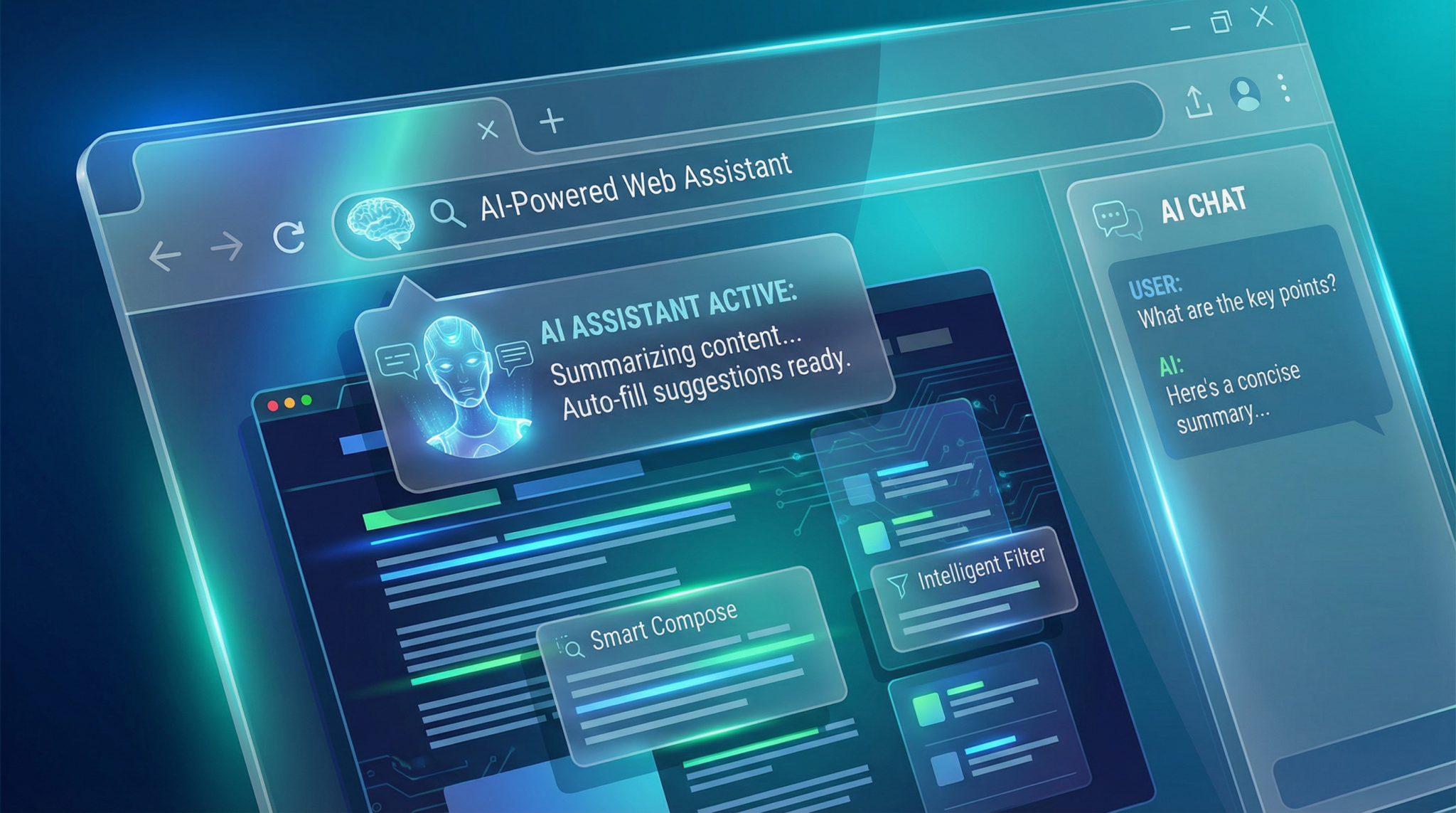
The Complete Guide to ChatGPT Atlas: Everything You Need to Know About OpenAI’s AI Browser in 2026
By Markos Symeonides | Published April 6, 2026
In 2026, the landscape of web browsing and AI integration has witnessed a transformative leap with the introduction of ChatGPT Atlas, OpenAI’s revolutionary AI-powered browser. This guide provides a comprehensive exploration of ChatGPT Atlas — from its foundational technology and distinctive features to its practical applications, privacy implications, and its role in OpenAI’s broader super app vision.
What is ChatGPT Atlas?
ChatGPT Atlas is an innovative browser developed by OpenAI that seamlessly integrates the ChatGPT conversational AI directly into the web browsing experience. Unlike traditional browsers that passively display content, Atlas actively assists users by understanding context, navigating websites autonomously, and interacting with web pages through its AI agent mode.
At its core, Atlas leverages the synergy of OpenAI’s advanced language model capabilities and web navigation to deliver an intelligent assistant embedded within the browser. This AI-powered approach allows users to perform complex tasks without switching between multiple applications or manually inputting commands.
Atlas is currently available to ChatGPT subscribers, reflecting OpenAI’s strategy of providing premium AI experiences while continuously refining the browser through user feedback and iterative improvements.
Key Features of ChatGPT Atlas
ChatGPT Atlas introduces several groundbreaking features that distinguish it from conventional browsers and AI assistants:
- Embedded Conversational AI: The ChatGPT interface is built into the browser UI, enabling instant AI interaction on any webpage without opening separate tabs or apps.
- Agent Mode: An autonomous AI function that can browse websites, fill out forms, book appointments, add products to shopping carts, and manage online calendars.
- Contextual Browsing History: Atlas uses your browsing history as ongoing context, allowing the AI to tailor responses and suggestions based on prior activity within the session or even across days.
- Seamless Multitasking: Users can ask Atlas to perform background tasks such as price comparisons, research summarization, or monitoring ticket availability while continuing other activities.
- Cross-Platform Sync: Atlas syncs browsing data and AI interactions across devices, enabling a unified experience whether on desktop, tablet, or mobile.
- Integration with OpenAI’s Ecosystem: Atlas is designed as part of OpenAI’s super app vision, working in tandem with tools like Codex for code generation and ChatGPT for conversational AI.
How Agent Mode Works: Your AI Web Navigator
One of the most compelling features of ChatGPT Atlas is its Agent Mode — a sophisticated AI agent that performs web navigation and task automation on behalf of the user. Unlike simple web scraping or traditional browser automation, Agent Mode understands natural language instructions and executes multi-step workflows autonomously.
Here’s a breakdown of its capabilities:
- Natural Language Commands: Users can instruct the agent in plain English (or supported languages), such as “Find the best flight options to Tokyo next month” or “Schedule a dentist appointment for next Thursday.”
- Form Filling and Interaction: Agent Mode can identify input fields on webpages and intelligently fill them with user data or generated information, reducing manual effort.
- Shopping Assistance: It can browse online stores, add items to your cart based on preferences, compare prices, and notify you of discounts or stock changes.
- Calendar and Email Integration: The agent can access your linked calendars to book meetings or send confirmation emails without leaving the browser.
- Multi-Tab Coordination: Agent Mode can open multiple tabs, gather data from different sources, and synthesize the information to provide concise summaries or recommendations.
Agent Mode is powered by a combination of large language models and reinforcement learning, enabling it to adapt to dynamic webpage layouts and workflows. It also incorporates safety protocols to prevent unwanted actions or data leakage.
Use Cases: Practical Applications of ChatGPT Atlas
ChatGPT Atlas’s integration of AI with web browsing unlocks a variety of real-world use cases across different domains:
Research and Knowledge Gathering
Academics, journalists, and professionals can leverage Atlas to conduct deep research. The agent can navigate through multiple academic databases, extract key insights, and summarize lengthy articles or reports. It can also track citation sources and organize findings within the session context for easy reference.
Shopping and E-commerce
Atlas transforms online shopping into a personalized, AI-driven experience. Users can ask the agent to find the best deals, compare product reviews, and automatically apply coupon codes during checkout. For busy shoppers, Agent Mode can even monitor websites for flash sales or restocked items and alert users in real-time.
Productivity and Task Automation
For professionals managing busy schedules, Atlas offers calendar management, email drafting, and task automation directly from the browser. The AI agent can schedule appointments, send follow-up emails, and organize to-do lists based on browsing activity and user prompts, streamlining daily workflows.
Travel Planning
Planning a trip is simplified with Atlas. The agent can search for flights, hotels, and rental cars, compare options, and book reservations. It can also generate detailed itineraries and provide travel advisories by synthesizing data from multiple sources.
Entertainment and Media Consumption
Atlas enhances media discovery by recommending movies, music, or articles tailored to user preferences and browsing history. It can also curate playlists or reading lists and manage subscriptions seamlessly.

Privacy and Security Considerations
With the power to monitor every action within the browsing session, ChatGPT Atlas raises important privacy and security questions. Because the AI observes all user interactions, including sensitive data entered on websites, users must be aware of how their data is handled.
- Data Collection Transparency: OpenAI has emphasized transparency regarding what data Atlas collects and how it is used to improve AI performance and user experience.
- End-to-End Encryption: Sensitive information, such as passwords and payment details, is protected through encryption protocols to prevent unauthorized access.
- User Control: Atlas includes granular privacy settings allowing users to restrict the AI’s access to certain websites or data types, and to clear browsing and interaction history at any time.
- Regulatory Compliance: OpenAI ensures that Atlas complies with global privacy regulations such as GDPR and CCPA, offering users rights to access, modify, or delete their data.
- Potential Risks: Despite safeguards, some experts caution about the risks of continuous AI monitoring, especially if vulnerabilities are exploited or if data is mishandled.
Users are encouraged to review OpenAI’s privacy policies and configure Atlas settings according to their comfort level, balancing convenience with security.
ChatGPT Atlas vs. Traditional Browsers and AI Assistants
ChatGPT Atlas occupies a unique space at the intersection of web browsers and AI assistants. Understanding how it compares to existing tools is essential for users considering adopting the platform.
| Aspect | ChatGPT Atlas | Traditional Browsers (e.g., Chrome, Firefox) | Standalone AI Assistants (e.g., Siri, Google Assistant) |
|---|---|---|---|
| AI Integration | Built-in conversational AI embedded directly in browsing | No embedded AI; relies on extensions or external apps | Conversational AI focused on device control and simple queries |
| Web Navigation | Agent Mode autonomously navigates, fills forms, and manages tasks | User-driven manual navigation only | Limited web navigation, mostly voice search and commands |
| Context Awareness | Uses browsing history and session context for personalized assistance | No AI context awareness | Context limited to voice interactions and app data |
| Privacy | Continuous monitoring with privacy controls, potential concerns | Standard browser privacy modes and extensions | Voice data collection; device-dependent privacy settings |
| Use Cases | Research, shopping, productivity, travel, media | General web browsing, content consumption | Quick info retrieval, device control, reminders |
Ultimately, ChatGPT Atlas redefines browsing by combining deep AI capabilities with online navigation, offering a more proactive, personalized experience than traditional browsers or voice assistants alone.
Tips for Getting the Most Out of ChatGPT Atlas
To optimize your experience with ChatGPT Atlas, consider these expert recommendations:
- Leverage Agent Mode for Complex Tasks: Use natural language to delegate multi-step workflows such as booking travel or managing online orders, saving time and reducing manual input.
- Customize Privacy Settings: Review and adjust privacy preferences to control how much browsing data the AI can access, especially when handling sensitive information.
- Use Contextual Queries: Reference previous searches or browsing history to enable the AI to provide more accurate and relevant responses.
- Explore Integration Features: Connect Atlas with your calendars, email accounts, and productivity apps to unlock task automation capabilities.
- Keep the Browser Updated: OpenAI frequently releases updates improving AI understanding, security patches, and new functionalities—ensure you are running the latest version.
- Experiment with Use Cases: Try Atlas for diverse activities like research summarization, price tracking, or itinerary planning to discover where it adds the most value.
For developers and power users, understanding how Atlas interacts with OpenAI’s other tools can unlock additional efficiency gains. Detailed strategies for leveraging OpenAI Codex plugins to enhance automation and development workflows are covered in our Mastering OpenAI Codex Plugins: The Definitive 2026 Tutorial for AI-Assisted Development, which explains how Codex complements Atlas in automating web and software tasks.

The Future Roadmap: ChatGPT Atlas in OpenAI’s Super App Strategy
ChatGPT Atlas is a cornerstone of OpenAI’s ambitious super app vision—a unified platform combining conversational AI, code automation, browsing, and more into a single ecosystem. This approach aims to eliminate app fragmentation, enabling users to accomplish diverse digital tasks through one intelligent interface.
Key roadmap highlights include:
- Deeper Ecosystem Integration: Enhanced connectivity between Atlas, ChatGPT, Codex, and other OpenAI tools will enable complex workflows spanning coding, data analysis, and communication within one environment.
- Expanded Agent Capabilities: Future Agent Mode iterations will support voice commands, third-party service APIs, and proactive task suggestions based on user habits.
- AI Personalization: Advanced user profiling and adaptive learning will allow Atlas to anticipate needs and customize assistance even further.
- Enhanced Privacy Controls: OpenAI plans to introduce more transparent data handling, on-device AI processing options, and user empowerment tools.
- Cross-Device Experiences: Seamless switching between desktop, mobile, AR/VR interfaces, and IoT devices will broaden Atlas’s accessibility and utility.
This integration promises to reshape how users engage with digital content and services, positioning ChatGPT Atlas not just as a browser but as an intelligent digital companion.
Conclusion
ChatGPT Atlas represents a paradigm shift in web browsing by embedding advanced AI directly into the user’s online experience. Through its innovative Agent Mode and context-aware capabilities, it delivers unprecedented convenience for research, shopping, productivity, and more. While privacy concerns merit careful consideration, OpenAI’s transparent policies and evolving controls provide users with options to manage their data securely.
As part of OpenAI’s broader super app strategy, Atlas is poised to become an indispensable tool in the AI-powered digital ecosystem of the future. Subscribers to ChatGPT can harness its capabilities today, while developers and enthusiasts can anticipate continual enhancements that will further blur the lines between browsing, AI assistance, and task automation.
For a detailed exploration of advanced AI workflows and browser-based automation using OpenAI’s technology, our How to Use ChatGPT Agent Mode for Deep Research in 2026: Step-by-Step Guide offers comprehensive insights into leveraging Agent Mode for complex, data-driven tasks.
To understand how to augment your ChatGPT Atlas experience with coding and integration, refer to our Mastering OpenAI Codex Plugins: The Definitive 2026 Tutorial for AI-Assisted Development, which provides a comprehensive guide on developing and implementing plugins within the OpenAI ecosystem for enhanced functionality.
With ChatGPT Atlas, the future of browsing is not only interactive but intelligent—turning the web into a collaborative space between humans and AI.
Access 40,000+ AI Prompts for ChatGPT, Claude & Codex — Free!
Subscribe to get instant access to our complete Notion Prompt Library — the largest curated collection of prompts for ChatGPT, Claude, OpenAI Codex, and other leading AI models. Optimized for real-world workflows across coding, research, content creation, and business.

