
By Markos Symeonides
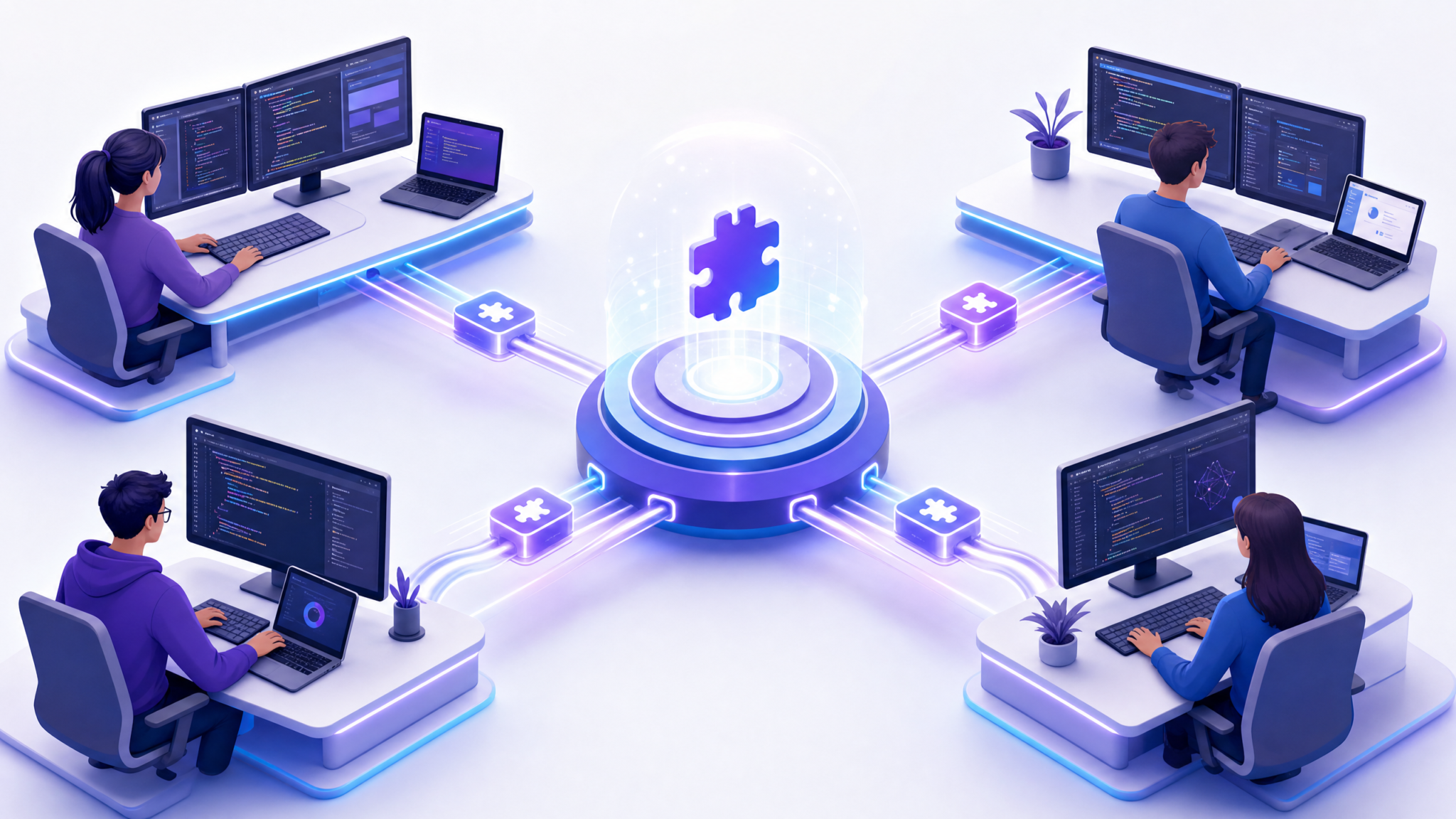
As we advance into 2026, the landscape of AI-assisted coding continues to evolve rapidly. Central to this evolution is the emergence of Codex Shared Plugins, a groundbreaking feature designed to empower enterprise development teams with the ability to build, deploy, and manage custom plugins seamlessly across their organizations. This comprehensive guide offers an in-depth exploration of Codex Shared Plugins, detailing their architecture, development workflows, security considerations, and governance best practices. Whether you are a developer, team lead, or enterprise architect, this article serves as an indispensable resource to harness the full potential of shared Codex plugins.
Understanding Codex Shared Plugins: An Overview
Before diving into technical specifics, it’s crucial to understand what Codex Shared Plugins are and why they matter in a collaborative development environment.
What Are Codex Shared Plugins?
Codex Shared Plugins are modular extensions built to augment the OpenAI Codex API, allowing teams to embed custom functionality directly within their AI-assisted coding workflows. Unlike individual plugins, shared plugins are designed for enterprise use, enabling centralized registration, controlled distribution, and collaborative maintenance across multiple users and projects.
These plugins function as API wrappers or specialized command sets that Codex can invoke to interact with company-specific tools, data sources, or workflows, thereby tailoring AI responses to organizational standards and contexts.
Why Use Codex Shared Plugins in Enterprise Environments?
- Consistency: Standardize AI-assisted code generation across teams, ensuring compliance with internal APIs and coding standards.
- Security: Centralized control over plugin access and permissions reduces risks related to sensitive data exposure.
- Scalability: Facilitate seamless onboarding and collaboration by sharing validated plugins across departments.
- Customization: Extend Codex capabilities with domain-specific logic, APIs, or proprietary business rules.
Real-World Scenario: Cross-Team API Integration
Consider a multinational enterprise where different development teams work on distinct microservices. A shared plugin that exposes API specifications and coding guidelines ensures that when Codex generates code snippets, it adheres to the same versioned API contracts and security protocols. This avoids integration mismatches and accelerates cross-team collaboration.
Comparison with Individual Plugins
| Aspect | Individual Plugins | Codex Shared Plugins |
|---|---|---|
| Scope | User-specific or project-specific | Organization-wide, multi-team |
| Management | Decentralized | Centralized plugin registry with governance |
| Security Controls | Basic or none | Robust authentication, RBAC, audit logging |
| Versioning | Manual or ad-hoc | Semantic versioning with staging and rollback |
| Collaboration | Limited | Facilitates shared development and maintenance |
Key Components of Codex Shared Plugins Architecture
To effectively build and manage shared plugins, it’s essential to understand their core components and how they interact within the Codex ecosystem.
Plugin Manifest
The manifest file is the cornerstone of any Codex Shared Plugin. It is a JSON or YAML-formatted document that declares the plugin’s metadata, API endpoints, authentication methods, and usage scopes.
Manifest Structure Explained
| Field | Type | Description | Example |
|---|---|---|---|
| name | string | Name of the plugin | “EnterpriseCodeHelper” |
| version | string | Semantic version of the plugin | “1.2.0” |
| description | string | Brief overview of plugin functionality | “Provides access to internal API definitions and coding standards.” |
| endpoints | array<object> | List of API endpoints exposed by the plugin |
|
| authentication | object | Details of authentication protocol | { “type”: “OAuth2”, “token_url”: “https://auth.company.com/token” } |
| scopes | array<string> | Permission scopes required | [“read:apis”, “execute:code_generation”] |
Manifest Validation and Schema
To ensure compatibility and security, manifests must conform to a strict JSON Schema. Here is an example schema snippet for the manifest validation:
{
  "$schema": "http://json-schema.org/draft-07/schema#",
  "type": "object",
  "required": ["name", "version", "endpoints", "authentication", "scopes"],
  "properties": {
    "name": { "type": "string", "minLength": 3 },
    "version": { "type": "string", "pattern": "^\\d+\\.\\d+\\.\\d+$" },
    "description": { "type": "string" },
    "endpoints": {
      "type": "array",
      "items": {
        "type": "object",
        "required": ["path", "method", "description"],
        "properties": {
          "path": { "type": "string", "pattern": "^/.*" },
          "method": { "type": "string", "enum": ["GET", "POST", "PUT", "DELETE", "PATCH"] },
          "description": { "type": "string" }
        }
      }
    },
    "authentication": {
      "type": "object",
      "required": ["type"],
      "properties": {
        "type": { "type": "string", "enum": ["OAuth2", "APIKey", "None"] },
        "token_url": { "type": "string" },
        "header": { "type": "string" }
      }
    },
    "scopes": {
      "type": "array",
      "items": { "type": "string" }
    }
  }
}
Automated validation pipelines can reject manifests that do not conform, preventing misconfigurations that could cause runtime errors or security lapses.
Plugin Backend Service
The backend service is the actual implementation that handles requests from Codex and executes plugin logic. This could be a RESTful API, GraphQL endpoint, or serverless function hosted within your enterprise infrastructure or cloud environment.
- Scalability: Use containerized microservices or serverless deployments to handle varying loads, employing orchestration tools like Kubernetes or serverless platforms such as AWS Lambda, Azure Functions, or Google Cloud Functions.
- Security: Implement strict authentication and authorization controls, including API gateways for token validation, IP whitelisting, and threat detection.
- Logging & Monitoring: Integrate centralized logging solutions such as ELK Stack, Splunk, or Datadog for audit trails, real-time monitoring, and alerting.
Example: Kubernetes Deployment Specification
apiVersion: apps/v1
kind: Deployment
metadata:
  name: codex-plugin-backend
  labels:
    app: codex-plugin
spec:
  replicas: 3
  selector:
    matchLabels:
      app: codex-plugin
  template:
    metadata:
      labels:
        app: codex-plugin
    spec:
      containers:
      - name: backend
        image: company/codex-plugin-backend:1.0.0
        ports:
        - containerPort: 4000
        env:
        - name: OAUTH2_TOKEN_URL
          value: "https://auth.enterprise.com/oauth2/token"
        readinessProbe:
          httpGet:
            path: /health
            port: 4000
          initialDelaySeconds: 10
          periodSeconds: 15
        livenessProbe:
          httpGet:
            path: /health
            port: 4000
          initialDelaySeconds: 30
          periodSeconds: 20
Codex Plugin Registry
The Codex Plugin Registry is a centralized repository managed by OpenAI for business and enterprise accounts, where teams register their shared plugins. This registry supports:
- Version Control: Maintain multiple versions and rollback as needed, enabling safe plugin upgrades.
- Access Control: Define which teams or users have visibility and usage rights, integrating with enterprise identity providers (IdPs) such as Azure AD or Okta.
- Metadata Management: Store plugin details, documentation, and status for discovery and auditing.
Integration with CI/CD Pipelines
Teams can automate registration and updates using APIs or CLI tools provided by the Codex Plugin Registry. For example, a Jenkins pipeline can validate manifest changes, build and deploy the backend, then update the registry metadata and version atomically.
pipeline {
  agent any
  stages {
    stage('Validate Manifest') {
      steps {
        sh 'jsonschema -i plugin-manifest.json manifest-schema.json'
      }
    }
    stage('Build & Deploy') {
      steps {
        sh 'docker build -t company/codex-plugin-backend:$BUILD_NUMBER .'
        sh 'docker push company/codex-plugin-backend:$BUILD_NUMBER'
        sh 'kubectl set image deployment/codex-plugin-backend backend=company/codex-plugin-backend:$BUILD_NUMBER'
      }
    }
    stage('Update Registry') {
      steps {
        sh 'codex-cli plugin update --manifest plugin-manifest.json --version $BUILD_NUMBER'
      }
    }
  }
}
Building Your First Codex Shared Plugin: Step-by-Step
This section walks through the process of creating a simple Codex Shared Plugin, from manifest creation to deployment and registration.
Step 1: Define Plugin Requirements and Scope
Identify the purpose of your plugin. For example, a plugin that exposes internal API documentation and code snippets to speed up development. Define precise user stories and acceptance criteria to guide the development lifecycle.
Step 2: Create the Plugin Manifest
Start by preparing a plugin-manifest.json file. Below is a sample manifest for “EnterpriseCodeHelper”:
{
  "name": "EnterpriseCodeHelper",
  "version": "1.0.0",
  "description": "Access internal API specs and coding guidelines.",
  "endpoints": [
    {
      "path": "/api/v1/specs",
      "method": "GET",
      "description": "Retrieve API specs in JSON format."
    },
    {
      "path": "/api/v1/code-snippets",
      "method": "POST",
      "description": "Generate code snippets based on parameters."
    }
  ],
  "authentication": {
    "type": "OAuth2",
    "token_url": "https://auth.enterprise.com/oauth2/token",
    "scopes": ["read:apis", "write:snippets"]
  },
  "scopes": ["read:apis", "write:snippets"]
}
Step 3: Implement the Backend Service
Develop a backend service that supports the declared endpoints. Here’s a basic Node.js Express example:
const express = require('express');
const app = express();
app.use(express.json());

// Middleware to verify OAuth2 token (simplified)
app.use((req, res, next) => {
  const authHeader = req.headers['authorization'];
  if (!authHeader || !authHeader.startsWith('Bearer ')) {
    return res.status(401).json({ error: 'Unauthorized' });
  }
  // Token validation logic here - verify signature, expiry, scopes
  // For example, decode JWT and verify claims
  next();
});

app.get('/api/v1/specs', (req, res) => {
  // Return static or dynamic API specs, possibly fetched from internal API catalog
  res.json({ apis: ["/users", "/orders", "/inventory"] });
});

app.post('/api/v1/code-snippets', (req, res) => {
  const { language, functionName } = req.body;
  // Generate a simple snippet dynamically
  if (language === 'python' && functionName) {
    res.json({ snippet: `def ${functionName}():\n    pass` });
  } else if (language === 'javascript' && functionName) {
    res.json({ snippet: `function ${functionName}() {\n  // TODO: Implement\n}` });
  } else {
    res.status(400).json({ error: 'Invalid parameters' });
  }
});

const PORT = process.env.PORT || 4000;
app.listen(PORT, () => console.log(`Plugin backend running on port ${PORT}`));
Step 4: Containerize and Deploy
Package your backend as a Docker container for portability and ease of deployment:
# Dockerfile
FROM node:18-alpine
WORKDIR /app
COPY package*.json ./
RUN npm install --production
COPY . .
EXPOSE 4000
CMD ["node", "index.js"]
Deploy this container to your preferred cloud or on-premise environment with HTTPS enabled and a valid SSL certificate. For example, using Kubernetes, configure Ingress controllers with TLS termination.
Step 5: Register the Plugin with Codex Plugin Registry
Use the Codex Enterprise CLI or dashboard to upload your manifest and bind it to your backend endpoint. The registration process includes:
- Uploading the manifest file
- Verifying endpoint accessibility and authentication
- Defining team access permissions
- Assigning plugin categories and tags for discoverability
Successful registration makes the plugin available to authorized users within your organization.
Managing Access and Security for Shared Plugins
Enterprise environments demand stringent security and governance around shared resources. Below we explore best practices and technical controls.
Authentication and Authorization
- OAuth2 and JWT: Use OAuth2 flows with JWT access tokens for secure, token-based access to plugin APIs. Implement token introspection and refresh mechanisms to maintain session security.
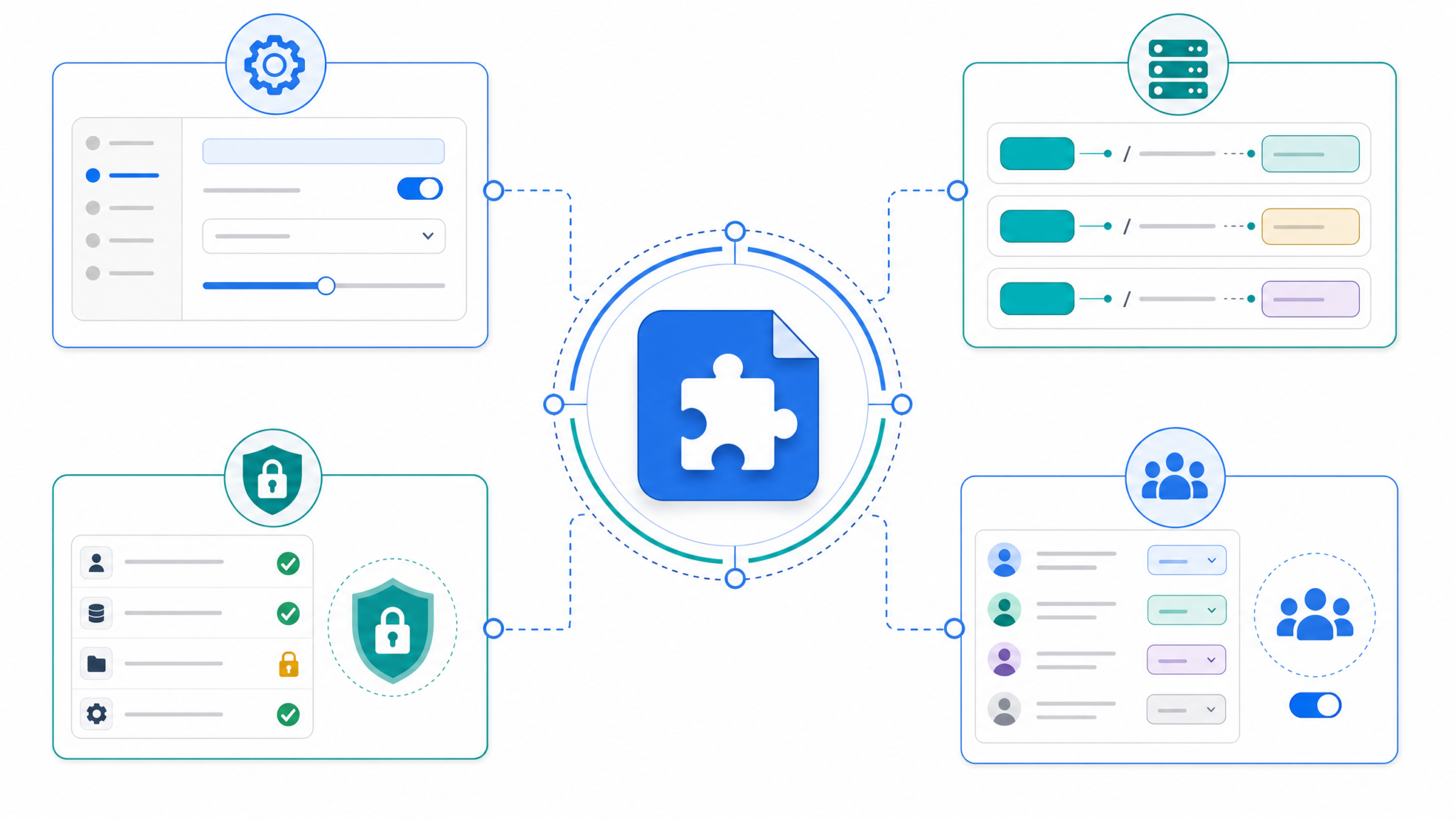
- Role-Based Access Control (RBAC): Define roles (e.g., developer, admin, auditor) with granular permissions in the Codex Plugin Registry. Use attribute-based access control (ABAC) when needed for contextual policies.
- API Gateway Integration: Leverage API gateways to enforce rate limiting, IP whitelisting, request validation, and anomaly detection, reducing attack surfaces.
Example: OAuth2 Token Validation Middleware (Node.js)
const jwt = require('jsonwebtoken');

function validateToken(req, res, next) {
  const authHeader = req.headers['authorization'];
  if (!authHeader) return res.status(401).json({ error: 'No token provided' });

  const token = authHeader.split(' ')[1];
  jwt.verify(token, process.env.JWT_PUBLIC_KEY, { algorithms: ['RS256'] }, (err, decoded) => {
    if (err) return res.status(401).json({ error: 'Invalid token' });

    // Check scopes
    const requiredScopes = ['read:apis'];
    const tokenScopes = decoded.scopes || [];
    const hasScopes = requiredScopes.every(scope => tokenScopes.includes(scope));
    if (!hasScopes) return res.status(403).json({ error: 'Insufficient scopes' });

    req.user = decoded;
    next();
  });
}
Data Privacy and Usage Monitoring
- Audit Logs: Maintain detailed logs of plugin usage, including user identity, timestamps, and actions performed. Ensure logs are immutable and stored securely with access controls.
- Data Masking: Ensure sensitive data returned by plugin APIs is masked or redacted when necessary. For example, remove PII or internal tokens before returning results.
- Usage Analytics: Analyze usage patterns to detect anomalies, such as unusual request volumes or access patterns. Integrate with SIEM tools for real-time alerts.
Versioning and Continuous Deployment
Manage plugin lifecycle with clear versioning and deployment strategies:
- Adopt semantic versioning (MAJOR.MINOR.PATCH) to communicate breaking changes and updates.
- Use blue-green or canary deployments to safely roll out new plugin versions, minimizing disruptions.
- Automate testing pipelines to validate plugin functionality and security before release, including unit tests, integration tests, and security scans.
Comparison: Deployment Strategies
| Strategy | Description | Pros | Cons |
|---|---|---|---|
| Blue-Green Deployment | Run two production environments (blue and green), switch traffic after verification. | Minimal downtime, easy rollback. | Requires double infrastructure. |
| Canary Deployment | Roll out changes incrementally to subset of users. | Limits impact of issues, collects feedback. | Complex monitoring required. |
| Rolling Deployment | Gradually replace instances with new versions. | No downtime, resource efficient. | Rollback can be complex. |
autonomous coding agents with Codex
Governance Best Practices for Codex Shared Plugins
Proper governance ensures your shared plugins remain reliable, secure, and aligned with organizational goals.
Centralized Plugin Ownership
Assign clear ownership for each plugin—typically a product or engineering team responsible for maintenance, updates, and user support. This promotes accountability and quality assurance.
Documentation and Onboarding
- Maintain comprehensive documentation including API specs, usage examples, version history, and troubleshooting guides hosted on internal wikis or integrated developer portals.
- Provide onboarding sessions and training materials for new users and teams. Use interactive tutorials and example repositories to accelerate adoption.
Review and Approval Workflows
Implement formal review processes for plugin submissions and updates, including:
- Code reviews and security audits using tools like GitHub PRs and static analysis scanners.
- Compliance checks against company policies and regulations such as GDPR, HIPAA, or PCI-DSS.
- Stakeholder sign-offs before production deployment, leveraging governance boards or automated policy gates.
Deprecation Policies
Define clear deprecation timelines and communication plans for plugins or features that are being retired to avoid disruption in team workflows:
- Announce deprecation with advance notice (e.g., 90 days) via internal communication channels.
- Provide migration guides and alternative plugin recommendations.
- Monitor usage and enforce sunset dates with automatic access revocation.
Advanced Plugin Development: Extending Functionality
Beyond basic API integrations, Codex Shared Plugins can incorporate advanced features to deliver richer experiences.
Contextual Prompts and Dynamic Responses
Plugins can provide Codex with contextual hints or dynamic prompt templates, enabling more precise code generation. For example, an internal plugin may inject up-to-date API schemas or coding standards before generating code snippets.
This is achieved by providing metadata or partial prompt templates that Codex can merge with user inputs. Such context-awareness reduces errors and accelerates development.
Example: Dynamic Prompt Injection
// Plugin returns API endpoint details for prompt
function getApiSchema(apiName) {
  // Fetch schema from registry
  return fetch(`/api/schemas/${apiName}`).then(res => res.json());
}

// Codex combines user prompt with API schema
const prompt = `Generate a function to call the ${apiName} endpoint.
API Schema: ${JSON.stringify(apiSchema)}`;
Multi-Modal Plugin Capabilities
Future-proof your plugins by supporting multi-modal inputs and outputs, such as:
- Processing diagrams or UML inputs to generate code using image recognition or graph parsing.
- Returning annotated images or visual debugging aids to enhance understanding of generated code.
- Handling voice commands or chat-based configuration to streamline developer interactions.
Technical Implementation Considerations
- Integrate OCR or image processing libraries for diagram recognition.
- Utilize WebSocket or streaming APIs for real-time multi-modal communication.
- Ensure accessibility and fallback mechanisms for different client capabilities.
Plugin Composition and Chaining
Enable complex workflows by composing multiple plugins or chaining calls, where one plugin’s output feeds into another’s input. This allows for modular, reusable logic and sophisticated automation.
Example: Composing Plugins for Automated API Client Generation
Consider two shared plugins: one providing API endpoint metadata and another generating client-side code snippets. By chaining these, developers can automatically generate client SDKs customized to their service endpoints.
// Pseudo-prompt example feeding one plugin's response into another
User Prompt: "Generate a REST client for our Orders API."

Codex calls Plugin A: /api/v1/specs -> returns Orders API schema

Codex calls Plugin B: /api/v1/code-snippets with schema -> returns client code

Codex returns combined result to user.
Implementation Detail: Orchestrating Plugin Calls
Within Codex’s orchestration engine, plugin responses can be cached and transformed to provide inputs to subsequent plugins. Developers can define chaining rules declaratively:
{
  "chain": [
    { "plugin": "ApiSpecProvider", "output": "apiSchema" },
    { "plugin": "CodeSnippetGenerator", "input": "apiSchema" }
  ]
}
This enables complex pipelines without manual intervention.
Codex vs Claude Code comparison
Monitoring and Troubleshooting Shared Plugins
Health Checks and Availability Monitoring
Implement automated health checks to verify that plugin endpoints respond correctly and within performance thresholds. Integrate monitoring dashboards with alerts on downtimes or latency spikes. Use readiness and liveness probes in Kubernetes or equivalent mechanisms in serverless platforms.
Logging and Error Handling
Design your backend to provide meaningful error codes and messages. Use structured logging (e.g., JSON logs) to facilitate root cause analysis and maintain a central log repository accessible to developers and support teams.
Example: Structured Error Response
{
  "error": {
    "code": "INVALID_PARAMETERS",
    "message": "The 'functionName' parameter is missing.",
    "details": {
      "parameter": "functionName"
    }
  }
}
Debugging Tips
- Use API mocking tools (e.g., Postman Mock Servers, WireMock) to simulate plugin responses during development and isolate issues.
- Capture request and response payloads in logs, ensuring sensitive data is redacted to comply with privacy policies.
- Leverage Codex’s debug mode (if supported) to trace plugin invocation details, including timing and parameter values.
- Implement distributed tracing (e.g., OpenTelemetry) to monitor the full request lifecycle across plugin calls and backend services.
Realistic Use Case: Building a Plugin for Enterprise Code Review Assistance
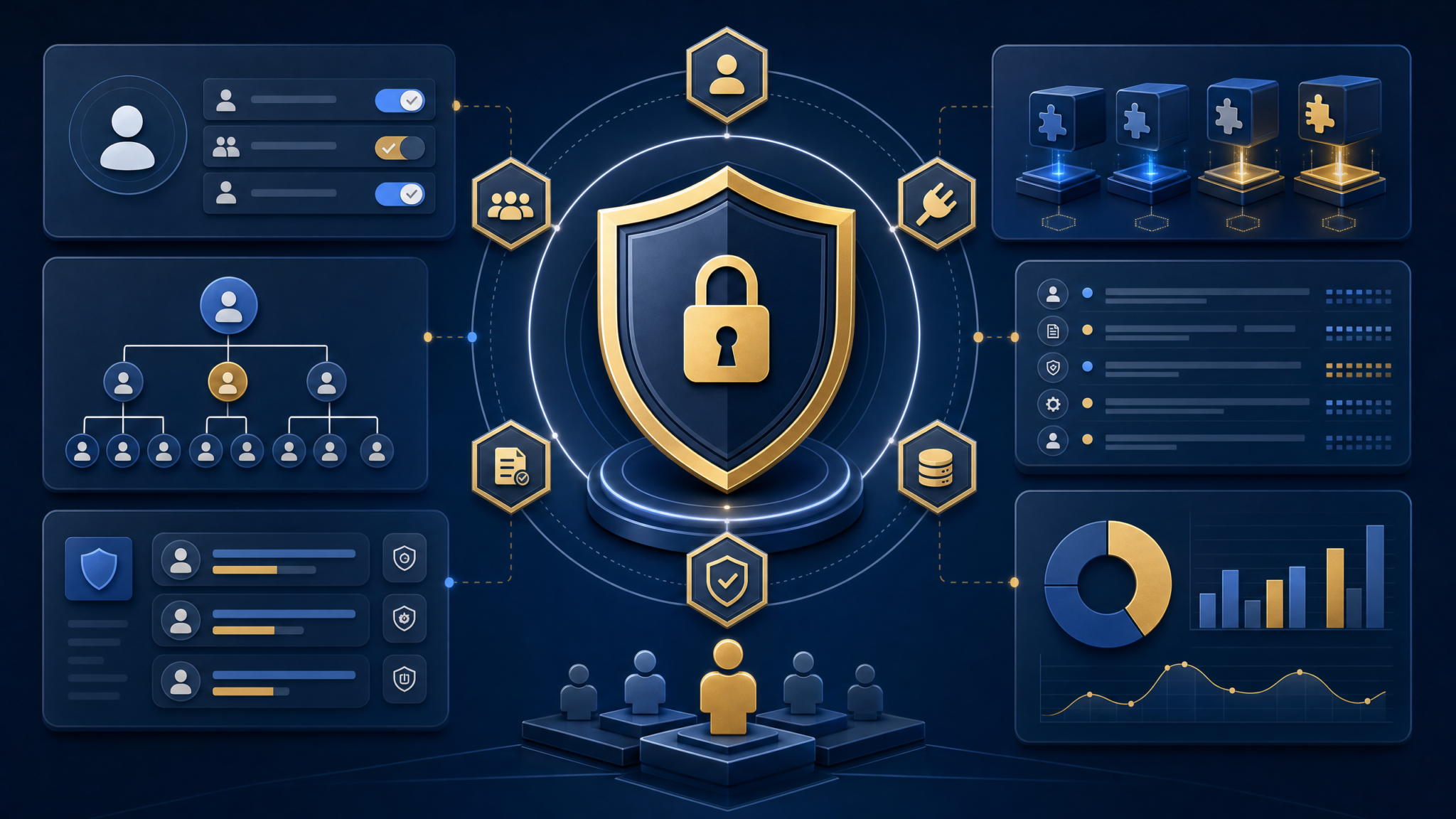
To illustrate practical application, let’s walk through a use case where a shared plugin automates code review suggestions based on internal guidelines.
Use Case Goals
- Analyze submitted code snippets for adherence to style guides and security best practices.
- Provide actionable feedback and remediation suggestions.
- Integrate with internal CI/CD pipelines and developer chat tools for seamless workflow.
Step-by-Step Implementation
| Step | Description | Technical Details |
|---|---|---|
| 1. Manifest Definition | Declare endpoints to receive code snippets and return review comments. |
|
| 2. Backend Implementation | Use static analysis tools and AI models to generate feedback. |
|
| 3. Deployment and Integration | Deploy backend with secure API key management. Integrate with CI/CD and chatops tools. | Use API gateways, secret vaults like HashiCorp Vault, and webhook listeners for automation. |
| 4. Registration and Access Control | Register plugin in Codex Plugin Registry with restricted access to development teams. | Enforce RBAC and monitor usage logs. |
Sample Prompt Using the Plugin
User Prompt:
"Please review the following Python function for security and style compliance."

Codex internally calls:
POST /review
{
  "code": "def process_payment(user_id, amount):\n    # insecure code\n    pass",
  "language": "python"
}

Response:
{
  "feedback": [
    "Avoid using pass without implementation.",
    "Ensure input sanitization on user_id and amount.",
    "Follow PEP8 naming conventions for function parameters."
  ]
}

Codex returns summarized suggestions to the user.
Future Directions and Innovations in Codex Shared Plugins
Looking ahead, we can anticipate several exciting trends shaping the Codex Shared Plugins ecosystem:
- AI-Native Plugin Development: Plugins that self-adapt and learn from usage patterns to improve suggestions through reinforcement learning and federated learning techniques.
- Cross-Platform Integrations: Seamless embedding into IDEs, code repositories, and collaboration platforms, enabling real-time code assistance and feedback loops.
- Enhanced Security Posture: Advanced runtime protections, zero-trust architectures, and compliance automation ensuring continuous adherence to corporate and regulatory standards.
- Marketplace Ecosystems: Broader plugin marketplaces enabling third-party and open-source contributions within enterprise governance frameworks, with vetting and certification processes.
- Low-Code/No-Code Plugin Builders: Democratizing plugin development by enabling non-developers to create and customize shared plugins through visual interfaces.
Embracing Codex Shared Plugins today positions your teams to lead in next-generation AI-assisted software development.
AI-Assisted Development Trends
Stay Ahead with ChatGPT AI Hub
Get exclusive tutorials, prompt libraries, and breaking AI news delivered to your inbox every week.
Summary
Codex Shared Plugins represent a powerful mechanism for enterprise teams to customize and extend AI coding capabilities securely and collaboratively. By understanding the architecture—from manifests to backend implementations—and adhering to governance and security best practices, organizations can unlock significant productivity gains and innovation. This guide, authored by Markos Symeonides, aimed to provide a thorough, technical roadmap for building, deploying, and managing shared Codex plugins in 2026 and beyond.
For developers and decision-makers alike, investing in Codex Shared Plugins is an investment in the future of intelligent, scalable, and secure software engineering.
