
Prompting Guide: How to Leverage GPT-5.5 Instant Memory Sources for Personalized AI Workflows
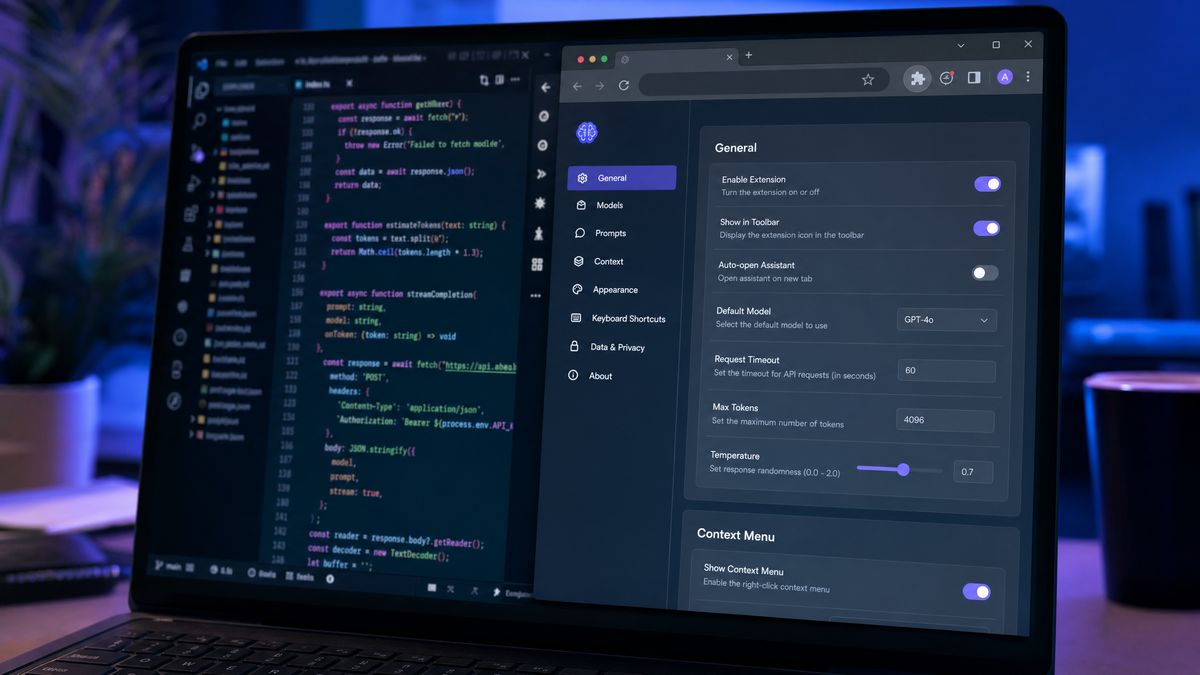
GPT-5.5 Instant introduces revolutionary Memory Sources, a transparency and personalization feature that fundamentally transforms how users interact with ChatGPT. By understanding how the model autonomously accesses and applies stored context—from past conversations, uploaded files, and connected services like Gmail—you can craft prompts that deliver dramatically more relevant, accurate, and personalized outputs. This comprehensive guide explores specific prompting strategies tailored to GPT-5.5 Instant’s advanced memory architecture, enabling you to optimize AI workflows across coding, communication, project management, and more.
Understanding GPT-5.5 Instant’s Memory Sources: Foundations of Personalized AI Interaction
GPT-5.5 Instant taps into four primary context sources when generating responses:
- Saved Memories: Explicit facts and preferences that you have confirmed and stored with the model.
- Conversation History: A searchable archive of all your past chat interactions, providing continuity and depth across sessions.
- Uploaded Files: Documents, spreadsheets, and other files shared during current or previous sessions, enriching contextual understanding.
- Connected Applications: Currently, GPT-5.5 Instant integrates with Gmail, enabling it to reference your email content for personalized responses.
Unlike previous ChatGPT versions that relied heavily on explicit prompt instructions, GPT-5.5 Instant autonomously decides when to pull from these context sources to enhance the relevance and accuracy of its outputs. This means you can write more concise prompts that lean on the model’s accumulated knowledge of your preferences, ongoing projects, and communication style. Understanding this context-access mechanism is critical for crafting effective prompts that leverage personalization without unnecessary repetition.
Building a Rich Memory Foundation: Establishing Your Personalized AI Profile
Before optimizing individual prompts, it’s essential to invest time in building a comprehensive memory foundation with GPT-5.5 Instant. This foundation acts as the backbone for all subsequent interactions and must be established thoughtfully to maximize AI personalization.
How to create a strong memory foundation:
- Start dedicated memory-setting conversations: Use explicit statements to inform ChatGPT about your role, expertise, projects, and preferences. For example, “Remember that I am a senior backend engineer specializing in Go and Python, and I prefer concise code examples without extensive comments.”
- Specify your communication style: Whether you prefer formal, casual, technical, or simplified language, make it clear so the AI can tailor its tone accordingly.
- Define ongoing projects and recurring tasks: Provide detailed context about your current workflows, deadlines, and collaborators to help the model anticipate your needs.
- Update your memory regularly: Schedule periodic refreshes to add new information or correct outdated data, ensuring the AI always works from accurate context.
This proactive memory-building approach means that GPT-5.5 Instant can automatically draw from your personalized profile in future sessions, reducing the need for repetitive context-setting and making your AI assistant feel like an intuitive extension of your workflow.
Pro Tip:
Use role-based framing combined with memory-setting prompts to enhance AI understanding. For example: “As my project manager assistant, keep track of all deadlines and team members’ responsibilities.” This guides GPT-5.5 Instant to apply relevant context with precision.
Leveraging Implicit Context Retrieval for Seamless Multi-Session Workflows
One of GPT-5.5 Instant’s most powerful capabilities is its ability to implicitly retrieve relevant context from your past conversations without explicit instructions. This unlocks natural, fluid multi-session workflows that save time and improve consistency.
Instead of restating all project details each time, craft your prompts to reference ongoing work naturally. For example:
- “Continue the database migration plan we discussed last week, focusing on the user authentication tables.”
- “Based on our previous brainstorming session, draft a product roadmap outline for Q3.”
- “Review the API design notes from our last conversation and suggest improvements for error handling.”
GPT-5.5 Instant searches your conversation history for relevant discussions and integrates that context into its response, producing outputs that feel coherent and well-informed. This eliminates the tedious repetition of context-setting that slowed down earlier models and supports sustained creative and technical collaboration across days or weeks.
For complex projects, consider using summary prompts at the end of each session to create searchable “project snapshots.” For example:
- “Summarize key decisions and open questions from today’s API redesign session.”
This summary becomes a memory anchor that the model can retrieve in future sessions, ensuring continuity and reducing cognitive load.
Optimizing Gmail-Connected Workflows: Personalized Email Assistance
GPT-5.5 Instant’s integration with Gmail significantly enhances its ability to support email-related workflows by accessing your inbox content and communication history. This capability opens up several practical prompting strategies:
- Drafting follow-up emails: “Draft a follow-up email to the client thread about the Q2 deliverables, maintaining the same tone I used in my last reply.” The model analyzes your previous messages in the thread, matching tone and style for a seamless continuation.
- Summarizing email conversations: “Summarize the key discussion points from my email exchanges with the engineering team this week and identify any unresolved action items.” This saves time by automating manual summarization.
- Scheduling and reminders: “Create a list of upcoming deadlines mentioned in recent emails and suggest reminders.”
- Personalized responses: “Reply to the vendor’s pricing inquiry with a polite but firm negotiation tone, reflecting my past communication style.”
This Gmail contextualization enables GPT-5.5 Instant to act as a smart assistant for managing your inbox, composing professional correspondence, and extracting actionable insights from email threads.
Auditing and Correcting Memory Sources: Ensuring Accuracy and Relevance
To maintain high-quality personalized responses, it’s crucial to regularly audit and correct your stored memories and context sources. GPT-5.5 Instant’s transparent Memory Sources panel shows exactly what context influenced each response, empowering you to refine your memory profile over time.
Best practices for memory auditing:
- Review Memory Sources after key interactions: When you notice a response referencing outdated or incorrect information, open the Memory Sources view and delete or update the stale entries.
- Use explicit memory-check prompts: Ask the model questions like “What do you currently remember about my preferences for code review?” to identify inaccuracies.
- Correct inaccuracies immediately: Provide updated information to overwrite incorrect memories, ensuring the personalization engine stays current.
- Manage uploaded files: Remove or replace files that are no longer relevant or contain superseded data.
Proactive memory maintenance prevents the accumulation of outdated context that can degrade response quality and ensures your AI assistant remains an accurate, trusted collaborator.
Controlling When Personalization Applies: Balancing Objectivity and Customization
While personalization enhances relevance, there are times when you need objective, unbiased information. GPT-5.5 Instant allows you to explicitly control whether personal context should influence a response.
When to disable personalization:
- Researching neutral product comparisons, e.g., “Without referencing my previous preferences or project context, provide a neutral comparison of PostgreSQL and MongoDB for time-series data.”
- Seeking external facts or general knowledge where personal context may bias results.
When to maximize personalization:
- Requesting tailored recommendations, e.g., “Based on everything you know about my tech stack and team size, recommend the deployment strategy that best fits our constraints.”
- Asking for communications or content aligned with your established style and preferences.
This explicit control prevents inappropriate bias and ensures you receive the right balance of customized and neutral information depending on your needs.
Maintaining Multi-Session Project Continuity: Seamless Long-Term Collaboration
GPT-5.5 Instant excels at sustaining project continuity over multiple sessions when you apply the right prompting techniques. To keep workflows fluid and continuous:
- End each session with a summary prompt: “Summarize the decisions we made today about the API redesign and note the open questions for next time.” This creates a concise reference point in your conversation history.
- Resume work by referencing project names or topics: “Let’s continue the API redesign project.” This triggers GPT-5.5 Instant to retrieve relevant stored context.
- Use explicit checkpoint prompts: “Save this version of the project plan as the latest draft.” This helps the model prioritize the most current information.
By developing this habit, your AI assistant will function like a knowledgeable colleague who never forgets previous discussions, dramatically increasing productivity and reducing onboarding time for complex projects.
The memory-aware prompting strategies outlined here build upon foundational prompting principles validated through extensive real-world testing. For a deeper dive into effective prompt construction, including chain-of-thought reasoning, role-based framing, and iterative refinement, explore our detailed analysis of AI prompting techniques that actually work in 2026.
Useful Links
- Comprehensive Overview of GPT-5 Features
- Top Tips for Personalizing AI Workflows
- How to Connect Gmail for Advanced AI Assistance
Summary and Next Steps
By mastering GPT-5.5 Instant’s Memory Sources and leveraging the prompting strategies shared in this guide, you can unlock highly personalized, efficient, and contextually aware AI workflows. Whether you’re a developer, project manager, content creator, or business professional, these techniques enable you to reduce repetitive inputs, maintain project continuity, and harness AI as a truly collaborative partner.
Start today by building your AI memory foundation, experimenting with implicit context retrieval, and integrating your Gmail for richer, personalized interactions. Regularly audit your memory profile to keep it accurate, and learn to toggle personalization on or off depending on your task. These habits will ensure GPT-5.5 Instant works optimally for your unique needs.
