
TL;DR — Key Takeaways
- What it is: A practical 30-page playbook that organizes 60 AI workflow ideas for non-technical leaders.
- What it helps with: Reusable patterns for meetings, planning, research, communication, operations, and decision support.
- How to use it: Start with one recurring task, keep human review in the loop, then expand only when the output is reliable.
- What to protect: Sensitive data, high-impact decisions, and the judgment that belongs to your team.
Start with the Work, Not the Tool
Many leaders have tried ChatGPT, Claude, or Gemini once or twice, obtained a plausible answer, and then returned to the familiar way of working. That is understandable. A generic prompt produces a generic result, and a generic result rarely changes a calendar. The useful shift is to begin with a recurring piece of work: preparing for an important meeting, turning a transcript into an action list, comparing options for a decision, or drafting the first version of a leadership update.
A workflow is more than a prompt. It has a defined input, a repeatable instruction, an expected output, an owner who checks the result, and a place in an existing business rhythm. That design makes it possible to learn where AI is genuinely helpful and where a human must remain accountable. It also keeps a team from collecting dozens of clever prompts that never become part of the work.
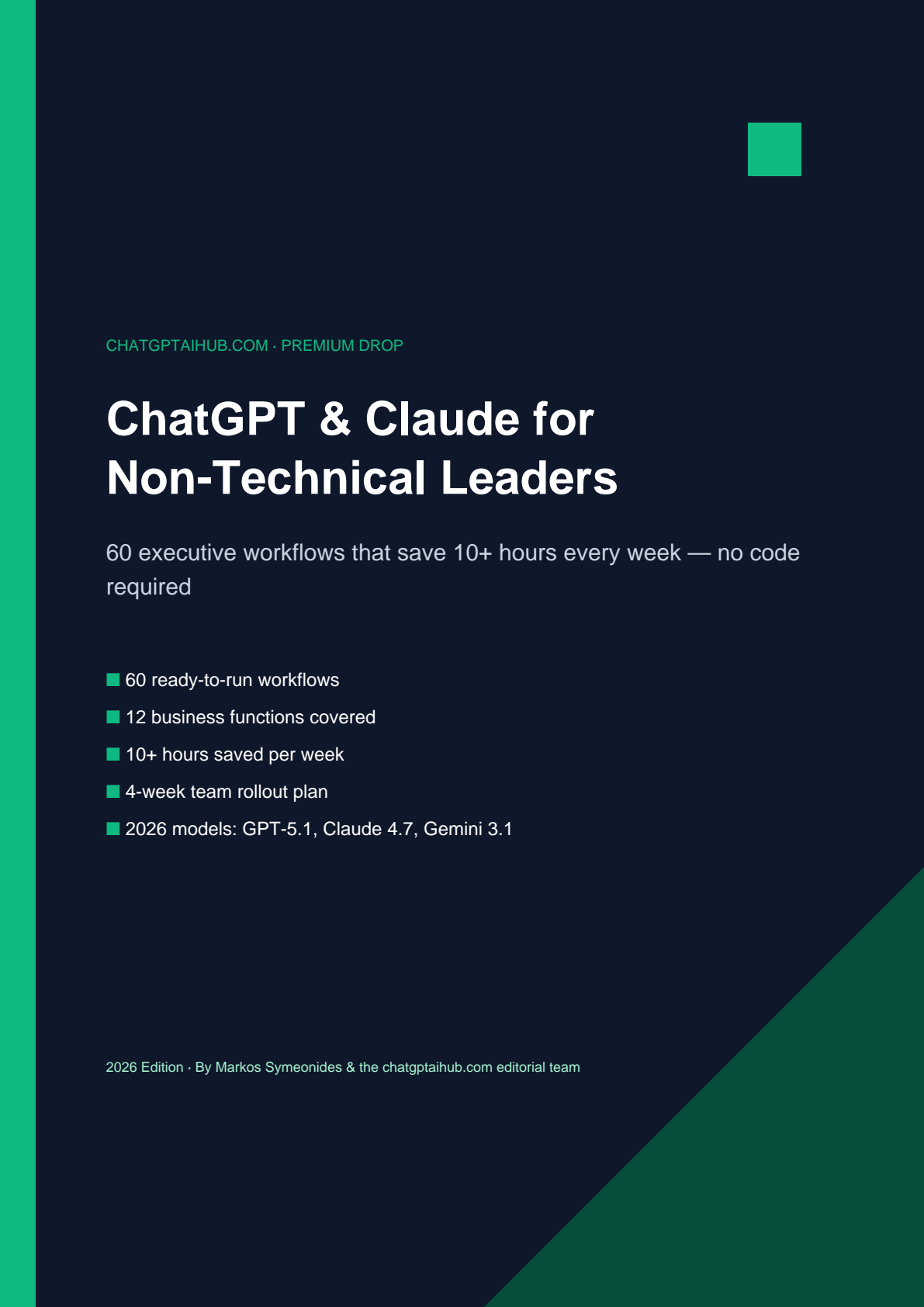
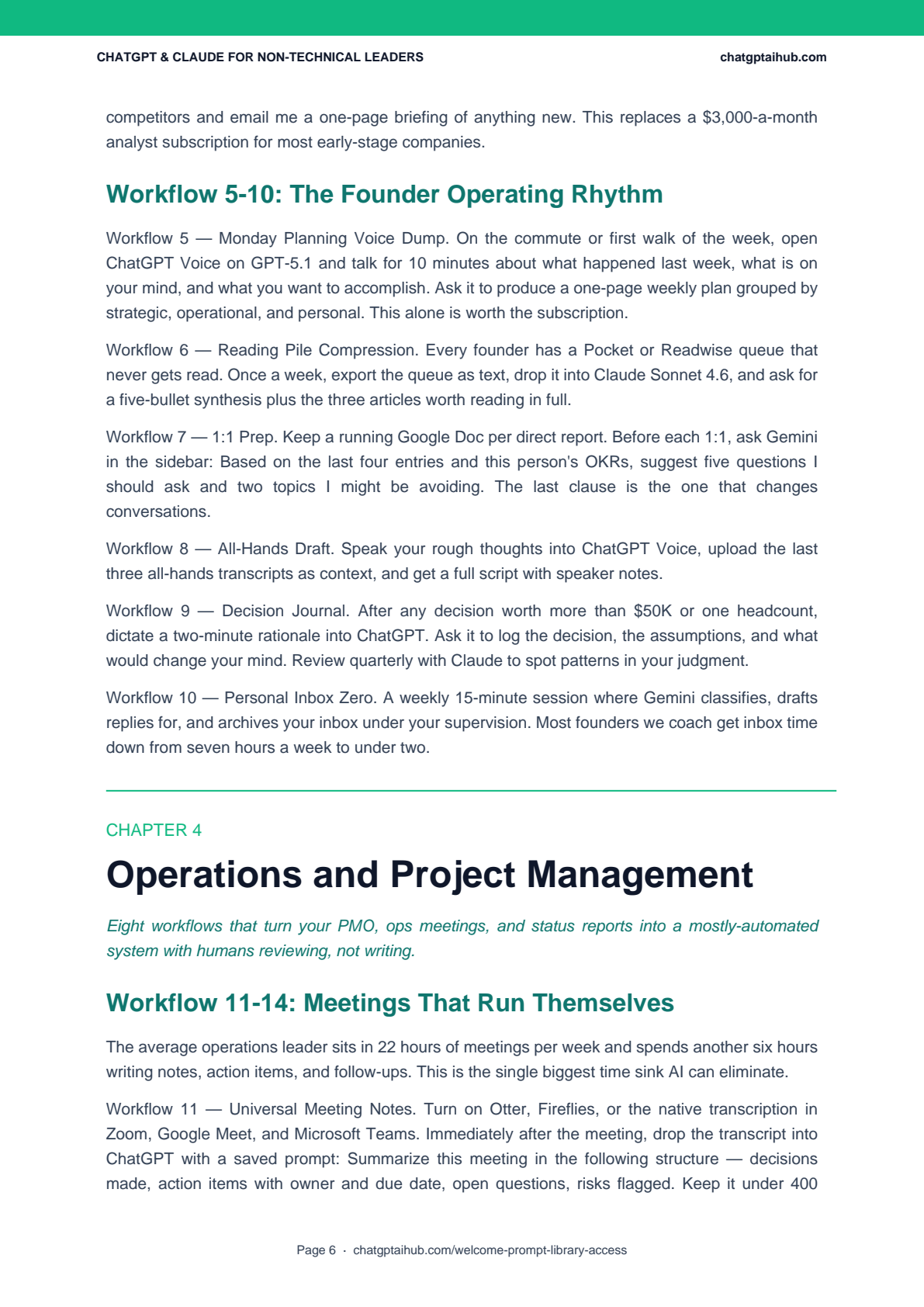
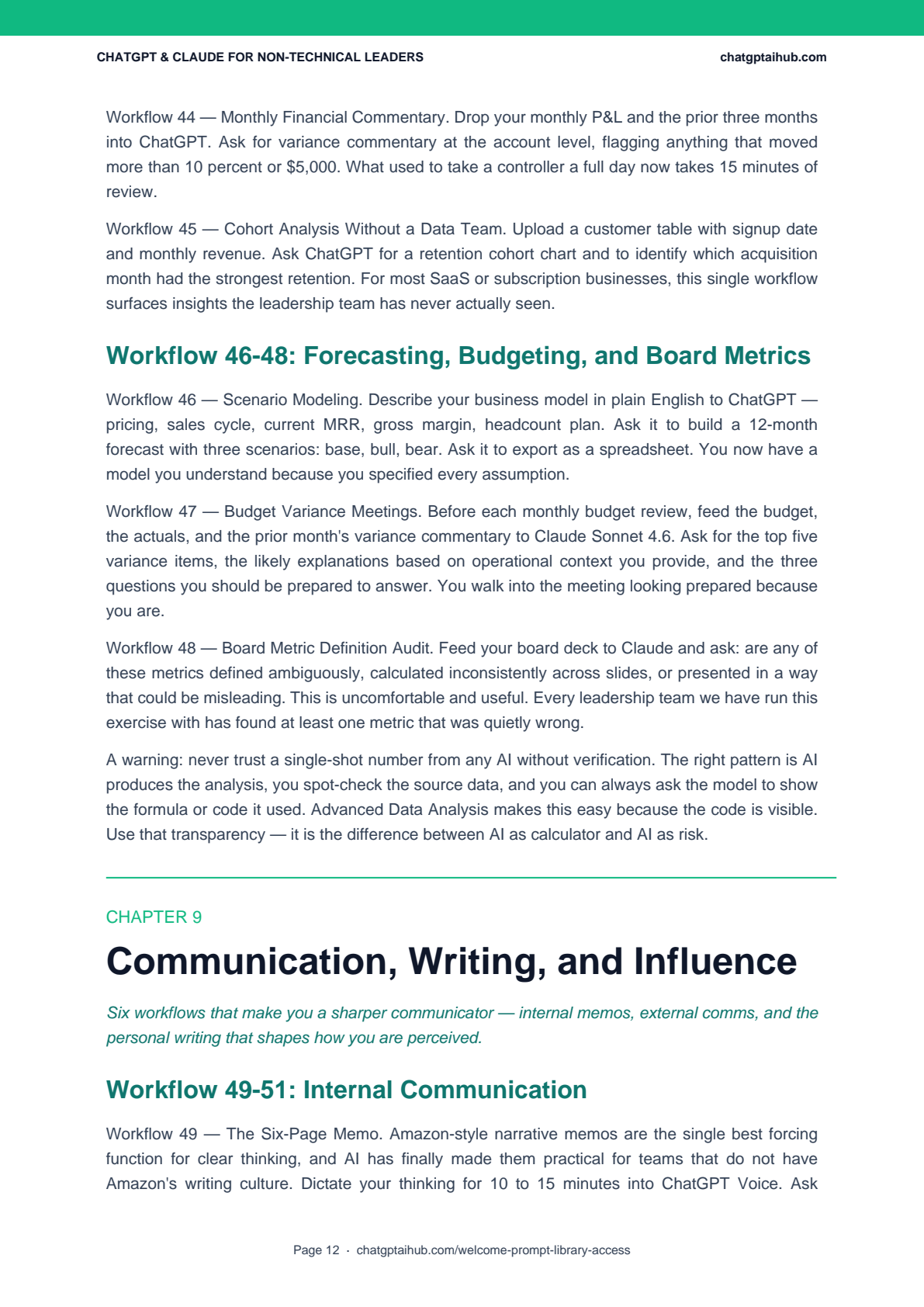
ChatGPT & Claude for Non-Technical Business Leaders is a 30-page playbook built around that principle. It presents 60 workflow ideas for managers, directors, founders, and operations leaders who want to use general-purpose AI without needing to write code or rebuild every system. The goal is not to automate judgment away. It is to create a dependable first draft, a sharper briefing, or a cleaner handoff so that people can spend more time on decisions, relationships, and review.
The most reliable starting point is modest: choose one repetitive task you already perform each week, define what a good output looks like, test it with non-sensitive material, and compare the result with your current method. If it is useful, document the pattern. If it is not, change the workflow rather than forcing a tool into a task that still needs expert judgment.
What the 30-Page Playbook Covers
The playbook is arranged by the decisions and deliverables that leaders encounter, not by model release or technical feature. That keeps the material useful even as individual product names, usage limits, and plan details change. Readers can begin with the part of the role that creates the most friction, then add a new workflow only after the previous one is producing consistent, reviewable work.
| Area | Practical workflow themes |
|---|---|
| Leadership | Board-update outlines, decision briefs, scenario questions, and stakeholder communications. |
| Operations | Meeting follow-up, action registers, SOP drafts, project risks, and weekly planning. |
| Revenue and marketing | Account research, discovery preparation, campaign angles, and evidence-led message drafts. |
| People and finance | Interview preparation, policy summaries, management questions, and plain-language data exploration with review. |
| Communication and learning | Memo structures, difficult-message drafts, research synthesis, pre-mortems, and personal reviews. |
There is also a section on guardrails and a four-week introduction plan. These are important because a useful workflow needs a clear boundary: what source material may be used, who validates the output, when the result can be shared, and when the work should stop and go to an expert instead. This is especially important when a task touches customers, employees, regulated data, contracts, or financial decisions.
For more role-specific ideas, see our ChatGPT prompts for startup founders, our project-manager prompt guide, and our ChatGPT productivity playbook. Each can help a team turn a general workflow into a role-specific starting point.
Four Workflows You Can Adapt This Week
The examples below are deliberately framed as starting patterns rather than promises. Use source material that your organization is allowed to process, ask the model to cite or flag uncertainty where appropriate, and review before the output becomes a decision, commitment, or record.
1. Convert a meeting transcript into an accountable follow-up
After a meeting, provide an approved transcript or notes and ask for a structured draft with four sections: decisions, actions, open questions, and risks. Require an owner and a due date only when they are stated in the source. Add the instruction, “Do not invent commitments; mark anything ambiguous as a question.” A manager then compares the draft with the meeting, assigns missing owners, and sends the final version. This is faster than producing notes from scratch, while retaining the human check that prevents false certainty.
2. Prepare an account or stakeholder brief from approved sources
Before a sales, partner, or executive meeting, collect a small set of approved materials: the company website, recent public announcements, a prior meeting summary, and the account owner’s notes. Ask for a one-page briefing with a factual snapshot, likely priorities, questions to ask, and assumptions that need validation. The key control is provenance. Separate material that comes from the organization’s own notes from public facts, and never present an inferred motive as a verified fact. The final brief should make the meeting owner better prepared, not encourage them to rely on a model’s guesswork.

3. Interrogate a spreadsheet without outsourcing the conclusion
For an approved, non-sensitive dataset, ask a tool to describe the columns, identify quality issues, propose a short list of questions, and show the calculation or code it used. Examples include customer concentration, month-over-month changes, or a simple cohort comparison. The finance or operations owner should validate the source, definitions, filters, and arithmetic before the result is used in a report. This workflow can make a data conversation more accessible, but it does not eliminate the need for a responsible analyst or owner.
4. Run a decision pre-mortem
Before a consequential decision, describe the intended outcome, assumptions, known constraints, and evidence. Ask the model to imagine that the initiative failed and list plausible failure modes, early warning signals, counter-evidence, and questions for the team. Then hold a short human discussion: which risks are credible, what evidence would change the decision, and who owns the next check? A pre-mortem is most helpful when it surfaces questions that a busy team may otherwise avoid; it is not a substitute for legal, financial, security, or domain advice.
Turn each workflow into a reusable brief
A repeatable AI workflow becomes more useful when its instructions are treated like a short operating brief rather than a one-off chat. The brief does not need to be complicated. It should explain the role the assistant is playing, the business context, the permitted source material, the output structure, the standard of evidence, and the reviewer who will accept or reject the result. The point is to remove guesswork without pretending that a model understands unstated company rules.
For example, a weekly operating update can begin with a tightly bounded source pack: the approved metrics, the prior week’s update, a list of completed actions, named risks, and unresolved questions. Ask for a draft with a fixed format such as “signals, decisions needed, risks, and next actions.” State that every numerical statement must come from the provided data and that missing information must be labelled rather than inferred. A leader then verifies the numbers, changes the prioritization if needed, and owns the final message.
This pattern has three benefits. First, it makes quality easier to review because the expected structure is explicit. Second, it makes onboarding easier because a new team member can use the same source list and acceptance criteria. Third, it creates a record of the workflow’s boundaries: what it is intended to do and what it is not allowed to do. A useful instruction might include a simple stop rule such as, “If the source is incomplete, if a claim cannot be traced, or if the task affects a person’s rights, return questions for the reviewer instead of generating a recommendation.”
Keep the first version short. A good brief for a meeting follow-up or a decision memo may be only a few paragraphs plus an output template. After several real uses, improve it with the failure modes that matter: unclear owners, untraceable facts, missing caveats, inconsistent terminology, or a tone that does not fit the audience. This is why a workflow library should be maintained like any other operating asset. It needs an owner, version notes, examples, and an occasional review—not just an attractive prompt saved in a private chat.
Measure value before you scale it
Speed is a useful measure, but it is not enough. A workflow that creates a draft in two minutes but requires thirty minutes of correction has not improved the work. Before scaling a pattern beyond a small pilot, define a compact scorecard that the team can actually use. Typical measures include time to a reviewable first draft, percentage of outputs accepted with minor edits, number of factual corrections, missed requirements, reviewer confidence, and whether the workflow reduced or increased handoffs.
Use a small sample of real tasks rather than an ideal demonstration. Compare the AI-assisted approach with the baseline process. If the team previously spent forty minutes turning notes into an action register, record the end-to-end time: input preparation, generation, verification, and distribution. Track where a reviewer had to correct invented facts or add omitted context. In many cases, the best result is not full automation; it is a more reliable first pass that lets a skilled person focus on the exceptions and decisions.
Scaling should also have a clear boundary. Expand a workflow when the same class of task has a consistent input, a defined reviewer, and a low enough consequence for the remaining error rate. Pause it when data classification is uncertain, when a stakeholder needs an explanation the tool cannot support, or when the output is beginning to influence a sensitive decision. The team should be able to explain, in plain language, why the workflow is allowed, what it may access, and who is accountable for the result.
Finally, make room for negative findings. A pilot that reveals that an activity is too ambiguous, too sensitive, or too dependent on tacit knowledge is still useful. It prevents a wider deployment from converting hidden judgment into an opaque process. The goal is not to show that every task can be automated. The goal is to learn which tasks benefit from careful assistance and which tasks need a human expert from start to finish.
Choose the Work Environment That Fits the Task
There is no universally “best” assistant. The more useful question is whether a product fits the work, the data controls, and the team’s existing environment. Start with the capabilities and safeguards that are actually available in your organization’s current plan, then decide whether the task needs a conversational assistant, document work, connected office files, or a governed enterprise deployment.
ChatGPT Business
OpenAI describes ChatGPT Business as a shared workspace with centralized administration, user and access controls, usage visibility, and seat management. Its current standard seats are listed at US$25 per user per month on monthly billing or US$20 per user per month on annual billing; organizations should confirm their regional price and included limits directly with OpenAI’s pricing page before budgeting. OpenAI also states that it does not train on a Business workspace’s data. That can make it a useful option when a team needs a centrally administered shared environment, subject to the organization’s own data policy and review process.
Claude plans and enterprise controls
Anthropic’s plans and product limits change over time, so it is safer to use its current pricing page rather than a static comparison chart. The page describes individual plans and an Enterprise offering with advanced administration, including SCIM, audit logs, role-based access, and custom data retention controls. For long documents or careful drafting, the decision should not be based only on a model name. Establish the source material, reviewer, retention policy, and approval process first.
Gemini in Google Workspace
When approved information already lives in Gmail, Docs, Sheets, Meet, or Drive, staying in the existing workspace may reduce unnecessary copy-and-paste. Google says its Workspace AI tools are built into those products and that organization data is not used to train models or for ads; it also documents access and data-loss-prevention controls. Read the Google Workspace AI overview and your organization’s administration settings before enabling connected workflows. The governing rule remains the same: only use data that the organization has approved for that environment.

Introduce AI Responsibly
Practical adoption is a management discipline, not just a software rollout. Before a workflow is shared, name the business owner, the expected benefit, the information classification, the required human review, and the condition that means the workflow should not be used. A simple register of approved workflows can prevent ad hoc experiments from quietly becoming business processes without oversight.
The NIST AI Risk Management Framework is a useful voluntary reference for organizing that discussion. NIST describes the framework as a way to incorporate trustworthiness considerations into the design, development, use, and evaluation of AI systems, and its Generative AI Profile addresses risks that can be unique to or exacerbated by generative AI. For a business team, the practical version is straightforward: identify the risk, decide what evidence is needed, preserve appropriate review, and improve the workflow when it fails.
Teams with EU-facing operations should also understand the applicable legal context. The European Commission states that the EU AI Act’s transparency rules came into effect in August 2026, while rules for certain high-risk systems have later application dates. The details depend on the use case and jurisdiction, so this article is not legal advice; consult the European Commission’s AI Act guidance and qualified counsel for high-impact deployments. In practical terms, avoid treating an AI output as a final employment, credit, legal, health, or security decision.
- Protect the input: Do not paste credentials, customer records, confidential strategy, or regulated data into an unapproved environment.
- Protect the decision: Keep an accountable person responsible for the result, particularly where people, money, or rights are affected.
- Protect the record: Keep the source material and review trail appropriate to the task, rather than relying on a polished output alone.
- Protect the user: Teach the team how to recognize uncertainty, fabricated citations, incomplete context, and biased framing.

A Four-Week Introduction Plan
A small, measured introduction is more valuable than a broad mandate. The playbook’s rollout section uses a four-week sequence that gives the team time to test outputs, find failure modes, and write down what works. It also gives leaders a way to distinguish real improvements from a short-lived burst of novelty.
- Week 1 — Choose and baseline. Select one low-risk, recurring task per participant. Record how long it usually takes, what a good outcome looks like, and which inputs are approved. Do not begin with confidential or high-impact decisions.
- Week 2 — Prototype and review. Run the workflow several times. Compare the draft with the existing process, ask reviewers to identify omissions or invented details, and refine the instructions. Keep the task small enough that errors are inexpensive.
- Week 3 — Document the repeatable version. Write a short operating note: intended use, required source material, prompt pattern, reviewer, red flags, and retention expectations. Add examples of both acceptable and unacceptable output.
- Week 4 — Decide whether to scale. Review evidence rather than anecdotes. Did the workflow improve speed, clarity, quality, or consistency? Did it introduce a risk the team cannot control? Keep, revise, pause, or expand based on that decision.
This approach gives leaders a clear answer to the question that matters most: “Where should we use AI next?” The answer should come from a workflow that has earned trust, not from a vendor feature list. If a team needs more task-specific ideas, our HR prompt guide and multi-step workflow guide offer additional starting points; apply the same privacy and review controls before adapting them.

Who This Playbook Is For
This guide is for directors, VPs, founders, managers, operations leads, and other non-technical decision makers who want concrete patterns for using AI in everyday work. It is particularly useful for people who do not want to become prompt engineers, but do want a disciplined way to improve recurring work and make better use of their team’s time.
It is not a replacement for technical architecture guidance, legal counsel, financial controls, cybersecurity expertise, or specialist domain judgment. It is also not a promise that every workflow will save the same amount of time for every team. The value comes from choosing a legitimate task, providing useful context, checking the answer, and retaining only the patterns that meet a real standard of quality.
If your goal is to create a personal operating system for better preparation, clearer communication, and more deliberate review, the 60 workflow ideas provide a practical menu. Start with the one that addresses the most persistent source of friction in your week.
Get the Full Playbook
The complete playbook brings together the workflow patterns, prompt structures, adoption sequence, and safeguards discussed here. It is available through the ChatGPT AI Hub subscriber library. Begin with one or two relevant chapters, run a low-risk pilot, and keep the parts that improve the quality of work for your team.
Before sharing a workflow widely, check that it uses the right environment, the right inputs, and an explicit human reviewer. A short, repeatable process that the team trusts is more valuable than a large collection of untested prompts.

Useful Links
- OpenAI: ChatGPT Business overview — current seat, administration, privacy, and billing information.
- Anthropic: Claude plans and pricing — current plan and enterprise-control details.
- Google Workspace AI — Gemini capabilities, privacy, and enterprise controls in Workspace.
- NIST AI Risk Management Framework — voluntary resources for managing AI risk.
- European Commission: EU AI Act — official overview and implementation timeline.
Frequently Asked Questions
What is inside the playbook?
The playbook organizes 60 workflow ideas across leadership, operations, revenue, people, finance, communication, and personal productivity. It also includes prompt patterns, safeguards, and a four-week team introduction sequence.
Do I need to code?
No. The material is designed for people using standard AI interfaces. The important skills are choosing an appropriate task, giving clear context, checking the output, and knowing when to seek an expert instead.
Which AI subscription should a team choose?
Choose based on the team’s data controls, administration requirements, existing work environment, and expected work—not a static model ranking. Confirm current plan features and pricing with the vendor before making a purchasing decision.
Can AI make an employment, legal, financial, or security decision for us?
No. It can assist with preparation, questions, and drafts, but consequential decisions need accountable human ownership and appropriate specialist review. Apply your organization’s policies and the law that governs your use case.
What is the best first workflow to test?
Choose a recurring, low-risk task with a clear definition of a good result, such as turning approved meeting notes into a draft action list. Measure the baseline, review every output, and expand only if it is consistently useful.
