
Claude Code vs OpenAI Codex CLI in 2026: Performance, Pricing, and Workflow Comparison

⚡ The Brief
- What it is: A head-to-head comparison of Claude Code and OpenAI Codex CLI in 2026 — performance, pricing, workflow integration, and when to pick each.
- Who it’s for: Developers and engineering teams choosing their primary AI coding CLI for 2026.
- Claude Code wins on: Agent quality, multi-file refactors, long-context reasoning.
- Codex CLI wins on: Ecosystem, integrations, speed, broader language coverage.
- Bottom line: Use Claude Code for bigger autonomous tasks, Codex CLI for faster interactive work. Many teams run both.
✓ Instant access✓ No spam✓ Unsubscribe anytime
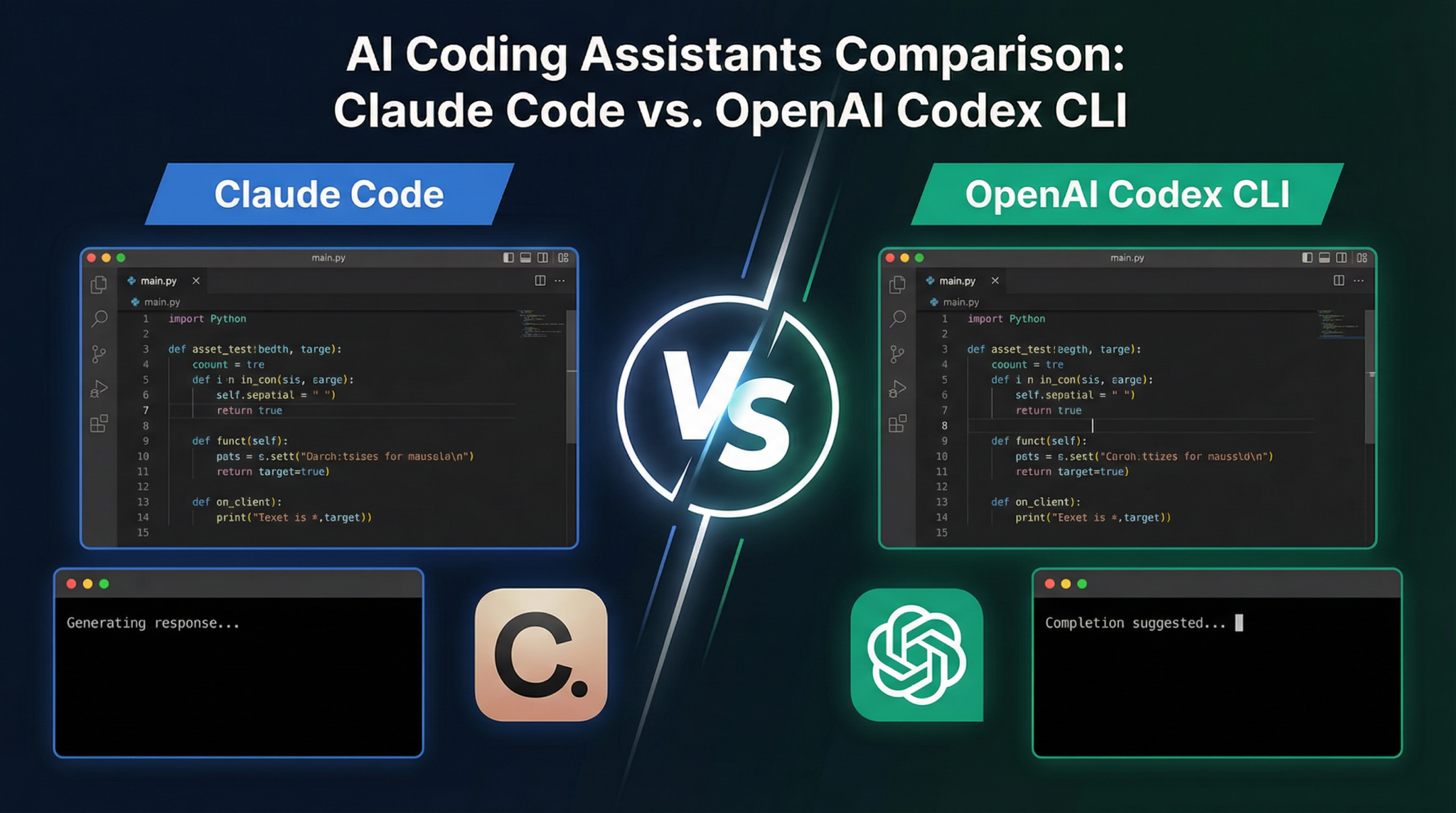
As AI-assisted coding continues to evolve, developers in 2026 face two dominant tools for code generation and automation: Claude Code and OpenAI Codex CLI. Both represent the cutting edge of AI programming assistants but differ significantly in aspects such as performance, token consumption, pricing models, workflow integration, and cross-platform plugin support. This detailed guide explores these differences, providing a thorough comparison to help you choose the right tool for your projects.
Performance Benchmarks: Speed, Accuracy, and Reliability
When evaluating AI coding assistants, performance benchmarks are crucial. Claude Code and OpenAI Codex CLI have been extensively tested across various coding tasks, from generating boilerplate code to complex algorithmic solutions.
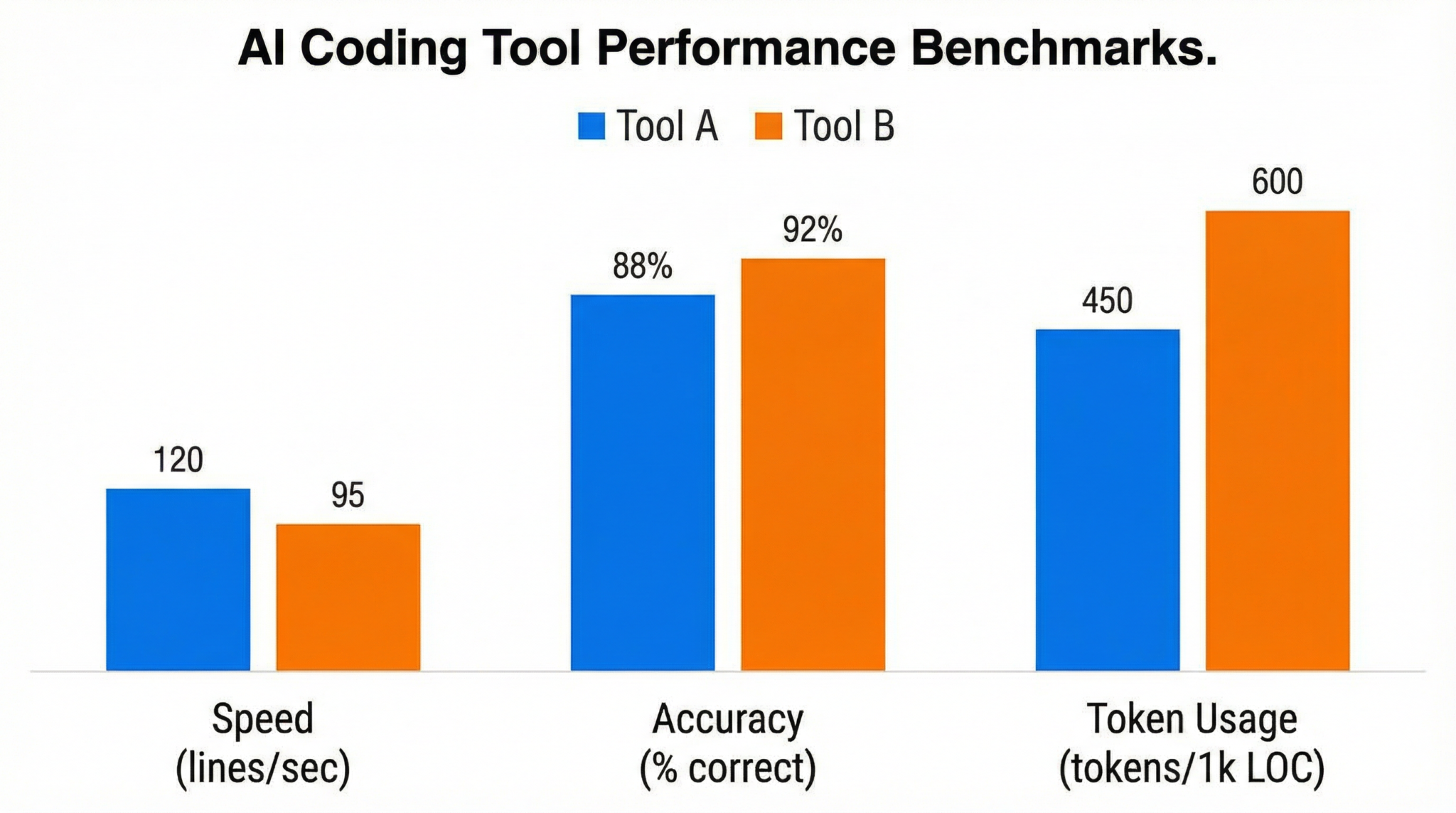
Claude Code leverages the advanced Claude 3 architecture, known for its strong contextual understanding and nuanced code generation. However, this comes with a trade-off: Claude Code consumes approximately three times more tokens per API call compared to Codex. Despite higher token usage, Claude Code excels in producing cleaner, more maintainable code snippets, especially in languages such as Python, JavaScript, and Go.
On the other hand, OpenAI Codex CLI remains a highly efficient tool with optimized token usage and impressive speed. Codex CLI’s streamlined architecture allows for faster response times, which is critical in rapid prototyping and iterative development environments. Accuracy-wise, Codex matches Claude Code closely in common programming languages but may occasionally falter in generating highly specialized or domain-specific code.
Benchmark tests indicate that for general-purpose coding, Codex CLI completes tasks about 20% faster, while Claude Code tends to deliver more contextually relevant and error-free code blocks in complex scenarios. The higher token consumption of Claude Code means that users must weigh quality against operational cost.
Token Consumption and Pricing Models
Token consumption directly impacts pricing, especially for users working on large-scale projects or integrating AI assistants into continuous integration pipelines. Claude Code’s token usage is roughly three times that of Codex CLI, and this discrepancy significantly affects overall cost.
Claude Code Pricing: Claude Code operates on a tiered subscription model combined with pay-as-you-go billing. Given its higher token consumption, the per-token price is slightly discounted to offset costs, but heavy users may find monthly expenses rising quickly. Enterprises benefit from volume discounts and customized plans that include priority support and SLAs.
OpenAI Codex CLI Pricing: Codex CLI offers a more granular pricing model, with a lower per-token cost and no minimum subscription requirement. This approach suits freelancers and startups with constrained budgets. Codex’s efficient token usage means that, for comparable output volume, Codex CLI generally results in lower bills.
Choosing between Claude Code and Codex CLI from a pricing standpoint depends on usage patterns. If your projects require complex, context-aware code generation that benefits from Claude’s advanced model, the higher cost may be justified. However, for fast, cost-effective coding tasks, Codex CLI remains the economical choice.
Workflow Integration and Developer Experience
Both tools are designed with developer productivity in mind but differ in how they integrate into existing workflows.
Claude Code offers deep integration with popular IDEs such as VS Code, JetBrains suite, and cloud-based environments like GitHub Codespaces. Its workflow features include contextual code suggestions, inline documentation generation, and AI-powered debugging assistance. Developers praise Claude Code for its intelligent understanding of project context, which reduces the need for manual prompt engineering.
In contrast, OpenAI Codex CLI shines in command-line environments, enabling seamless scripting and automation. Codex CLI’s lightweight interface fits naturally into shell workflows, making it ideal for developers who prefer terminal-based coding or need to embed AI assistance into custom scripts and CI/CD pipelines. Its straightforward CLI commands simplify batch code generation and refactoring tasks.
Both tools support API access for custom integrations, but Claude Code’s SDKs provide richer abstractions and helper libraries, catering to developers seeking a more guided experience. Codex CLI’s minimalist design emphasizes flexibility and speed.
The broader implications of these developments are examined in detail in Mastering ChatGPT Prompts in 2026: The Practitioner’s Framework for Structured, High-Impact Prompting, where we analyze the technical foundations, compare alternative approaches, and outline actionable next steps for professionals adopting these tools.
Cross-Platform Plugin Support
Cross-platform compatibility is essential for teams working across different operating systems and development environments.
Claude Code supports plugins across Windows, macOS, and Linux, with extensions available for nearly all major IDEs and editors. Its plugin architecture allows for customization, enabling users to tailor AI suggestions to specific frameworks or coding standards. Additionally, Claude Code integrates with version control systems to provide commit message generation and code review assistance.
OpenAI Codex CLI offers native support on all major platforms with minimal dependencies, making it straightforward to install and update. Its plugin ecosystem is growing, focusing initially on CLI tools, shell scripting, and lightweight editors like Vim and Emacs. Codex CLI also supports integration with containerized development environments, enhancing reproducibility and portability.
Both tools continue to expand their cross-platform capabilities, but Claude Code’s broader plugin ecosystem currently provides a more seamless experience for developers working in GUI-driven IDEs, whereas Codex CLI caters to users who prioritize terminal-centric workflows.
When to Use Claude Code and When to Opt for OpenAI Codex CLI
Choosing between Claude Code and OpenAI Codex CLI depends largely on your specific needs and priorities. Here are key scenarios to consider:
- Use Claude Code if: You require advanced contextual understanding for complex codebases, prefer rich IDE integrations, and prioritize code quality over cost. Claude Code excels in collaborative environments where maintainability and intelligent debugging assistance matter.
- Use OpenAI Codex CLI if: You need a fast, cost-effective AI assistant for rapid prototyping, scripting, or automation tasks within terminal-driven workflows. Codex CLI is ideal for developers comfortable with command-line interfaces and those working in resource-constrained settings.
In many cases, developers benefit from hybrid approaches, leveraging both tools in tandem depending on project stage and task complexity. For instance, using Codex CLI for initial scaffolding and Claude Code for in-depth code refinement can optimize productivity and cost efficiency.
The broader implications of these developments are examined in detail in ChatGPTAIHub Free AI Tools, where we analyze the technical foundations, compare alternative approaches, and outline actionable next steps for professionals adopting these tools.

Conclusion
The 2026 landscape of AI coding assistants presents compelling options in Claude Code and OpenAI Codex CLI. While Claude Code leads with advanced contextual intelligence and rich IDE support, OpenAI Codex CLI offers speed, affordability, and command-line flexibility. Understanding the nuances of performance, token consumption, pricing, workflow integration, and plugin support ensures developers make informed choices aligned with their projects’ unique demands.
By carefully evaluating these factors and considering your development environment and budget, you can harness the power of AI to boost coding productivity and innovation in 2026 and beyond.
Access 40,000+ AI Prompts for ChatGPT, Claude & Codex — Free!
Subscribe to get instant access to our complete Notion Prompt Library — the largest curated collection of prompts for ChatGPT, Claude, OpenAI Codex, and other leading AI models. Optimized for real-world workflows across coding, research, content creation, and business.
Access Free Prompt LibraryFrequently Asked Questions
Claude Code vs OpenAI Codex CLI — which is better?
For raw agent quality on complex multi-file tasks, Claude Code wins. For broad ecosystem integration and faster interactive edits, Codex CLI wins. Most serious teams end up using both — Codex CLI for daily interactive work, Claude Code for larger autonomous refactors and agent tasks.
How much do they cost?
Claude Code is included in Claude Pro ($20/mo) and Claude Max ($100–200/mo), with API pricing at $15/$75 per million input/output tokens. Codex CLI requires ChatGPT Pro ($100/mo) or Codex API access with similar per-token pricing (~$10/$40 per million tokens on GPT-5.3).
Which is faster?
Codex CLI is generally faster for single-shot interactive commands. Claude Code is slower per step but produces higher-quality output for complex tasks, often finishing the job in fewer total steps. Net speed depends heavily on task type.
Which handles larger codebases better?
Claude Code, thanks to Opus 4.7's 1M-token context and strong long-context reasoning. It can hold significant portions of a monorepo in context and reason about cross-file changes without losing track. Codex CLI with GPT-5.3 has 512K context — strong but not as deep.
Can I use Claude Code and Codex CLI together?
Yes, and many teams do. They're both command-line tools that work in the same shell. A common pattern: Codex CLI for quick edits and autocomplete-like tasks, Claude Code for autonomous multi-step work (refactor this service, implement this feature from the spec, etc.).
Which is better for beginners?
Codex CLI has a slightly gentler learning curve and more documentation. Claude Code's workflow rewards users who understand agentic patterns (tasks, plans, verification steps). If you're new to AI coding CLIs, start with Codex CLI, then add Claude Code once you're comfortable.
🕐 Instant∞ Unlimited🎁 Free
