

⚡ The Brief
- What it is: A setup tutorial for OpenAI Codex Triggers — the event-driven automation system that runs Codex tasks on schedule, on git push, or on webhook.
- Who it’s for: DevOps engineers, platform teams, and developers building AI-driven CI/CD and automation workflows.
- What you’ll build: A working Codex trigger that runs on every push to main, auto-reviews the diff, and posts results to Slack.
- Requirements: Codex API access (Tier 2+), a GitHub repo, and 20 minutes of setup.
- Bottom line: Triggers are the difference between Codex as an IDE helper and Codex as a full team member that runs 24/7.
✓ Instant access✓ No spam✓ Unsubscribe anytime
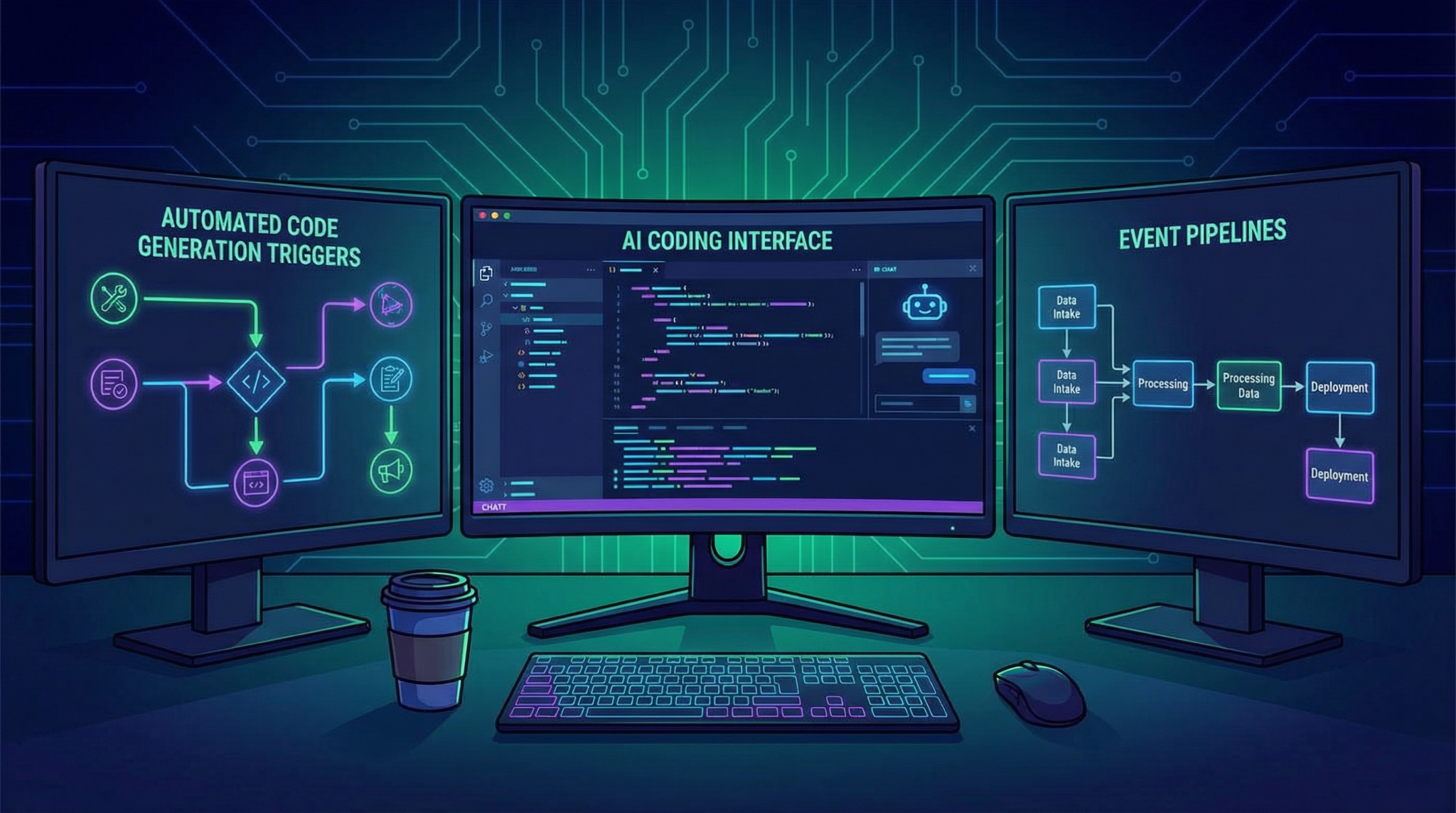
In March 2026, OpenAI introduced Codex Triggers, a groundbreaking automated event system designed to revolutionize how developers implement event-driven code generation. This innovative feature seamlessly integrates AI-powered coding workflows with modern DevOps practices, including Continuous Integration and Continuous Deployment (CI/CD) pipelines, while enhancing security through native Security Agent configurations. This comprehensive tutorial will guide you step-by-step through setting up Codex Triggers from scratch, enabling you to harness the full potential of automated AI-assisted development.
What Are OpenAI Codex Triggers?
Codex Triggers are programmable events that, when activated, prompt OpenAI’s Codex model to generate or modify code dynamically based on specific conditions within your environment. Unlike traditional static code generation, Codex Triggers facilitate a reactive programming paradigm, where your projects evolve automatically in response to real-time events such as code commits, pull requests, or custom webhook signals.
This system empowers developers to implement complex automation scenarios, reduce manual coding overhead, and maintain high-quality codebases by integrating AI-generated suggestions directly into their workflows. For those familiar with AI-assisted development, Codex Triggers represent a significant evolution over previous prompt-based solutions, offering a robust and secure event-driven framework.
Prerequisites Before Setup
Before proceeding, ensure you have the following:
- An active OpenAI API key with access to Codex Triggers (available by default for most developer accounts as of March 2026).
- A Git repository hosted on platforms like GitHub, GitLab, or Bitbucket.
- A CI/CD platform compatible with webhook integrations, such as GitHub Actions, Jenkins, or CircleCI.
- Basic familiarity with YAML or JSON configuration files for defining triggers and events.
- Access to your project’s security settings to configure the Codex Security Agent.
If you want to explore how this integrates with other AI tools, consider reviewing our guide on
Teams looking to implement these techniques in their own workflows will find practical guidance in Mastering ChatGPT Prompts in 2026: The Practitioner’s Framework for Structured, High-Impact Prompting, which covers the specific configurations, best practices, and real-world examples needed to get started.
techniques to maximize your AI workflows.Step 1: Defining Your First Codex Trigger
The initial step is to create a trigger definition file. Codex Triggers use a declarative syntax in YAML to specify the event source, conditions, and corresponding Codex prompt templates. Here is a simple example:
trigger:
  name: GenerateUnitTests
  event: push
  branch: main
  conditions:
    - path_matches: "src/**/*.js"
  action:
    model: codex-2026
    prompt_template: |
      "Generate unit tests for the following JavaScript code snippet:

{{changed_code}}"
    output_path: tests/generated/{{file_name}}.test.js
This trigger listens for push events on the main branch and activates when JavaScript files within the src folder are modified. The action then calls the Codex 2026 model to generate unit tests based on the changed code, saving the output in a dedicated tests folder.
Place this YAML file within your repository under a directory named .codex_triggers. This organization allows the Codex runtime to detect and process triggers automatically.
Step 2: Setting Up Event Sources and Webhooks
Codex Triggers rely on event sources such as repository webhooks or cloud functions to notify the system of relevant activities. To enable this:
- Navigate to your repository settings and create a webhook pointing to the Codex Triggers endpoint – typically
https://api.openai.com/v1/codex/triggers/events. - Configure the webhook to send events like
push,pull_request, or custom events depending on your needs. - Ensure the webhook payload includes sufficient data for the Codex model to analyze context, such as file diffs or commit messages.
Once configured, your Codex Triggers will receive real-time event data, enabling immediate code generation or transformation based on your definitions.

Step 3: Integrating Codex Triggers with CI/CD Pipelines
One of the most powerful applications of Codex Triggers is embedding them within CI/CD workflows. This integration ensures that automated code generation occurs during build or deployment stages, maintaining code quality and reducing manual intervention.
For example, with GitHub Actions, you can create a workflow file like this:
name: Codex Trigger CI

on:
  push:
    branches:
      - main

jobs:
  codex-trigger:
    runs-on: ubuntu-latest
    steps:
      - uses: actions/checkout@v4
      - name: Run Codex Trigger Processor
        env:
          OPENAI_API_KEY: ${{ secrets.OPENAI_API_KEY }}
        run: |
          curl -X POST https://api.openai.com/v1/codex/triggers/process \
          -H "Authorization: Bearer $OPENAI_API_KEY" \
          -H "Content-Type: application/json" \
          -d '{"repository": "${GITHUB_REPOSITORY}", "ref": "${GITHUB_REF}"}'
This workflow triggers on every push to main, calls the Codex Triggers processing endpoint, and applies any relevant automated code changes before proceeding with further CI steps.
For advanced users, integrating with Jenkins or CircleCI follows a similar pattern: listen to repository events, invoke the Codex API, and merge generated code before deployment. This method ensures your pipelines are continuously enhanced by AI-driven automation.
Step 4: Configuring the Codex Security Agent
Security is paramount when allowing AI to generate or modify code automatically. OpenAI’s Codex Security Agent acts as a safeguard, scanning generated code for potential vulnerabilities, malicious patterns, or policy violations before integration.
To configure the Security Agent:
- Enable the Security Agent in your OpenAI developer dashboard under the Codex Triggers section.
- Define security policies using built-in templates or custom rules — for example, disallowing the generation of code that accesses sensitive environment variables or external network calls.
- Integrate the Security Agent into your CI/CD pipeline by adding a validation step that queries the security analysis API:
curl -X POST https://api.openai.com/v1/codex/security/analyze \
-H "Authorization: Bearer $OPENAI_API_KEY" \
-H "Content-Type: application/json" \
-d '{"code": "<generated_code>"}'
The response will include a risk score and detailed findings. You can configure your pipeline to reject merges or deployments if the risk exceeds your defined threshold, maintaining a secure development lifecycle.
This proactive security integration differentiates Codex Triggers from other AI tools by providing enterprise-grade trust mechanisms.

Step 5: Testing and Monitoring Your Codex Triggers
After setup, it is critical to test your triggers thoroughly to ensure they behave as expected. Begin by making small changes to your repository that match your trigger conditions and observe the generated outputs.
- Use verbose logging in your CI/CD workflows to track Codex Trigger execution.
- Leverage OpenAI’s dashboard to view trigger invocation histories and debug any failures.
- Adjust your YAML configurations iteratively based on test results to fine-tune prompt templates and conditions.
Monitoring also involves setting up alerts for security violations detected by the Security Agent or unexpected behavior in generated code. This feedback loop ensures your automated events remain reliable and secure over time.
Advanced Tips for Maximizing Codex Triggers
- Modular Prompt Templates: Break down your prompt templates into reusable components to simplify maintenance and improve consistency.
- Event Chaining: Create complex workflows by defining triggers that activate based on the outputs of previous automated events.
- Custom Event Sources: Extend Codex Triggers beyond repository events by integrating with external monitoring tools or IoT devices.
- Utilize Context Variables: Pass additional environment or repository context to enrich prompts, enabling more accurate code generation.
For those interested in comparing Codex Triggers with other AI coding assistants like
The broader implications of these developments are examined in detail in The Complete Guide to Claude’s 2026 Model Lineup: Opus 4.6, Sonnet 4.6, and Haiku 4.5 Compared, where we analyze the technical foundations, compare alternative approaches, and outline actionable next steps for professionals adopting these tools.
, these techniques showcase how OpenAI’s new system leads in automation and integration flexibility.Conclusion
OpenAI Codex Triggers usher in a new era of event-driven AI-assisted programming, combining automated code generation with robust CI/CD integration and enterprise-grade security through the Security Agent. By following this detailed 2026 setup tutorial, you can transform your development workflow into a dynamic, intelligent system that reacts instantly to changes and enforces high standards of code quality and security.
As AI-powered tools continue to evolve rapidly, mastering Codex Triggers will position you at the forefront of software innovation. To deepen your understanding of AI development ecosystems, consider exploring our resources on
The broader implications of these developments are examined in detail in How Development Teams Are Adopting AI Coding Assistants in 2026: Codex and Claude Code in Production, where we analyze the technical foundations, compare alternative approaches, and outline actionable next steps for professionals adopting these tools.
and related AI tools available today.Access 40,000+ AI Prompts for ChatGPT, Claude & Codex — Free!
Subscribe to get instant access to our complete Notion Prompt Library — the largest curated collection of prompts for ChatGPT, Claude, OpenAI Codex, and other leading AI models. Optimized for real-world workflows across coding, research, content creation, and business.
Access Free Prompt LibraryFrequently Asked Questions
What are OpenAI Codex Triggers?
Codex Triggers are event-driven automation hooks that run Codex tasks in response to events — scheduled times (cron), git pushes, pull requests, GitHub issue comments, webhooks, or scheduled timers. They turn Codex from an interactive tool into a background teammate that runs autonomously.
What can I automate with Codex Triggers?
Common patterns: auto-review PRs on push, triage GitHub issues on creation, run security scans on dependency updates, draft release notes on tag push, respond to customer support tickets after classification, generate daily summary reports, and monitor deployment logs for anomalies.
How do I set up my first Codex Trigger?
Enable triggers in your Codex account settings, add a webhook endpoint to your GitHub repo pointing at the Codex trigger URL, write a trigger definition (YAML) describing the event + task, and deploy it. Our full tutorial walks through each step with working code.
Are Codex Triggers safe for production?
For bounded, well-tested tasks — yes. Always run triggers with explicit permission scopes (read-only GitHub token, specific channels), retry/rollback logic, and human-in-the-loop approval for anything that writes to production. Don't give trigger tasks credentials they don't need.
How much do Codex Triggers cost?
Trigger infrastructure is free — you pay for the underlying Codex API usage. Typical workloads run $5–$100/month per active trigger depending on frequency and complexity. Budget is easy to cap per-trigger to prevent runaways.
What's the difference between Triggers, Workflows, and Agents?
Triggers are the event source — 'when X happens, run Y.' Workflows are structured task definitions — 'step 1 does A, step 2 does B.' Agents are the executing entities — 'Codex agent runs this workflow.' A production setup usually combines all three.
🕐 Instant∞ Unlimited🎁 Free
