
How to Install and Use OpenAI’s Codex Plugin Inside Claude Code: Complete Setup Tutorial
⚡ The Brief
- What it is: OpenAI’s Codex plugin for Claude Code CLI enhances AI-assisted software development with advanced code review and task management features.
- Who it’s for: This plugin is designed for developers using Anthropic’s Claude Code CLI who want to leverage AI for code review and task automation.
- Key takeaways: The plugin offers features like standard and adversarial code reviews, background task handoff, and a ‘Review Gate’ functionality for streamlined workflows.
- Pricing/Cost: Requires a ChatGPT subscription or OpenAI API key, with potential costs associated with API usage.
- Bottom line: Codex plugin integration into Claude Code CLI significantly boosts productivity and code quality through AI-driven insights and automation.
✓ Instant access✓ No spam✓ Unsubscribe anytime
Installing and Using OpenAI’s Codex Plugin Within Anthropic’s Claude Code CLI: A Comprehensive Tutorial
Author: Markos Symeonides
OpenAI’s recent release of a Codex plugin that integrates directly into Anthropic’s Claude Code CLI marks a significant advancement in AI-assisted software development workflows. Hosted on GitHub (3,700+ stars), this plugin leverages the power of Codex through Claude Code’s interface, enabling developers to harness sophisticated AI code review and task management features seamlessly.
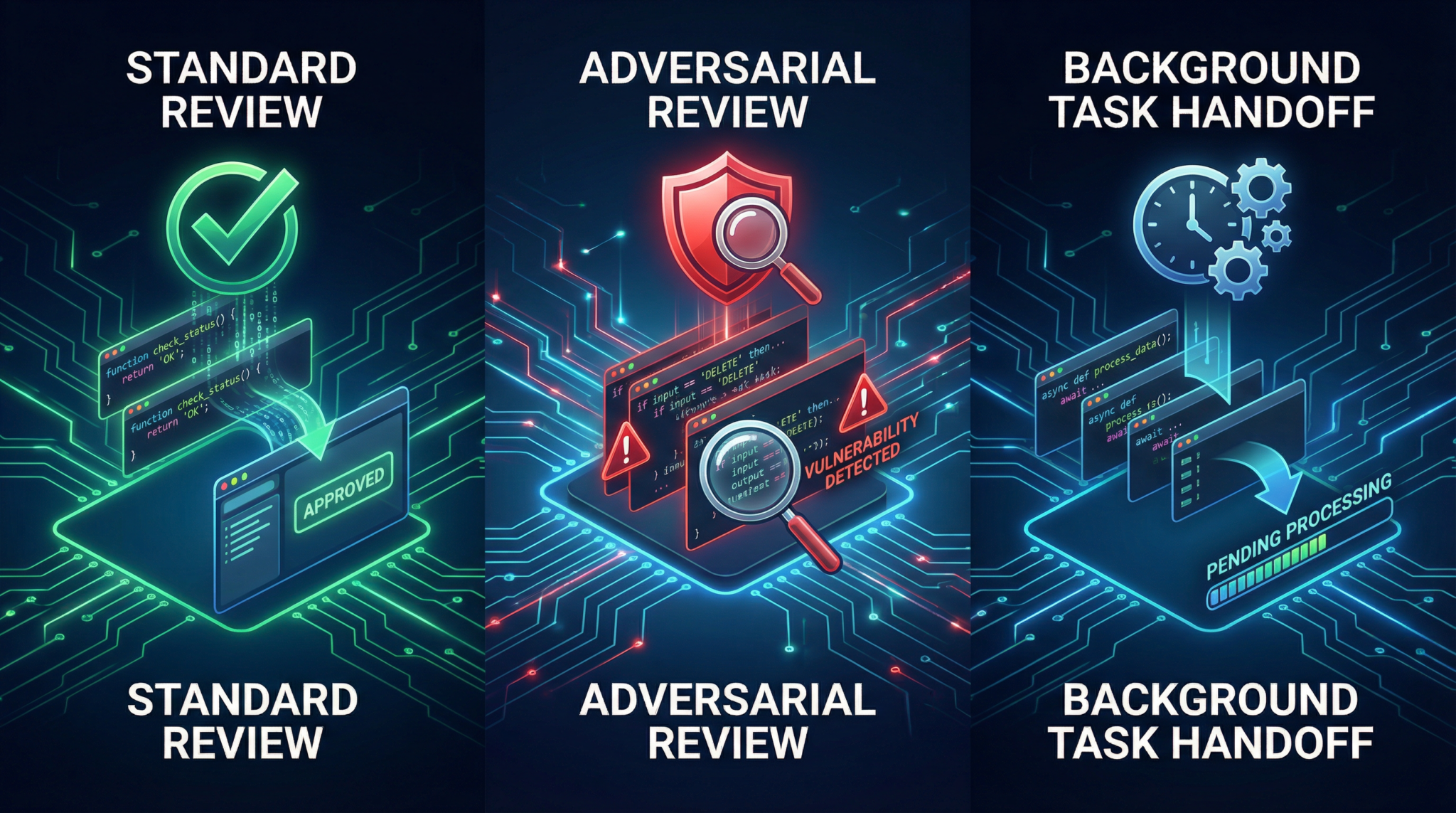
This tutorial walks you through the entire process of installing, configuring, and effectively using this Codex plugin, detailing its core capabilities such as standard code review, adversarial review, background task handoff, and the innovative “Review Gate” functionality.
1. Prerequisites and System Requirements
Before diving into the installation and usage of the Codex plugin within Claude Code CLI, ensure your environment meets the following requirements:
- Operating System: Compatible with macOS, Linux, and Windows (via WSL or native Node.js support)
- Node.js Version: Must be Node.js 18.18 or higher. This ensures compatibility with the plugin’s dependencies and runtime requirements.
- Codex Installation: The plugin assumes you already have an existing OpenAI Codex installation on your machine configured with your desired settings and credentials.
- Authentication: Access to either:
- A ChatGPT subscription (including the free tier)
- Or an OpenAI API key
- Claude Code CLI Installed: Since the plugin extends Anthropic’s Claude Code CLI, ensure you have the latest version installed and configured on your system.
- Network Access: Since review operations run on OpenAI’s infrastructure, your environment must have stable internet connectivity.
Confirming these prerequisites will save time during installation and prevent common configuration issues.
2. Step-by-Step Installation Process
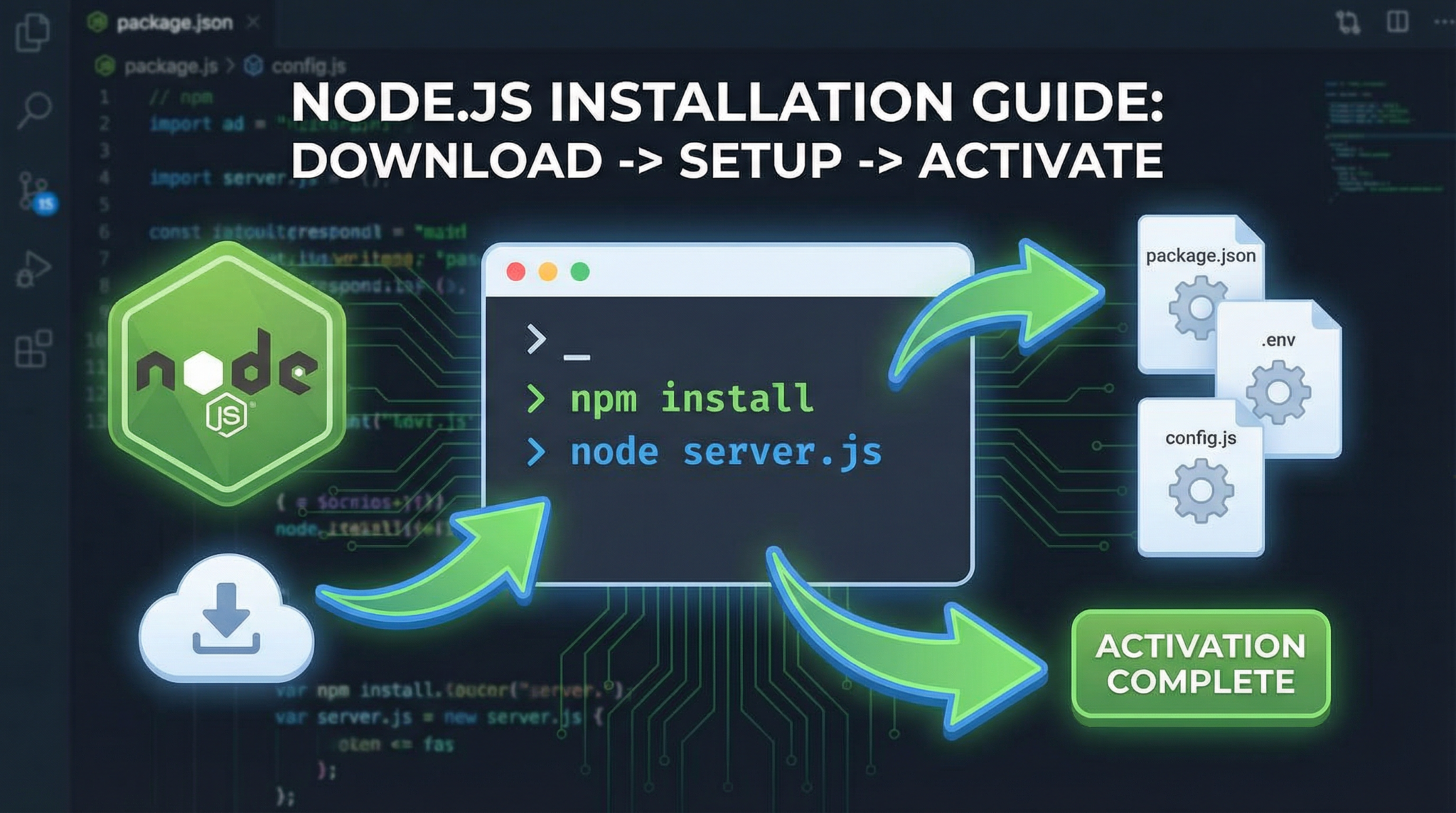
The Codex plugin is open source and can be installed directly from the GitHub repository.
- Clone the repository: Open your terminal and run:
git clone https://github.com/openai/codex-plugin-cc.git
- Navigate into the directory:
cd codex-plugin-cc
- Install dependencies: Use npm or yarn to install required packages:
npm install
or
yarn install
- Build the plugin: Run the build script to compile necessary files:
npm run build
- Link the plugin to Claude Code CLI: This step registers the plugin with your existing Claude Code CLI installation.
npx claude-code plugins add ./path/to/codex-plugin-cc
Replace
./path/to/codex-plugin-ccwith the actual path where you cloned the repo. - Verify installation: Run the command below to confirm the plugin is active:
claude-code plugins list
You should see codex-plugin-cc among the installed plugins.
After these steps, the plugin will be ready to use, integrated within the Claude Code CLI environment.
3. Configuring Authentication (API Key vs ChatGPT Subscription)
The Codex plugin supports two authentication methods, ensuring flexibility depending on your OpenAI access model.
Using an OpenAI API Key
If you prefer or require API-based authentication:
- Obtain your API key from your OpenAI account dashboard.
- Set the environment variable
OPENAI_API_KEYin your shell profile:export OPENAI_API_KEY="your_api_key_here"
- Restart your terminal or reload the profile.
- The Codex plugin will automatically detect and use this key for authentication when invoking OpenAI infrastructure.
Using a ChatGPT Subscription
Alternatively, if you have a ChatGPT subscription (including the free tier), the plugin can leverage your ChatGPT session credentials:
- Run the authentication command:
claude-code codex-plugin authenticate-chatgpt
- Follow the interactive prompts to log in with your ChatGPT credentials.
- The plugin stores your session securely, allowing Codex API calls to run through your ChatGPT subscription model.
This method is especially useful if you don’t have an API key or want to consolidate usage under your ChatGPT plan.
Both authentication methods allow seamless interaction with OpenAI’s infrastructure for Codex-powered review and analysis.
4. Using Standard Code Review
The core feature of the Codex plugin is standard code review, where Codex analyzes your code changes and provides feedback directly within the Claude Code CLI.
To initiate a standard code review:
- Stage your code changes in your version control system (e.g., git).
- Run the review command:
claude-code codex-plugin review
- The plugin sends your staged code to Codex for analysis, which runs on OpenAI’s servers.
- Codex returns detailed feedback, including:
- Code correctness assessments
- Potential bugs or vulnerabilities
- Suggestions for improvement or optimization
- Style and best practice adherence
- Feedback is displayed inline in the CLI, allowing you to iterate efficiently.
Standard code review serves as an AI-powered assistant helping to catch issues early and improve overall code quality.
5. Using Adversarial Review Mode
Adversarial review mode takes code analysis a step further by intentionally probing your code for edge cases and potential failure modes.
To activate adversarial review:
- Run the review with the
--adversarialflag:claude-code codex-plugin review --adversarial
- Codex simulates adversarial conditions or usage scenarios, attempting to identify subtle bugs or logic flaws.
- The output includes:
- Stress test results
- Security vulnerability assessments
- Recommendations to harden your code
This mode is particularly effective for mission-critical code or security-conscious applications.
6. Setting Up Background Task Handoff
The plugin’s background task handoff feature enables asynchronous delegation of complex or resource-heavy coding tasks to Codex, freeing your local environment for other work.
To set up and use background task handoff:
- Invoke handoff mode by starting a background session:
claude-code codex-plugin handoff start
- Submit tasks or code snippets you want Codex to process asynchronously:
claude-code codex-plugin handoff submit <task_description>
- Check the status of pending or completed tasks:
claude-code codex-plugin handoff status
- Retrieve results when ready:
claude-code codex-plugin handoff fetch <task_id>
This functionality is ideal for long-running code generation, refactoring, or review jobs that do not require immediate feedback.
7. Enabling and Configuring Review Gate
The “Review Gate” is an innovative safeguard feature that prevents Claude Code from finalizing or merging code changes until they have been approved by Codex’s review process.
To enable Review Gate:
- Activate the gate with the command:
claude-code codex-plugin review-gate enable
- Configure gate parameters, such as strictness levels or required approval counts, via the config file at
~/.claude-code/codex-plugin-config.json. Example configuration:{ "reviewGate": { "enabled": true, "strictness": "high", "requiredApprovals": 1 } } - Once enabled, any code change attempted to be finalized or merged through Claude Code will automatically trigger a Codex review.
- If Codex disapproves or finds issues, the gate blocks the operation, prompting the developer to address feedback first.
This ensures that no unvetted code enters production or shared branches, increasing codebase reliability.
8. Best Practices and Tips
- Keep Codex Updated: Since the plugin relies on your local Codex installation, regularly update it to leverage the latest improvements and security patches.
- Combine Review Modes: Use standard review for everyday commits and adversarial review for release candidates or critical patches.
- Leverage Background Handoff: Offload large refactors or multi-file code generation to background handoff to maintain workflow fluidity.
- Configure Review Gate Carefully: Start with moderate strictness and adjust based on your team’s feedback and tolerance for false positives.
- Secure Your Credentials: Utilize environment variables or encrypted secrets management for API keys and ChatGPT credentials.
- Monitor Usage: Since reviews run on OpenAI’s infrastructure, track your API usage or ChatGPT session limits to avoid unexpected costs or throttling.
Adopting these best practices will maximize the plugin’s benefits while minimizing disruption.
9. Troubleshooting Common Issues
| Issue | Possible Cause | Solution |
|---|---|---|
| Plugin not listed in Claude Code CLI | Incorrect plugin path during registration | Verify and re-run npx claude-code plugins add with the correct path |
| Authentication errors | Expired or missing API key / ChatGPT session | Set or refresh OPENAI_API_KEY or re-authenticate ChatGPT session |
| Review commands hang or timeout | Network connectivity issues or OpenAI infrastructure latency | Check internet connection, retry later, or monitor OpenAI service status |
| Review Gate blocks changes unexpectedly | Strictness setting too high or Codex false positives | Adjust gate strictness in config file or temporarily disable gate |
| Background handoff tasks not processing | Session expired or misconfigured task submission | Restart handoff session and verify task syntax |
For persistent issues, consult the GitHub repository’s issue tracker or community forums for support.
This tutorial has provided a detailed roadmap for integrating and leveraging OpenAI’s Codex plugin inside Anthropic’s Claude Code CLI. For developers interested in maximizing AI-assisted coding workflows, this plugin presents a powerful combination of Codex’s code expertise with Claude Code’s CLI tooling.
For practical guides on integrating AI into developer workflows, explore our detailed coverage on AI Integration in Everyday Life and advanced tips on Top 5 Advances in Model Optimization for AI Hardware. To deepen your understanding of Claude Code CLI itself, visit our feature walkthrough on Inside the Claude Code Source Leak: What 512,000 Lines of Code Revealed About Anthropic’s AI Architecture.
Access 40,000+ AI Prompts for ChatGPT, Claude & Codex — Free!
Subscribe to get instant access to our complete Notion Prompt Library — the largest curated collection of prompts for ChatGPT, Claude, OpenAI Codex, and other leading AI models. Optimized for real-world workflows across coding, research, content creation, and business.
🕐 Instant∞ Unlimited🎁 Free
Frequently Asked Questions
What are the system requirements for the Codex plugin?
The Codex plugin requires macOS, Linux, or Windows (via WSL), Node.js 18.18 or higher, and a stable internet connection. Additionally, an OpenAI Codex installation and Claude Code CLI must be pre-installed and configured on your system.
How do I install the Codex plugin from GitHub?
To install the Codex plugin, clone the GitHub repository using 'git clone', navigate into the directory, install dependencies with 'npm install' or 'yarn install', and build the plugin using 'npm run build'. Finally, link it to Claude Code CLI.
What features does the Codex plugin offer?
The Codex plugin provides advanced features such as standard and adversarial code reviews, background task handoff, and a 'Review Gate' functionality, enhancing AI-driven software development workflows within Claude Code CLI.
Is the Codex plugin compatible with all operating systems?
Yes, the Codex plugin is compatible with macOS, Linux, and Windows (via WSL or native Node.js support), ensuring broad accessibility for developers across different platforms.
Do I need a subscription to use the Codex plugin?
Yes, you need either a ChatGPT subscription, which includes a free tier, or an OpenAI API key to authenticate and use the Codex plugin's features within Claude Code CLI.
What is the 'Review Gate' functionality in the Codex plugin?
The 'Review Gate' functionality is an innovative feature that allows developers to set predefined criteria for code reviews, ensuring that only code meeting specific standards is approved, thus maintaining high code quality and consistency.
