
Advanced Guide to Leveraging Claude’s 1-Million Token Context Window: 20 Production-Ready Prompts
Author: Expert Content Strategist
Release Date: June 2024
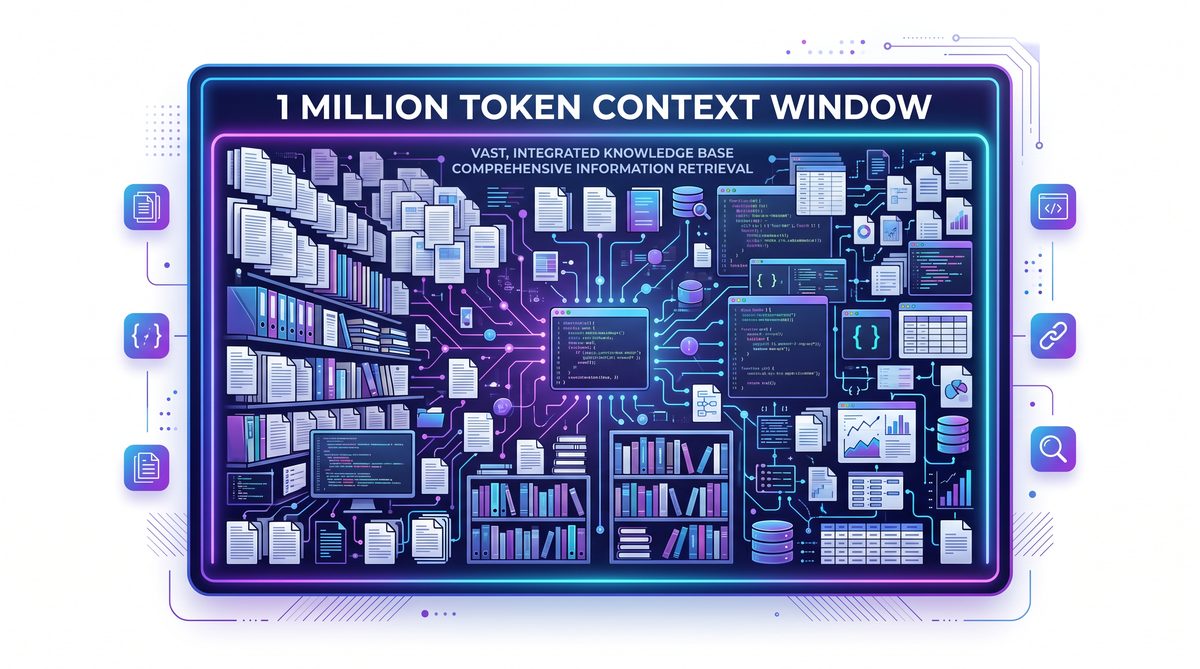
Claude’s Sonnet and Opus models, especially versions 4.6 and 5, have revolutionized long-context language model usage by supporting an unprecedented 1 million token context window. This massive context length unlocks novel applications that were impractical or impossible with previous generation large language models (LLMs).
In this comprehensive guide, we present 20 advanced, production-ready prompt templates designed specifically to harness Claude’s massive context capacity. You will see them applied in four major enterprise-focused use cases:
- Whole-codebase refactoring and understanding
- Massive log and data analysis
- Complex policy document synthesis and summarization
- Multi-agent coordination and workflow orchestration
Each prompt template comes with detailed instructions, usage notes, and optimization tips to help you tailor Claude effectively for your needs. Discover how to unlock truly large-scale AI workflows with these prompts!
Section 1: Whole-Codebase Refactoring Using Claude’s Massive Context Window
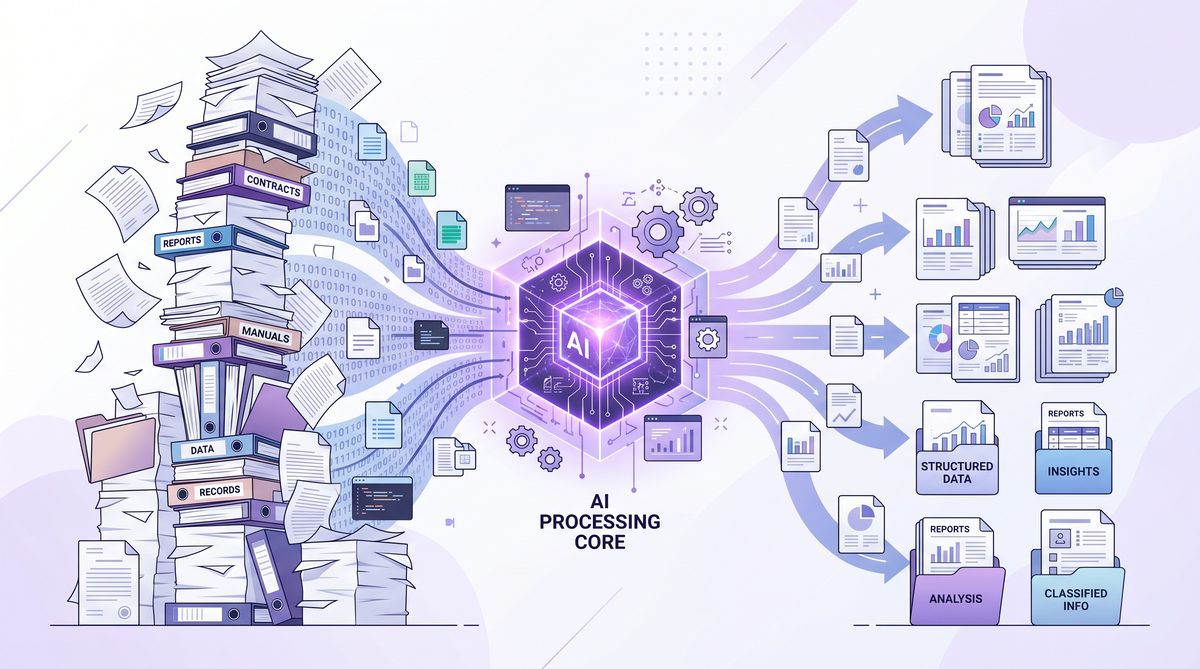
Traditional LLM coding assistants are limited by token windows typically between 4,000 and 64,000 tokens. Claude’s 1-million token window enables loading entire large codebases plus context metadata. This capability supports deep holistic refactoring, architecture comprehension, and automated documentation generation.
1. Comprehensive Codebase Understanding and Summary
Use case: Load an entire repository and create a structured summary report, including module dependencies, architecture, and key algorithms.
Prompt:
"You are given the full codebase of a project as plain text files concatenated below. Analyze and generate a comprehensive technical summary that covers:

- High-level architecture and module hierarchy
- Key classes, functions, and data structures
- External dependencies and API integrations
- Potential areas of technical debt or complexity
- Suggestions for documentation improvement

Codebase:
<Insert concatenated full repository code here>"
Usage tip: Preprocess the codebase files into logical order (e.g. README, core modules, tests) before feeding into Claude.
2. Bulk Refactoring Instructions with Context
Use case: Describe refactoring goals and ask Claude to generate step-by-step code modifications spanning multiple files.
Prompt:
"Context: The following codebase files require refactoring to improve maintainability by:

- Consolidating duplicated utility functions
- Modernizing async code to use standardized promises
- Adding comprehensive type annotations

Codebase files:
<Insert full concatenated source files>

Please output:

1. A detailed refactoring plan covering affected files and components
2. The refactored code snippets organized by file with comments explaining changes
3. Important potential risks or breaking changes to test carefully
"
3. Automated Cross-File Dependency Visualization
Use case: Analyze inter-file function calls and data flows for huge repositories.
Prompt:
"Given the entire project source code provided below, build a dependency graph representation with:

- Nodes for files/modules
- Directed edges representing function calls or imports
- Identification of circular dependencies
- Areas of tight coupling potentially needing refactoring

Mark the output as JSON or DOT format suitable for visualization tools.

Codebase:
<Insert full code concatenation>"
Optimization tip: Pair this prompt with visualization tools like Graphviz or D3.js.
Leveraging this automated dependency analysis as part of a code review pipeline can drastically improve understanding of complex systems and streamline refactoring efforts. For improved efficiency in orchestrating code review stages, see our detailed approaches on multi-agent coordination of code inspection tasks While these prompts are optimized for Claude’s million-token window, many of the underlying techniques parallel what works with GPT-5.5; our guide to advanced prompting techniques for GPT-5.5 covers complementary strategies for memory utilization and multimodal reasoning. Read the full article: Advanced Prompting Techniques for GPT-5.5: Leveraging Memory and Multimodal Reasoning.
Section 2: Massive Log Analysis and Anomaly Detection
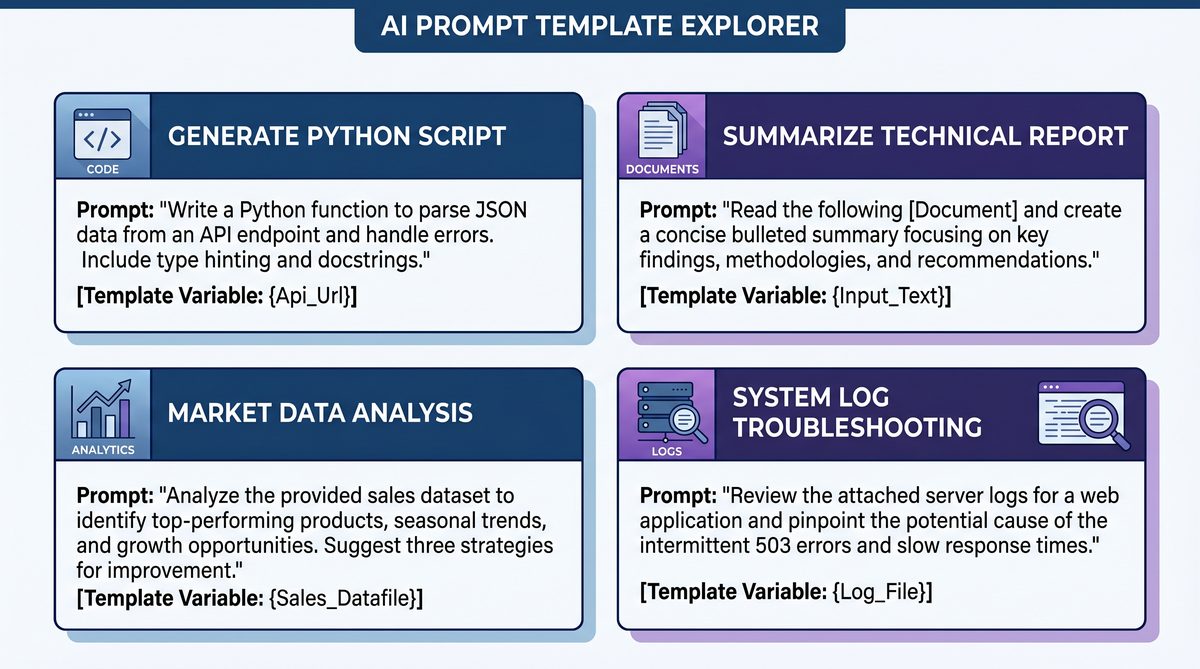
Claude’s extended context size makes it possible to ingest massive system logs or network traffic capture files for holistic analysis, anomaly detection, and causal inference without splitting data into fragments.
4. Full-Session User Behavior Analysis from Logs
Use case: Given a month’s user activity logs from a web app, uncover key behavior patterns, bottlenecks, or feature misuse.
Prompt:
"You are provided with the server logs from the last 30 days of usage for a web application. The logs include user events, timestamps, IP addresses, and error codes.

Analyze the complete logs and generate:

- Summary of common user journeys and session flows
- Identification of frequent errors and their possible causes
- Time-based activity trends and usage spikes
- Recommendations for UI/UX improvement based on observed usage patterns"
Logs:
<Insert concatenated logs>"
5. Anomaly and Threat Detection in Network Logs
Use case: Detect suspicious activity sequences or security incidents in vast firewall logs.
Prompt:
"Given the following network access and firewall logs covering 3 months, identify:

- Potential intrusion attempts based on unusual access patterns
- Correlations between IP addresses and alert triggers
- Sequences that indicate compromised credentials or insider threat
- Suggestions for immediate remediation and further monitoring"

Logs:
<Insert logs>"
6. Root-Cause Analysis for System Failures
Use case: Correlate error logs, metrics, and event timestamps across systems to pinpoint root causes.
Prompt:
"You have error logs, system metrics, and event traces from the past week related to application downtime.

1. Aggregate all presented data and identify patterns preceding failures.
2. Suggest root causes and affected components.
3. Propose priority fixes and monitoring improvements."

Data:
<Insert concatenated logs and metrics>"
Note: Combining diverse log types in one prompt leverages the extended context for cross-correlation analysis impossible for shorter window models.
Detailed log analysis integrated with automated alert triaging can form a foundation for advanced incident response workflows. Our coverage on multi-agent orchestration for incident response prioritization provides valuable methodologies for such deployments The prompts in this guide build upon established frameworks; our comprehensive overview of 2026 prompt engineering frameworks including RTF, CREATE, Chain-of-Thought, and ReAct provides the theoretical foundation for understanding why these long-context patterns work. Read the full article: Advanced Prompt Engineering Frameworks for 2026: RTF, CREATE, Chain-of-Thought, ReAct, and DSPy.
Section 3: Synthesizing Massive Policy and Legal Documents
Organizations often maintain voluminous policy handbooks, regulatory compliance documents, and legal contracts. Claude’s 1M token window allows ingesting and interpreting these entire corpora together, enabling advanced synthesis tasks.
7. Multi-Document Policy Harmonization
Use case: Integrate multiple overlapping policy documents to create a unified governance framework.
Prompt:
"You are given 10 different policy documents related to data privacy, security, and IT usage:

- Company A Privacy Policy
- Vendor GDPR Compliance
- Internal IT Acceptable Use
- etc. (All concatenated below)

Synthesize these into a consistent, coherent master policy document that:

- Resolves conflicts or overlaps between policies
- Uses clear plain language accessible to non-legal staff
- Highlights required employee actions and compliance deadlines
- References original sections with citations"

Documents:
<Insert all policy docs>"
8. Comprehensive Legal Contract Risk Highlighting
Use case: Load complete multi-page contracts and flag clauses that carry significant operational or financial risks.
Prompt:
"Analyze the following full-length contract documents (including exhibits and appendices):

- Highlight clauses with unusual or high-risk terms.
- Explain each flagged clause in simple language.
- Suggest questions or clarifications for legal counsel.

Contracts:
<Insert concatenated contract text>"
9. Regulatory Compliance Gap Analysis
Use case: Compare an organization’s internal policies with external regulations to identify compliance gaps.
Prompt:
"You have two sets of documents:

1. Internal company policies & processes.
2. Relevant regulatory standards and requirements.

Perform a detailed comparison and report:

- Areas where internal policies meet or exceed standards.
- Specific gaps or deficiencies requiring remediation.
- Recommendations for policy updates or process changes."

Documents:
<Insert internal policies and regulatory standards>"
Expertly crafted prompts like these provide actionable insights beyond basic summarization by leveraging cross-document analysis in one seamless prompt.
For organizations looking to automate regulatory audit preparation, combining such prompts with workflow orchestration and document management systems offers significant efficiency gains Several prompts in this collection are designed for agentic use cases where Claude operates autonomously; our dedicated guide to prompting AI agents covers the instruction design principles that ensure reliable autonomous execution across Codex, Claude Code, and similar systems. Read the full article: Prompting AI Agents: How to Write Effective Instructions for Codex, Claude Code, and Autonomous Systems.
Section 4: Multi-Agent Coordination and Orchestration at Scale
Complex workflows often require coordinated interaction of multiple AI agents, humans, and software systems. With an enormous context window, Claude can act as a centralized orchestrator that reasons over entire workflows, agent states, and data artifacts simultaneously.
10. Workflow Orchestration with Real-Time Context
Use case: Coordinate multi-step business processes involving multiple agents and data inputs.
Prompt:
"You are managing a multi-agent workflow to complete the end-to-end onboarding of new clients, involving:

- Sales team info capture
- Compliance review
- Risk assessment
- Account setup
- Customer success handoff

Current workflow state and all data gathered so far:
<Insert serialized JSON or formatted text of state, forms, tasks>

Provide next step instructions for each agent along with deadlines and escalation paths. Adjust for delays or data quality issues."
11. Collaborative Multi-Agent Problem Solving
Use case: Facilitate agents with distinct knowledge domains to jointly solve complex problems with iteratively shared context.
Prompt:
"You are coordinating a team of four AI agents:

- Agent A: Technical expert
- Agent B: Legal expert
- Agent C: Financial expert
- Agent D: Project management

They are collectively analyzing a proposed business acquisition.

Provide:

- Summary of each agent’s latest input
- Points of agreement and disagreement
- Proposed resolution steps
- Final consolidated recommendation"

Context:
<Insert conversation transcripts and documents>"
12. Dynamic Scheduling and Resource Allocation
Use case: Optimize resource allocation across multiple projects with shifting priorities.
Prompt:
"Given:

- Resource availability data for 50 team members
- Project task backlogs and priority updates
- Deadlines and interdependencies

Generate an optimized weekly work schedule that balances workload, meets deadlines, and allows contingency for unexpected delays."
13. Automated Meeting Minutes and Action Item Coordination
Use case: Process complete transcripts from multiple meetings over weeks to create organized action items, responsibility matrix, and progress updates.
Prompt:
"You have all meeting transcripts for the last quarterly planning cycle:

- Extract action items with assigned owners and due dates.
- Identify bottlenecks or open issues unresolved after multiple meetings.
- Propose new milestones or follow-ups as needed."

Transcripts:
<Insert concatenated meeting transcripts>"
Remaining 7 Advanced Prompts Outline
Here are the remaining prompts briefly summarized, each adaptable with your project-specific data inputs:
- Massive dataset summarization and insight extraction (e.g., entire customer feedback databases)
- Detailed architectural design document creation from raw requirement sets
- Long-form content generation such as entire books or product manuals with iterative revision memory
- Analysis of huge scientific datasets, e.g., genomics or large physics experiment output
- Comprehensive risk modeling based on decades of financial transaction data
- Enterprise-wide audit trail reconstruction for regulatory investigations
- Large-scale automated code review combining static analysis results with human commentary
Conclusion and Best Practices
The unprecedented 1-million token context window in Claude’s Sonnet and Opus 4.6+ models fundamentally expands what language models can do in production environments. By using the advanced prompt templates shared here, your teams can:
- Confidently process entire codebases or document corpora in one go
- Perform holistic data analysis without context fragmentation
- Synthesize actionable insights from vast, complex information sets
- Coordinate multi-agent workflows with global situational awareness
When constructing these prompts, always:
- Prepare and order large inputs logically to maximize utility
- Be explicit about output format requirements for easy integration
- Iterate prompt wording to fine-tune model behavior
- Combine with visualization, automation, or UI tools for enhanced productivity
For deeper dives into specific application areas and prompt engineering techniques, explore our .
Unlock the full potential of Claude’s massive memory today by applying these powerful prompts in your production workflows.
Useful Links
- Advances in Long-Context Transformers
- Anthropic: Claude’s Official Model Release
- Graphviz – Visualization Software
- OWASP Top 10 Security Vulnerabilities
- ISO/IEC 27001 Information Security Standard
- Regulatory Compliance Overview – Wikipedia
- Multi-Agent Systems in Project Management
- American National Standards Institute (ANSI)
- How AI is Revolutionizing Work Scheduling
Access 40,000+ AI Prompts for ChatGPT, Claude & Codex — Free!
Subscribe to get instant access to our complete Notion Prompt Library — the largest curated collection of prompts for ChatGPT, Claude, OpenAI Codex, and other leading AI models. Optimized for real-world workflows across coding, research, content creation, and business.
