
Building Voice-Powered AI Applications with OpenAI’s GPT-Realtime-2 API: A Comprehensive Tutorial
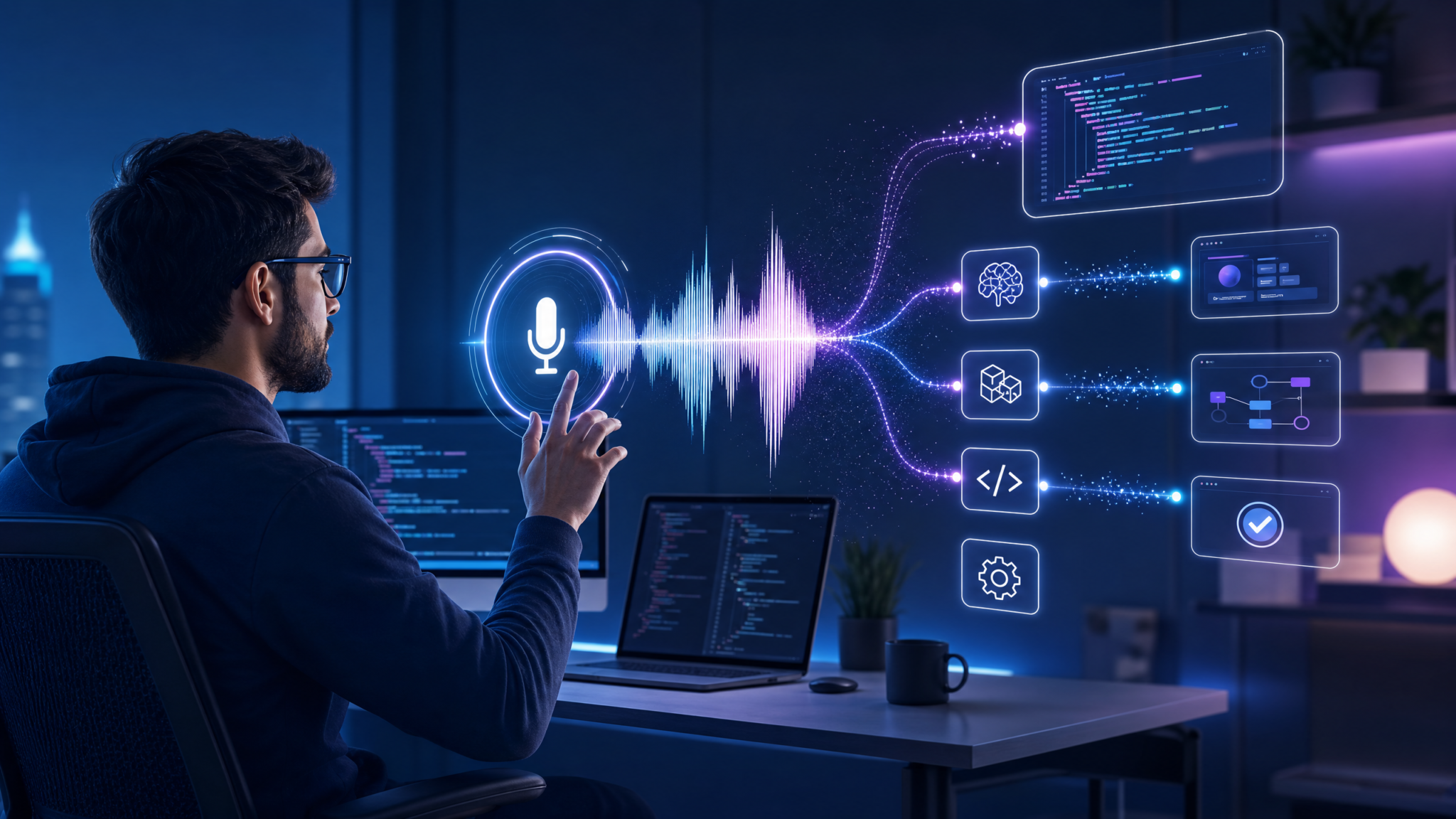
Published on May 7, 2026, OpenAI released a groundbreaking lineup of audio-centric AI models designed to empower developers to create cutting-edge voice applications. Among them, GPT-Realtime-2 leads with GPT-5-class reasoning capabilities optimized for real-time voice interactions. This tutorial covers everything you need to confidently develop voice-powered AI solutions using this innovative model and its companions.
1. Introduction to OpenAI’s New Audio Model Suite
The demand for intelligent, responsive voice interfaces has accelerated tremendously. Traditional voice AI had limitations in reasoning, contextual memory, and multilingual capabilities — gaps now bridged by OpenAI’s new audio models.
The suite announced includes:
- GPT-Realtime-2: The flagship voice AI featuring GPT-5-level reasoning, an unprecedented 128,000 token context window, and enhanced conversational robustness.
- GPT-Realtime-Translate: Real-time speech translation compatible with 70+ languages in and 13 output languages, for seamless global multilingual communication.
- GPT-Realtime-Whisper: A streaming speech-to-text model optimized for near-instantaneous, highly accurate transcription even in noisy environments.
Benchmarks demonstrate GPT-Realtime-2 improving Big Bench Audio scores by 15.2% versus its predecessor, GPT-Realtime-1.5, and records a 13.8% gain on complex audio tasks. This milestone signals a new era for voice AI applications.
2. Deep Dive: Key Features of GPT-Realtime-2
GPT-Realtime-2 introduces multiple advancements that solve traditional pain points in voice AI design:
2.1 Expanded Context Window
A massive 128K token context window allows prolonged interactions without losing track of prior conversation. Voice assistants can now maintain context during long dialogs or multi-turn interactions seamlessly.
2.2 Advanced Reasoning Effort Tuning
Developers can adjust the reasoning computational effort across five levels — minimal, low, moderate, high, and xhigh — balancing speed and depth of understanding as per use case requirements. Faster or deeper responses are thus customizable.
2.3 Natural Preambles for Transparency
GPT-Realtime-2 introduces preambles such as “Let me check that…” that make conversations feel natural and give users insight into AI processes, creating more human-like experiences and increasing trust.
2.4 Parallel Tool Calls
GPT-Realtime-2 can concurrently invoke multiple external APIs or system tools within a single turn. For example, fetching calendar information while querying weather — increasing responsiveness and richness.
2.5 Tool Transparency and Explanation
To further enhance clarity and trustworthiness, the model explicitly communicates which tools it’s using and why, improving user understanding of AI behaviors.
2.6 Stronger Conversational Recovery
Improved mechanisms allow the model to handle interruptions, mid-dialog corrections, and fast context shifts gracefully, helping robust system recovery in real-world noisy scenarios.
3. Common Use Cases and Industry Adoption
These new capabilities unlock a wide spectrum of voice AI applications:
3.1 Voice-to-Action Automation
Natural speech commands can orchestrate backend APIs or system controls, such as booking reservations, controlling IoT devices, or managing workflows, streamlining hands-free interactions.
3.2 Systems-to-Voice Narration
Complex backend data, analytics, or reports are synthesized into natural spoken summaries or explanations, enhancing user engagement across customer service, education, and reporting.
3.3 Voice-to-Voice Translation and Transcription
The combination of GPT-Realtime-Translate and GPT-Realtime-Whisper enables realtime multilingual voice communication, transcriptions, and conversational AI support for accessibility and global customers.
3.4 Industry Leaders Harnessing These Models
- Zillow: Enhanced customer support call success rates by 26 points integrating GPT-Realtime-2 powered assistants.
- Deutsche Telekom: Leveraged GPT-Realtime-Translate for authentic multilingual voice interactions without dedicated localization.
- Priceline: Delivered smoother travel bookings using voice commands driving backend ticketing APIs.
- BolnaAI: Cut word error rates by 12.5% across Indian languages Hindi, Tamil, and Telugu using GPT-Realtime-Whisper in transcription.
4. Architecture of Voice-Powered AI Applications Using GPT-Realtime-2
Building a sophisticated voice application involves integrating multiple layers:
4.1 Audio Input Layer
Captures real-time user speech via microphone arrays, mobile devices, or telephony systems. Real-time streaming is critical for low-latency applications.
4.2 Audio Preprocessing
Noise suppression, echo cancellation, voice activity detection, and normalization prepare the audio for accurate model processing.
4.3 Speech Recognition and Translation
Audio is processed by GPT-Realtime-Whisper for transcription and optionally piped into GPT-Realtime-Translate for multilingual support, producing text streams for reasoning.
4.4 Reasoning and Dialogue Management
GPT-Realtime-2 applies its reasoning capabilities to understand intent, maintain context, manage dialogue flow, and generate spoken or command responses.
4.5 Tool and API Integration
The model seamlessly invokes external APIs—like calendars, databases, CRM systems—or local tools in parallel, aggregating responses quickly.
4.6 Speech Synthesis Output
Generated responses are converted back to natural speech using high-quality Text-To-Speech (TTS) systems, closing the real-time voice interaction loop.
5. Step-by-Step Tutorial: Building a Voice Assistant with GPT-Realtime-2
Let’s build a voice assistant prototype that understands commands, queries external calendars, and provides spoken replies.
5.1 Prerequisites
- OpenAI API key with access to GPT-Realtime-2, GPT-Realtime-Whisper, and GPT-Realtime-Translate models
- Node.js 18+ environment
- Access to a microphone-enabled client (web or mobile) and Text-To-Speech (TTS) system
- Basic familiarity with REST APIs and WebSocket streaming
5.2 Environment Setup
npm init -y
npm install openai ws dotenv express
Create a .env file and add:
OPENAI_API_KEY=your_api_key_here5.3 Capturing and Streaming Audio Input
Use Web Audio API in browsers or native libraries on mobile to stream audio to your backend. Example snippets depend on your platform.
5.4 Using GPT-Realtime-Whisper for Transcription
Sample Node.js code to transcribe audio chunks:
import { OpenAI } from "openai";
const openai = new OpenAI();

async function transcribeAudioChunk(audioBuffer) {
  const transcription = await openai.chat.completions.create({
    model: "gpt-realtime-whisper-1",
    modalities:["audio"],
    audio: audioBuffer,
    // additional params for streaming if needed
  });
  return transcription.choices[0].message.content;
}
5.5 Processing Text with GPT-Realtime-2
Once text is captured, send it for reasoning:
const response = await openai.chat.completions.create({
  model: "gpt-realtime-2",
  messages: [
    { role: "system", content: "You are a helpful voice assistant." },
    { role: "user", content: userTranscribedText }
  ],
  tools: ["calendarAPI", "weatherAPI"], // example tools
  reasoning_effort: "high",
  preambles: true
});
5.6 Integrating External Tools
Register your backend APIs as “tools” the model can call in parallel. Provide well-documented REST endpoints with JSON responses.
5.7 Synthesizing Voice Output
Use cloud TTS services (e.g., Amazon Polly, Google Cloud TTS) or OpenAI’s upcoming voice synthesis APIs to convert response.choices[0].message.content to natural speech to play back to the user.
6. Best Practices for Development and Deployment
- Context Management: Efficiently manage your 128K token window. Use summaries and relevant context trimming to keep conversations coherent.
- Reasoning Effort Tuning: Optimize reasoning settings for your application’s latency vs. complexity tradeoffs.
- Handling Interruptions: Leverage GPT-Realtime-2’s stronger recovery to design UIs allowing natural interruptions and corrections.
- Tool Security: Secure API keys and rate limits for tools integrated via parallel calls.
- Compliance: Handle user data in accord with privacy regulations (GDPR, CCPA), especially when processing voice content.
7. Frequently Asked Questions (FAQ)
Q1: How does GPT-Realtime-2 differ from GPT-4 or previous voice models?
A: GPT-Realtime-2 includes GPT-5-class reasoning, enabling deeper contextual understanding, longer memory (128K tokens), parallel tool use, and real-time voice transparency features. It’s designed specifically for rich conversational voice interactions.
Q2: What languages are supported in GPT-Realtime-Translate?
A: It supports over 70 input languages and 13 output languages, covering major global languages and dialects, enabling broad multilingual voice solutions.
Q3: Can GPT-Realtime-Whisper be used for noisy environments?
A: Yes. It’s optimized for streaming low-latency transcription with noise robustness, making it suitable for real-world conditions including call centers and mobile usage.
Q4: What are the costs associated with GPT-Realtime-2?
A: Pricing details are available at OpenAI Pricing. Costs vary by usage, reasoning effort level, and concurrent tool calls.
Q5: How do I handle context window overflow?
A: Use summarization, context pruning, or external databases to offload older conversation segments while keeping the session coherent leveraging GPT-Realtime-2’s large window.
8. Useful Links
