
How to Configure Codex Auto-Review Mode and Sandbox Rules for Secure AI-Assisted Development

OpenAI Codex empowers developers with AI-assisted code generation and review capabilities. However, ensuring the security and compliance of AI-driven workflows is critical for enterprise teams and development environments. The Running Codex Safely release (May 8, 2026) introduced robust configuration options for auto-review mode, sandboxing, network policies, and identity management to facilitate secure and controlled AI-assisted development.
This tutorial provides a detailed, step-by-step guide to configuring Codex’s auto_review mode, sandbox workspace rules, network access policies, and telemetry export. We include real TOML configuration examples from OpenAI’s own deployments, best practices for enterprise teams, and advice on writing custom sandbox rules for common CLI tools such as gh and kubectl.
1. Enabling Auto-Review Mode in config.toml
Auto-review mode allows Codex to automatically analyze and approve code generation outputs based on predefined policies, reducing manual intervention while maintaining security oversight.
To enable this mode, edit your config.toml file to include the following setting under the [reviewer] section:
[reviewer]
approvals_reviewer = "auto_review"
This configuration instructs Codex to use the built-in automatic review engine. The auto-review engine applies syntactic, semantic, and policy-based validations on generated code before allowing its integration.
2. Configuring Sandbox Workspace Write Access
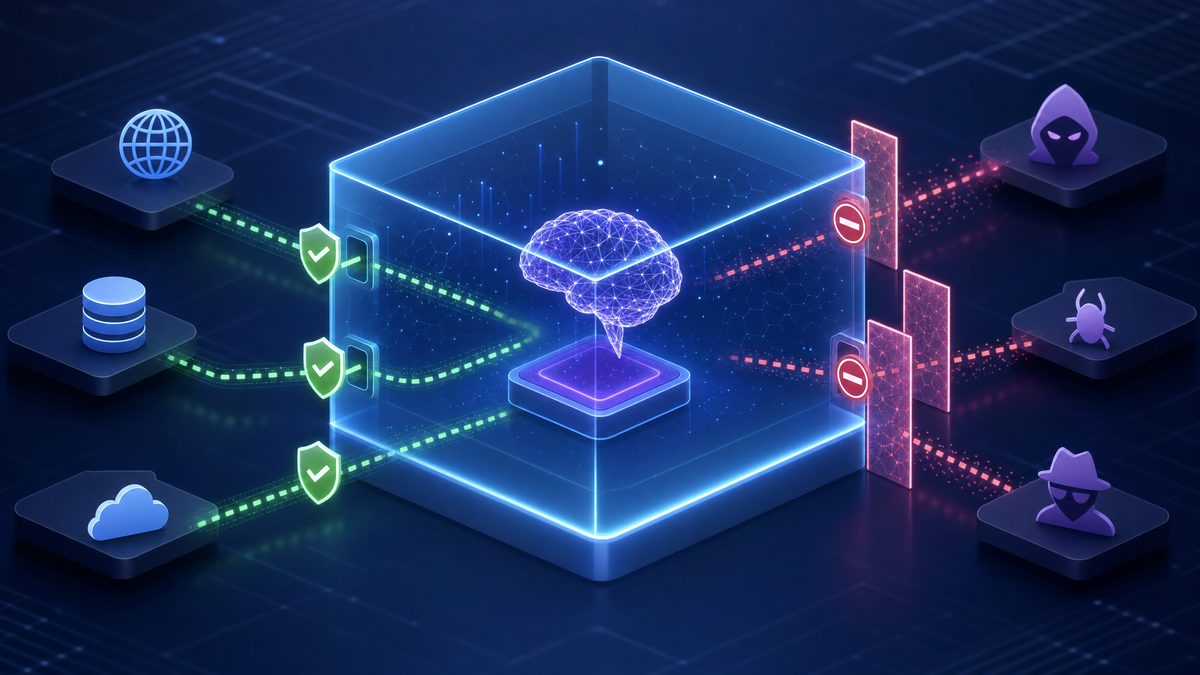
Sandboxing is vital to restrict Codex’s file system interactions within controlled directories, preventing accidental or malicious file system modifications outside the designated workspace.
In config.toml, configure the sandbox_workspace_write section to define writable roots—the directories where Codex can write files during code generation or modification:
[sandbox_workspace_write]
writable_roots = [
  "/home/devuser/projects/",
  "/tmp/codex_sandbox/",
  "/var/lib/codex_temp/"
]
Each path must be an absolute directory accessible to the Codex agent. These directories are sandboxed: attempts to write outside these roots will be blocked.
3. Specifying Allowed Sandbox Modes in requirements.toml
The requirements.toml file governs runtime sandbox policies, including which sandbox modes Codex is permitted to employ during execution. Typical sandbox modes include file_system, network, and process isolation.
Example configuration allowing specific sandbox modes:
[sandbox]
allowed_sandbox_modes = ["file_system", "network"]
Restricting sandbox modes ensures that Codex operates with the minimum privilege necessary, reducing attack surface and unintended side effects.
4. Network Access Policies: Web Search and Experimental Network Settings
Network access controlled via Codex’s sandboxing layer determines whether the agent can perform web searches or access external resources. This is critical for preventing data leaks or unauthorized connections.
In config.toml, define allowed web search modes and experimental network capabilities as follows:
[network]
allowed_web_search_modes = ["bing", "google"]
experimental_network = true
allowed_web_search_modes lists permitted search providers. Setting experimental_network to true enables advanced network features, which should only be enabled after careful security evaluation.
5. Configuring Network Proxy Access: Allowed and Denied Domains
Codex’s network proxy settings allow granular control over outbound network requests by specifying domain whitelists and blacklists. This prevents unauthorized external communication.
Example domain policies in config.toml:
[proxy]
allowed_domains = [
  "api.openai.com",
  "registry.npmjs.org",
  "github.com"
]

denied_domains = [
  "malicious-domain.com",
  "untrusted-site.net"
]
Requests to domains outside allowed_domains or within denied_domains will be blocked, enforcing strict network access control.
6. Identity Management: CLI Authentication and Forced Login Methods
Secure identity management ensures that only authorized users can invoke Codex’s capabilities. The cli_auth_credentials_store option configures how CLI authentication credentials are stored, while forced_login_method specifies mandatory login workflows.
Example settings in config.toml:
[identity]
cli_auth_credentials_store = "keyring"
forced_login_method = "oidc"
Using the system keyring for credential storage enhances security by leveraging OS-level encrypted storage. The oidc (OpenID Connect) login method enforces enterprise SSO compliance.
7. Writing Custom Sandbox Rules for CLI Tools
Custom rules allow tailoring Codex’s sandbox behavior for specific CLI tools, controlling commands and file access patterns. This is especially useful for tools like gh (GitHub CLI) or kubectl (Kubernetes CLI), which interact with external systems.
Rules files are TOML-formatted and specify prefix_rule patterns to match allowed commands.
Example rules_gh.toml allowing only safe gh commands:
prefix = "gh pr list"
allow_write = false


prefix = "gh issue view"
allow_write = false


prefix = "gh repo clone"
allow_write = true
Similarly, a rules_kubectl.toml might restrict commands to read-only operations:
prefix = "kubectl get"
allow_write = false


prefix = "kubectl apply"
allow_write = true
Loading these rules in config.toml:
[sandbox]
custom_rules_files = [
  "/etc/codex/rules_gh.toml",
  "/etc/codex/rules_kubectl.toml"
]
8. Setting Up OpenTelemetry Log Export for Agent Telemetry
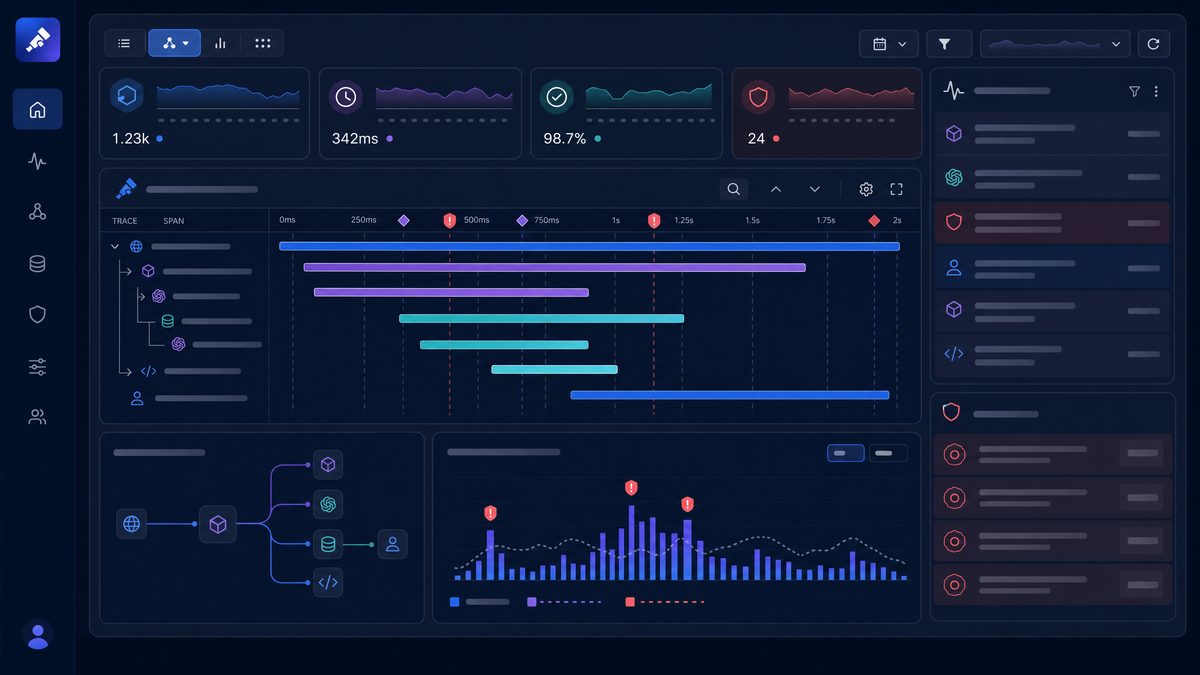
OpenTelemetry integration enables centralized logging and telemetry collection for Codex’s agent activities, aiding monitoring, auditing, and troubleshooting.
Configure OpenTelemetry export in config.toml under the [telemetry] section:
[telemetry]
enabled = true
exporter = "otlp"
otlp_endpoint = "https://otel-collector.company.com:4317"
otlp_headers = { "api-key" = "YOUR_API_KEY_HERE" }
This configuration sends telemetry data securely to your organization’s OTLP-compatible collector. Adjust the endpoint and headers according to your telemetry infrastructure.
9. Best Practices for Enterprise Teams
- Least Privilege Principle: Restrict writable roots and sandbox modes to the minimum necessary for development workflows.
- Network Segmentation: Use strict
allowed_domainsanddenied_domainsto prevent data exfiltration and unauthorized network access. - Identity Enforcement: Integrate with corporate identity providers through
forced_login_methodand store credentials securely using OS keyrings. - Custom Rules: Develop fine-grained command restrictions for CLI tools to avoid unintended side effects during AI-assisted code execution.
- Telemetry & Auditing: Enable OpenTelemetry to maintain visibility into Codex agent operations and enable proactive incident response.
- Regular Updates: Keep configuration files and rules synchronized with evolving security policies and Codex feature releases.
Enterprise teams can leverage these configurations to integrate Codex safely into CI/CD pipelines, collaborative coding environments, and sensitive production systems while maintaining compliance and security standards.
10. Additional Resources
For in-depth understanding of sandboxing mechanics and policy enforcement, consult OpenAI Codex sandbox configuration.
By following the steps and best practices outlined here, you can confidently deploy OpenAI Codex with automated review and sandbox restrictions, enabling secure, scalable, and compliant AI-assisted development.
Author: Markos Symeonides
