
How to Use OpenAI Codex for Non-Coding Tasks: Documents, Email, and Workflow Automation

Using OpenAI Codex for Everyday Non-Coding Work Tasks: A Comprehensive Tutorial
Author: Markos Symeonides
OpenAI Codex, initially renowned for its powerful programming assistance capabilities, has expanded to offer a dedicated everyday work mode that addresses a wide variety of non-coding tasks. This tutorial provides an in-depth guide on leveraging Codex’s new features for routine knowledge work, including document management, email drafting, spreadsheet manipulation, workflow auditing, and more. Designed specifically for ChatGPT Plus and Pro subscribers, Codex’s dual modes — everyday work and coding — enable seamless transitions between creative, administrative, and technical tasks.
Understanding OpenAI Codex’s Dual Modes: Everyday Work Mode vs Coding Mode
OpenAI Codex Modes Overview
OpenAI Codex now offers two distinct operational modes tailored to different user needs:
- Everyday Work Mode: Optimized for knowledge workers managing documents, emails, spreadsheets, presentations, and workflow audits without writing code.
- Coding Mode: Designed for software developers and technical users, focusing on code generation, debugging, and programming assistance.
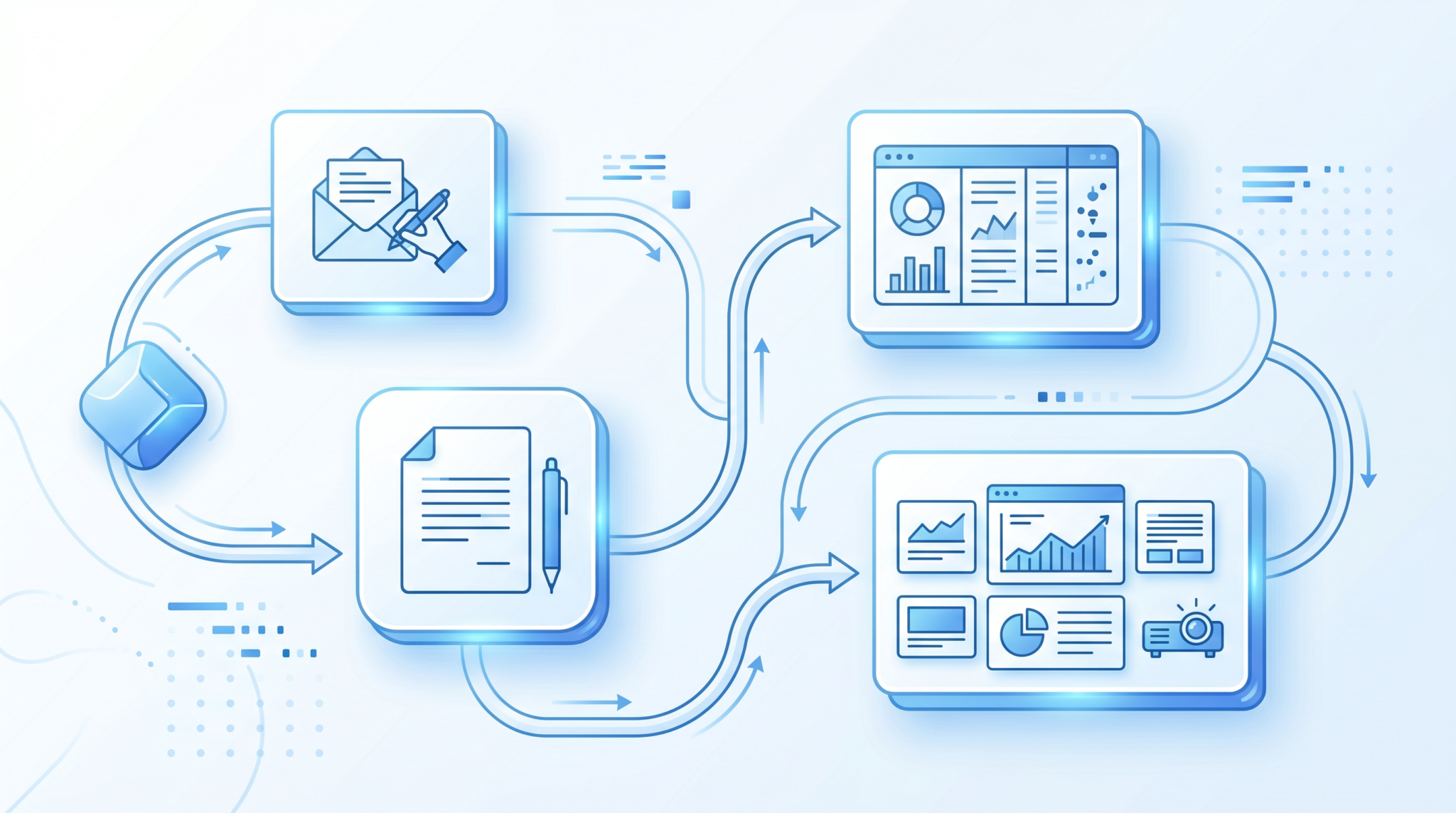
Everyday work mode transforms Codex from a pure coding assistant into a multifaceted productivity tool, capable of generating email replies, drafting slide decks, creating forms, processing documents, and auditing workflows. This mode reduces the friction between idea and execution for non-technical professionals.
Key Features of Everyday Work Mode
- Document and Spreadsheet Handling: Automates content creation, formatting, and data analysis tasks.
- Email Drafting and Replies: Generates context-aware, professional email responses.
- Slide Deck Creation: Produces presentation outlines and designs based on user input.
- Workflow Auditing: Analyzes and optimizes operational procedures.
- Form Creation and Document Processing: Builds interactive forms and extracts structured data from documents.
Access Requirements
These enhanced capabilities are accessible exclusively to ChatGPT Plus and Pro subscribers, integrating seamlessly into the existing ChatGPT interface with a mode toggle.
Step-by-Step Setup of OpenAI Codex for Everyday Work Mode
Getting started with Codex’s everyday work mode is straightforward. Follow these detailed steps to enable and configure Codex for your non-coding tasks:
1. Subscription Requirements
- Ensure you have an active ChatGPT Plus or ChatGPT Pro subscription. Codex’s everyday work mode is unavailable on free tiers.
- Log in to your OpenAI ChatGPT account via the web or desktop app.
2. Switching to Everyday Work Mode
- Open the ChatGPT interface and locate the mode selector in the top navigation or sidebar.
- Select Codex, then choose Everyday Work Mode instead of Coding Mode.
- Confirm the mode switch; the interface will update to support document uploads, email drafts, and other work-related inputs.
3. Connecting Codex to Your Applications and Mac
To maximize productivity, integrate Codex with your daily apps and Mac environment by following these instructions:
- Download and install the OpenAI Codex Mac integration tool from the official OpenAI dashboard.
- Launch the tool and authenticate using your ChatGPT credentials.
- Enable permissions to access your files, email clients (e.g., Outlook, Apple Mail), and productivity apps (e.g., Microsoft Office, Google Workspace).
- Configure API keys or OAuth tokens for third-party app connections within the integration settings panel.
- Test the connection by requesting Codex to read or compose a document or email within your native app environment.
4. Setting User Preferences
- Navigate to Codex settings and customize:
- Preferred document formats (DOCX, XLSX, PDF)
- Email style and tone (formal, informal, concise)
- Data privacy and security options
- Save preferences to enable personalized assistance.
With setup complete, Codex is ready to assist in a broad spectrum of non-coding everyday work tasks.
10 Practical Use Cases of OpenAI Codex for Knowledge Workers
Below are ten detailed examples demonstrating how Codex’s everyday work mode can revolutionize common tasks for professionals across industries.
1. Drafting and Replying to Emails
Codex can compose email drafts or replies based on a brief summary or prior correspondence:
User input: "Reply to the client thanking them for the feedback and suggest a meeting next week."
Codex generates:
Dear [Client Name],

Thank you for your valuable feedback. I appreciate your insights and would be happy to discuss further. Could we schedule a meeting next week at your convenience?

Best regards,
[Your Name]
2. Creating Slide Decks
Simply provide a topic and key points, and Codex builds slide outlines or complete decks with speaker notes:
User input: "Create a 5-slide presentation on Q2 sales performance including highlights and challenges."
3. Spreadsheet Data Analysis and Summarization
Upload a spreadsheet file, and Codex can analyze sales trends, generate pivot tables, or create summaries:
User input: "Summarize the monthly sales data and identify top-performing regions."
4. Workflow Audit and Optimization
Provide a description or documentation of existing workflows, and Codex audits for inefficiencies and suggests optimizations:
User input: "Audit our customer onboarding process and recommend improvements."
5. Form Creation for Data Collection
Codex designs interactive forms based on input fields and validation rules you specify:
User input: "Create a customer feedback form with rating scales and comment boxes."
6. Document Processing and Summarization
Upload lengthy reports or contracts; Codex extracts key information and produces concise summaries:
User input: "Summarize the attached contract focusing on renewal terms and obligations."
7. Meeting Agenda and Minutes Drafting
Provide meeting details and participant inputs; Codex drafts agendas or minutes capturing critical points:
User input: "Draft an agenda for next week's product development meeting."
8. Automating Routine Administrative Tasks
Codex can generate standard operating procedures, checklists, and reminders based on your requirements:
User input: "Create a checklist for monthly financial reporting."
9. Content Creation for Marketing and Communication
Request blog post drafts, social media content, or newsletters by specifying themes and target audiences:
User input: "Write a newsletter introduction about our new product launch."
10. Language Translation and Localization
Codex can translate documents or communications while adapting tone and style for local markets:
User input: "Translate this product description from English to Spanish for the Latin American market."
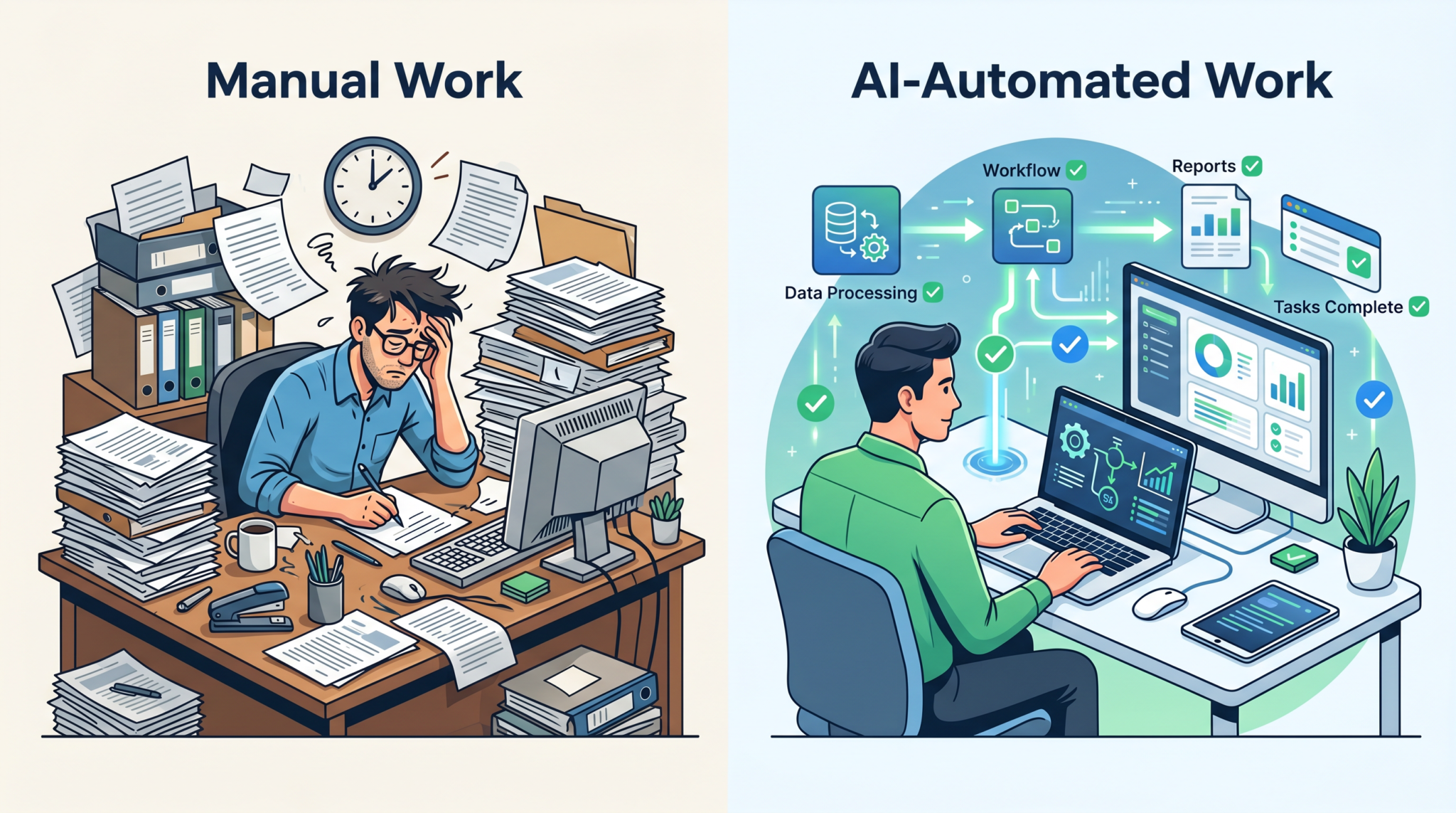
These practical examples illustrate Codex’s versatility beyond programming, empowering knowledge workers to save time and increase productivity.
Connecting OpenAI Codex to Your Apps and Mac: Technical Integration Guide
Integrating Codex with Desktop and Cloud Applications
To extend Codex’s capabilities into your existing software ecosystem, follow these integration methods:
1. Native Mac Integration
- Install the OpenAI Codex Mac bridge application, which enables Codex to interact with system-level apps.
- Enable accessibility permissions to allow Codex to simulate keystrokes and access clipboard contents.
- Use the integration tool to open documents or select text within native Mac applications and invoke Codex commands.
2. API-Based Integration with Cloud Apps
- Use OpenAI’s API keys provided in your ChatGPT subscription dashboard.
- Configure API endpoints within tools like Zapier, Microsoft Power Automate, or custom scripts to send data to Codex.
- Automate tasks such as email drafting, spreadsheet updates, or document processing triggered by events in cloud apps.
Sample Workflow: Automating Email Replies via Codex Integration
- Set up an email trigger in your automation platform (e.g., when a new email arrives labeled “Support”).
- Send email content to Codex API with instructions to draft a reply.
- Receive the draft and automatically send the reply or present it for review.
Such integrations create a seamless user experience, merging Codex’s AI-powered assistance with familiar productivity tools.
Workflow Audit Capabilities: How Codex Optimizes Your Business Processes
Codex’s everyday work mode includes advanced workflow audit functionality, enabling knowledge workers to analyze operational procedures for efficiency gains. Here’s how to utilize this feature effectively:
Conducting a Workflow Audit with Codex
- Gather detailed descriptions or documentation of the current workflow steps.
- Input the workflow narrative into Codex with a prompt such as: “Audit this workflow for bottlenecks and suggest improvements.”
- Review Codex’s analysis which may include identification of redundant steps, potential automation points, and risk factors.
- Request Codex to generate a revised workflow diagram or standard operating procedure integrating its recommendations.
Benefits of Codex Workflow Audits
- Time Savings: Automates manual audit processes reducing hours spent mapping workflows.
- Improved Accuracy: AI identifies inefficiencies that human reviewers may overlook.
- Actionable Insights: Provides concrete recommendations to optimize and automate tasks.
- Documentation: Generates clean, professional workflow documents ready for stakeholder review.
This capability is particularly valuable for project managers, operations teams, and business analysts seeking to refine processes without extensive manual effort.
Comparing OpenAI Codex Everyday Work Mode with Traditional Automation Tools
Understanding how Codex fits within the broader landscape of workplace automation can guide strategic adoption decisions. Below is a detailed comparison between OpenAI Codex everyday work mode and traditional automation platforms like RPA (Robotic Process Automation) and macro-based tools.
| Feature | OpenAI Codex Everyday Work Mode | Traditional Automation Tools (RPA, Macros) |
|---|---|---|
| Task Flexibility | Handles a wide range of tasks across documents, emails, spreadsheets, presentations, and workflows using natural language prompts. | Typically specialized scripts or bots for predefined repetitive tasks; limited adaptability without reprogramming. |
| User Accessibility | Accessible to knowledge workers with minimal technical expertise; natural language interface reduces learning curve. | Often requires technical knowledge or scripting skills to develop and maintain automation workflows. |
| Integration Approach | Uses API and native app integrations with AI-driven contextual understanding. | Relies on UI automation and rule-based triggers; less context-aware. |
| Customization and Scalability | Highly customizable via prompt engineering; scalable via API calls and subscription tiers. | Customization through scripting; scalability can be limited by infrastructure and maintenance overhead. |
| Maintenance | Minimal maintenance, as AI model updates improve capabilities continuously. | Requires ongoing maintenance and updates as applications and workflows change. |
| Cost Structure | Subscription-based pricing linked to ChatGPT Plus/Pro plans and API usage. | Often involves upfront licensing fees and additional costs for development and maintenance. |
This comparison underscores how Codex democratizes automation by enabling knowledge workers to perform sophisticated tasks without deep technical skills, contrasting with the more rigid and technical nature of traditional automation tools.
Advanced Document Management and Collaboration with OpenAI Codex
Automated Document Generation and Version Control
OpenAI Codex everyday work mode enhances document management by automating complex document generation processes, incorporating version control, and enabling seamless collaboration for teams. Beyond simple drafting, Codex can create multi-section reports, proposals, and contracts tailored to specific business requirements.
- Template-Based Document Creation: Users can define templates with placeholders for dynamic content. For example, a sales proposal template can include sections for client details, pricing, and terms, which Codex fills automatically based on inputs or data from integrated spreadsheets.
- Multi-Format Export: Codex supports exporting documents in multiple formats (DOCX, PDF, Markdown) with consistent styling, enabling easy sharing across platforms.
- Version Tracking and Change Summarization: When editing existing documents, Codex can generate summaries of changes made between versions. This feature helps teams quickly understand updates, reducing version conflicts and improving audit trails.
Example: A project manager uploads a project charter draft and asks Codex to update the timeline and budget sections based on the latest data. Codex generates the updated document and a summary of changes for review.
Collaborative Editing and Comment Resolution
Codex facilitates collaboration by interpreting comments and suggested edits embedded within documents, enabling rapid resolution and consensus-building:
- Comment Analysis: Codex reads comments or tracked changes, identifies conflicting feedback, and proposes consolidated revisions.
- Contextual Suggestions: Rather than blindly accepting or rejecting edits, Codex analyzes the document context to suggest improvements that harmonize multiple inputs.
- Real-Time Chat Integration: When integrated with team communication platforms, Codex can generate meeting notes reflecting collaborative decisions made during document review sessions.
Use Case: A legal team reviewing a contract uploads the draft with tracked changes and comments. Codex produces a clean, updated version incorporating agreed-upon edits and a summary report highlighting unresolved issues.
Intelligent Document Search and Knowledge Extraction
Codex’s natural language understanding powers intelligent search and knowledge extraction capabilities, enabling users to query large document libraries effortlessly:
- Semantic Search: Users enter natural language queries, e.g., “Find all contracts expiring in Q3 2024,” and Codex returns relevant documents or excerpts.
- Entity Recognition and Tagging: Codex automatically tags documents with metadata such as dates, client names, or project codes, improving organization and retrieval.
- Automated Summarization Across Documents: Codex can synthesize information from multiple documents into cohesive summaries, useful for preparing briefs or executive reports.
Example: A financial analyst queries Codex with “Summarize all customer complaints related to product defects in 2023,” and receives a synthesized report highlighting recurring issues and customer sentiments.
Enhancing Email Productivity with OpenAI Codex: Tips and Best Practices
Context-Aware Email Composition and Personalization
Codex’s ability to understand context and user preferences is pivotal for crafting effective emails. Leveraging this, users can:
- Generate Personalized Emails at Scale: By providing recipient data (name, company, previous interactions), Codex tailors email tone, content, and call-to-action to increase engagement.
- Maintain Consistent Brand Voice: Codex adapts style according to predefined templates or brand guidelines, ensuring professional and coherent communication across teams.
- Handle Complex Email Threads: Codex can parse multi-turn conversations and generate replies that address multiple points or questions seamlessly.
Practical Example: A sales representative uploads a list of leads with notes, then instructs Codex to draft personalized follow-up emails referencing prior meetings and product interests.
Automating Email Categorization and Prioritization
Managing inbox overload is a common challenge. Codex assists by:
- Classifying Incoming Emails: Codex analyzes email content and automatically assigns categories such as Urgent, Support, Sales, or Internal, enabling focused attention.
- Priority Scoring: Using sentiment analysis and sender importance, Codex ranks emails by urgency, suggesting which to address first.
- Generating Summaries for Bulk Emails: For newsletters or long email chains, Codex creates concise summaries, saving reading time.
Example Workflow: An executive receives hundreds of emails daily; Codex prioritizes urgent client issues, summarizes status updates, and drafts responses for review.
Integration with Calendar and Task Management Systems
Codex can synchronize email communication with scheduling and task tracking tools, automating administrative overhead:
- Meeting Scheduling: Codex identifies scheduling requests within emails and proposes available time slots based on calendar integration.
- Task Extraction: Action items embedded in emails are extracted and converted into tasks or reminders within project management platforms.
- Follow-Up Reminders: Codex generates reminders for unanswered emails or pending approvals, ensuring timely responses.
Use Case: After receiving a series of client emails requesting status updates and new deliverables, Codex schedules meetings, creates tasks in Asana, and prepares summary emails automatically.
Custom Workflow Automation with Codex: Building Intelligent Pipelines
Designing Multi-Step Automation Pipelines
OpenAI Codex everyday work mode supports constructing sophisticated automation pipelines that integrate multiple applications and data sources, enabling end-to-end process automation without coding:
- Trigger-Action Framework: Define triggers such as incoming emails, file uploads, or calendar events, which initiate a sequence of Codex-powered actions.
- Conditional Logic and Branching: Codex interprets conditional instructions to route workflows based on data attributes or user inputs.
- Data Transformation and Enrichment: Pipelines can include data validation, enrichment (e.g., appending CRM data), and formatting steps powered by Codex’s language understanding.
Example Pipeline: When a customer support email arrives, Codex extracts key issue details, logs the ticket in the CRM, sends a confirmation email, and schedules a follow-up task—all automatically.
Integrating Codex with Popular Automation Platforms
To simplify pipeline creation, Codex integrates seamlessly with widely used automation services:
- Zapier and Make (Integromat): Use Codex API actions within no-code platforms to augment automation flows with natural language processing and AI-driven decision making.
- Microsoft Power Automate: Embed Codex calls in flow steps to enhance Office 365 workflows such as SharePoint document approvals and Teams notifications.
- Custom Webhooks and API Calls: For advanced users, Codex can be triggered by webhook events, enabling integration with proprietary systems or bespoke applications.
Implementation Tip: Start with simple automations and incrementally add complexity by chaining Codex tasks, monitoring performance, and refining prompts for reliability.
Monitoring, Error Handling, and Optimization
Robust workflow automation requires proactive monitoring and error management. Codex supports these needs through:
- Automated Logging: Codex generates detailed execution logs for each pipeline run, including inputs, outputs, and AI-generated decisions.
- Error Detection and Recovery: Prompts can include fallback instructions for handling unexpected inputs or failures, ensuring graceful degradation.
- Performance Analytics: Analyze throughput, latency, and success rates of automation flows to identify bottlenecks and optimize prompt design.
Example: An HR onboarding workflow automatically flags missing documents detected by Codex and sends email alerts to the responsible parties, reducing process delays.
Security, Privacy, and Compliance Considerations When Using OpenAI Codex
Data Handling and Privacy Controls
Using AI-powered tools like Codex in everyday work raises important data security and privacy questions. OpenAI provides several mechanisms and best practices to ensure compliance:
- Data Encryption: All data transmitted to Codex APIs is encrypted in transit via TLS, protecting against eavesdropping.
- Data Retention Policies: OpenAI retains data only as necessary to improve models, with options for users to request deletion or opt-out of data usage for training.
- User-Controlled Data Inputs: Avoid sending sensitive or personally identifiable information unless necessary. Use data anonymization or pseudonymization techniques when possible.
Enterprise Features: For organizations with strict compliance requirements, OpenAI offers dedicated enterprise plans with enhanced data isolation and audit logging.
Compliance with Industry Regulations
Codex’s everyday work mode can be deployed in regulated environments (e.g., healthcare, finance) by adhering to:
- HIPAA Compliance: When handling protected health information (PHI), integrate Codex within HIPAA-compliant workflows and ensure Business Associate Agreements (BAAs) are in place.
- GDPR and Data Sovereignty: Manage data processing agreements and ensure that data residency requirements are met, especially for European users.
- Audit Trails and Access Controls: Maintain logs of AI interactions and restrict access to Codex features based on user roles and permissions.
Practical Advice: Collaborate with your organization’s legal and compliance teams before deploying Codex-powered automations that process regulated data.
Mitigating Risks of AI-Generated Content
While Codex delivers powerful automation, organizations should implement safeguards to minimize risks associated with AI outputs:
- Human-in-the-Loop Review: Critical communications or decisions generated by Codex should be reviewed by qualified personnel before distribution.
- Bias and Fairness Checks: Regularly audit AI outputs for unintended biases or inaccuracies, especially in hiring, customer service, or legal contexts.
- Security Testing: Validate that Codex-generated code snippets or automation scripts do not introduce vulnerabilities or compliance violations.
Summary: Combining Codex’s efficiency with robust governance frameworks ensures ethical, secure, and reliable deployment in enterprise environments.
Conclusion
OpenAI Codex’s expansion into everyday work mode marks a significant evolution in AI-assisted productivity. By enabling knowledge workers to automate and enhance routine non-coding tasks — from email composition to workflow audits — Codex bridges the gap between technical and non-technical domains. This tutorial has provided a detailed roadmap for setup, practical use cases, integration techniques, and a strategic comparison with traditional automation, empowering professionals to harness Codex’s full potential.
To optimize your daily toolkit, discover the benefits of integrating Codex within the ChatGPT productivity stack.
Related Reading
Stay Ahead of the AI Curve
Get weekly insights on ChatGPT, Claude, and AI productivity delivered straight to your inbox. Join 40,000+ professionals who never miss an update.
